
Inspiring
July 4, 2023
Answered

Cut continuous shape/compound path into smaller objects

  • July 4, 2023
  • 1 reply
  • 547 views

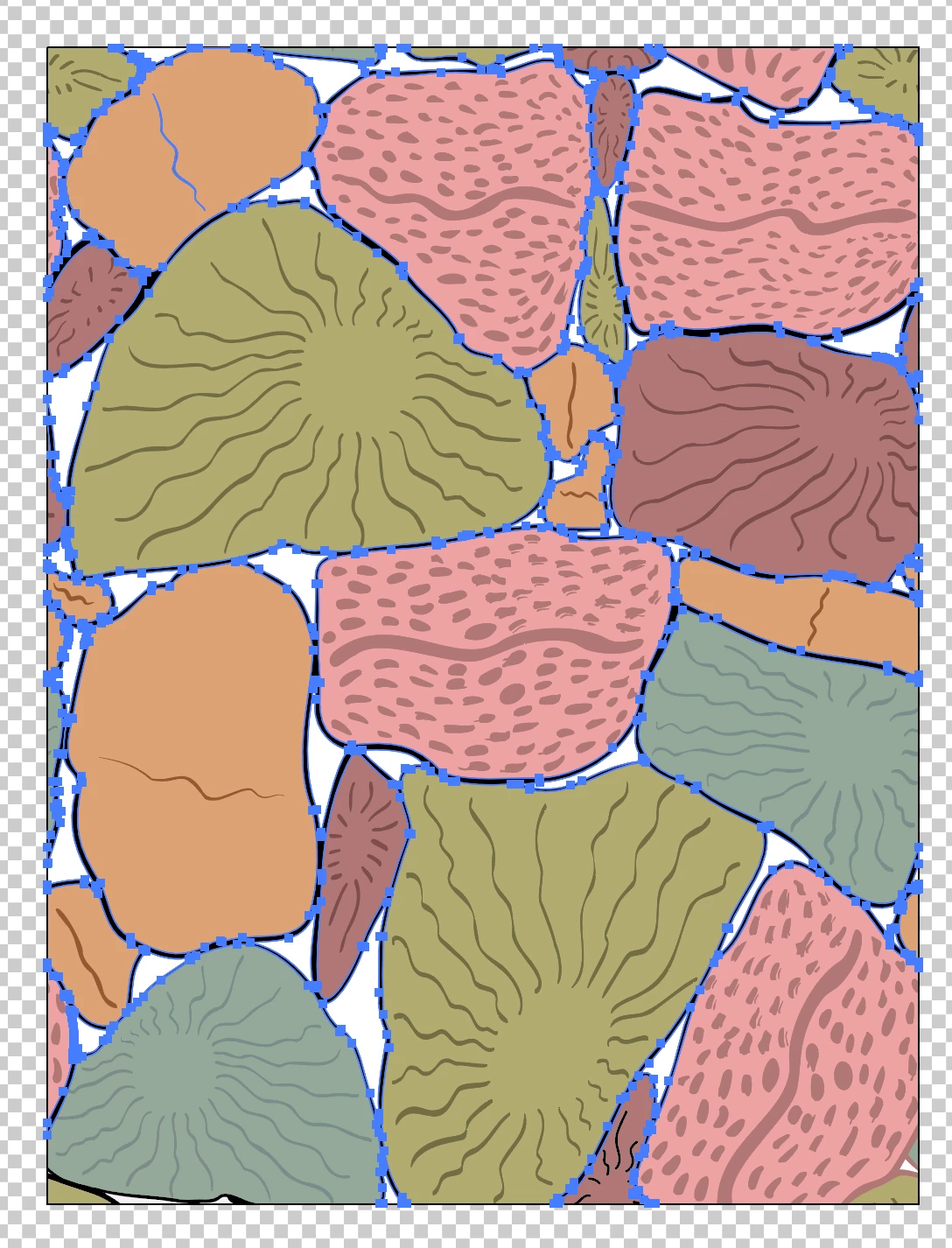
I have this shape (a line, really) that is one compound path. 

I'd like to be able to cut it at specific places so that I can make each individual circle it's own color and control it independently. 

Can someone suggest the best approach? Thanks! 
This topic has been closed for replies.
Correct answer Ton Frederiks

Great tips. I was working with someone else on this and sure enough there were fractional pixels. Also, all shapes got slighly pushed around and I was individually selecting and trying to reallign to the frame of the artboard. Snapping to the artboard frame was a big of a challenge but eventually I got there- thanks for the help!


Good to hear you've got it solved.

1 reply

Doug A Roberts
Community Expert
Community Expert
July 4, 2023

You'd need to draw in no stroke boundary lines where you want the shapes to end, then use live paint or shape builder to isolate and/or fill the areas.

Inspiring
July 6, 2023

Thank you Doug! I'm just using a pencil to draw in those divisions. It still takes some time to get it right, but seems to be working best with the live paint tool.