
Participant
August 28, 2023
Answered
Cut out shapes so logo is transparent
- August 28, 2023
- 2 replies
- 244 views
Hello!
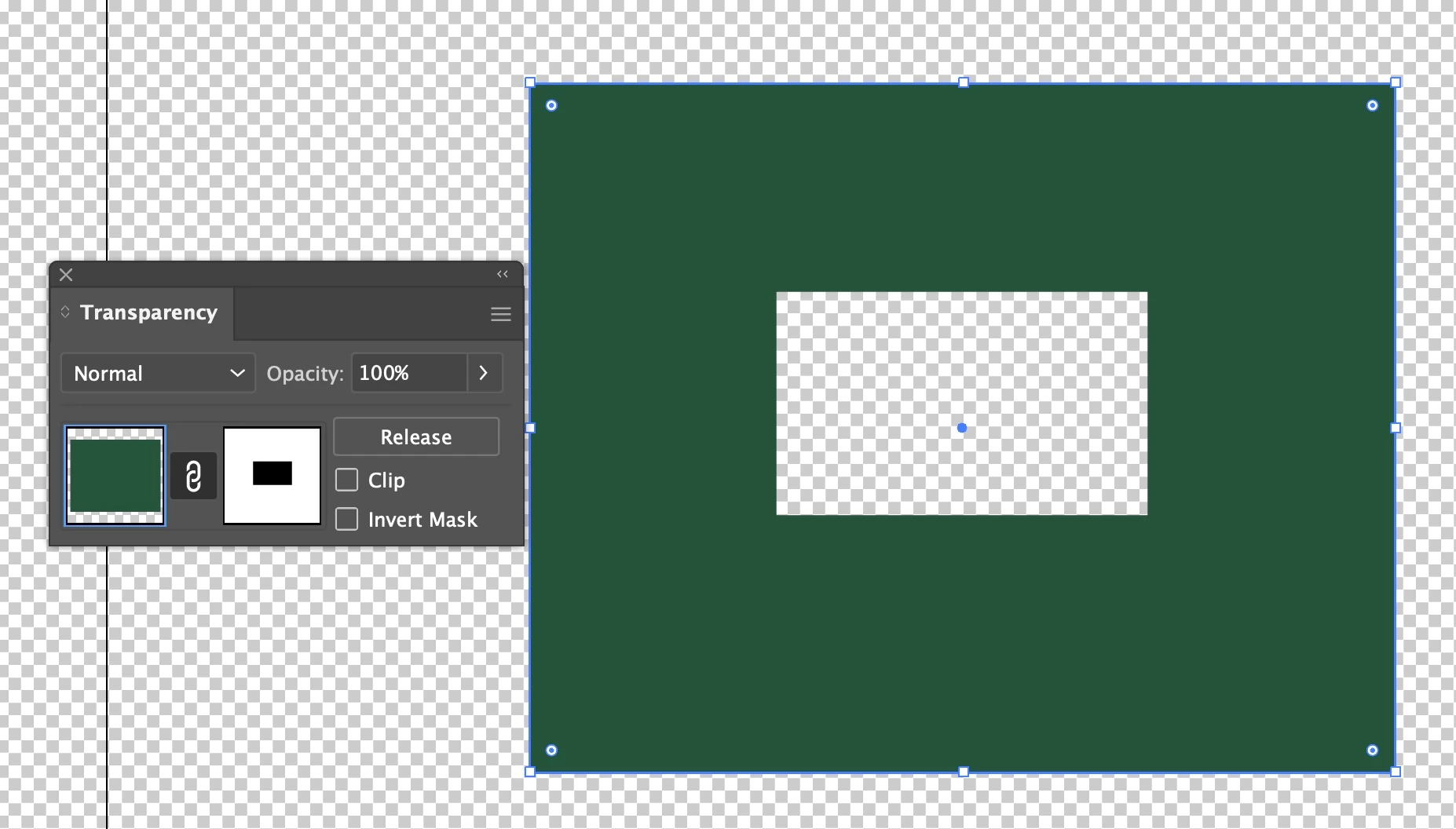
I am designing a logo for the YMCA that I work at and I am having some trouble getting parts of the image to be transparent. I want all of the black trees, sun outline, and Y logo to be transparent and show through the the green background. I have tried Minus Front in Pathfinder, but it just removes the white behind the image and leaves the black. Please help!
 AdChoices