JuDrus
Inspiring
May 3, 2024
Answered

Cutting text from shape is not working correctly

  • May 3, 2024
  • 2 replies
  • 4198 views

Hello,


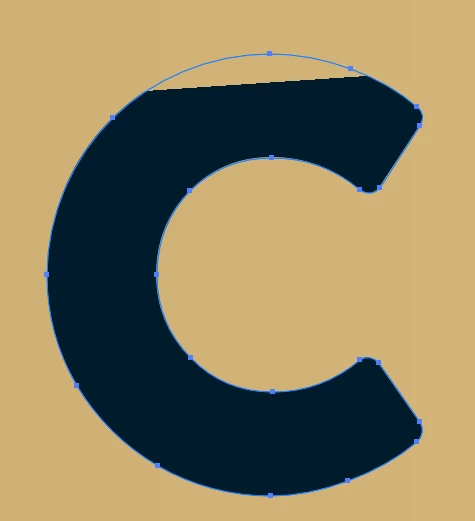
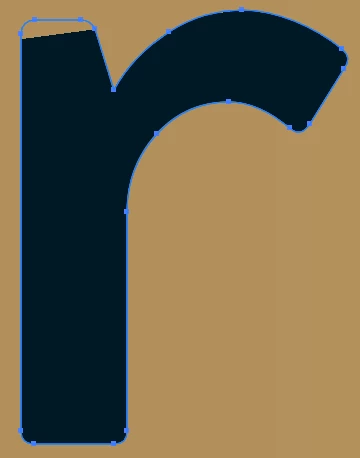
I am trying to cut the text in shape, but for some reason, some letters ARE cut out, but at the same time they are not entirely correct.


As you can see from the images below, letters c and r have some kind of leftover at the top, but if you are looking at the paths and anchor points, the letters are the correct shape.


 

This is what I do:

  1. I simply put a rectangle shape
  2. Type my wanted text
  3. Convert text to outline by ctrl+shift+o
  4. Select rectangle and text
  5. Click on pathfinder to minus the front


I have also tried to minus each letter manually with shape builder tool and strange thing happens. As you can see in the video below I have a word Three and when I minus the letter h, only then letter r is messed up.


Please help, because I have never had such problems with cutting text out
This topic has been closed for replies.
Correct answer Monika Gause

Am I doing something wrong? Because this does not seem to work for me


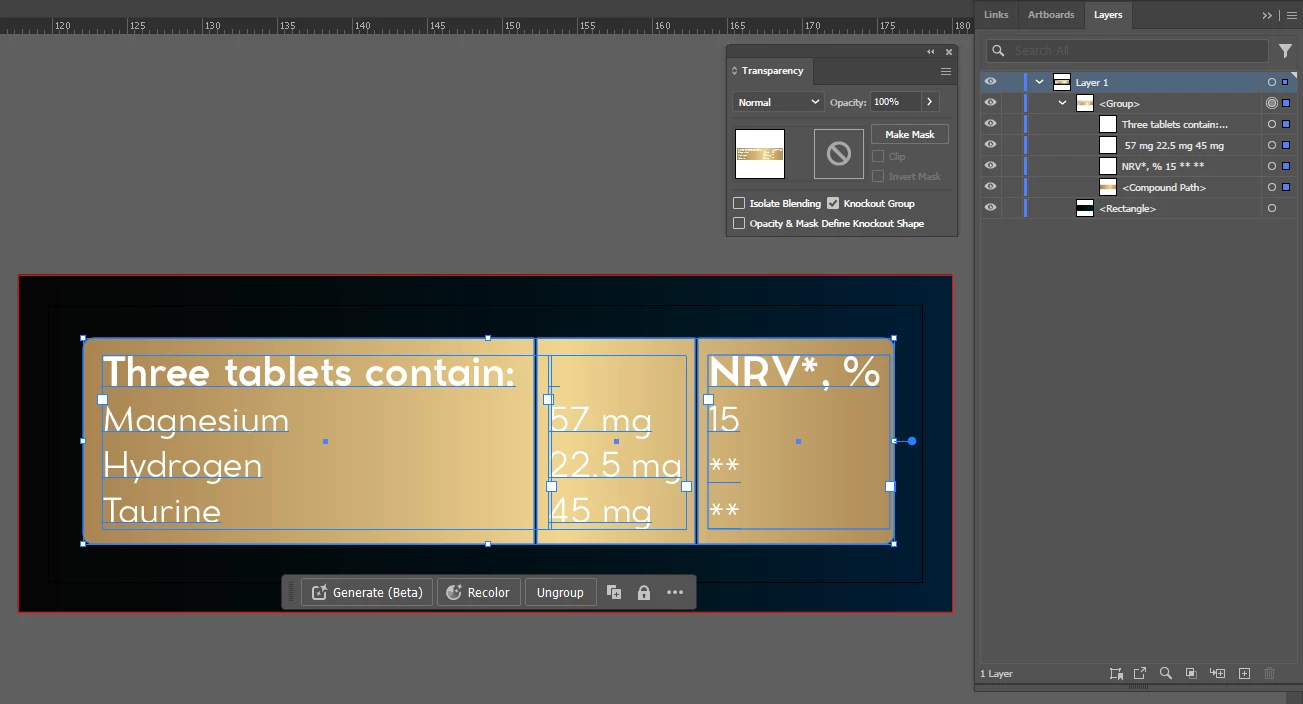
If using knock-out group or an opacity mask does not affect the final print, it would be much easier, since I won't have to minus it with Pathfinder after each edit


You need to first apply opacity 0% to the text objects.

Then group them with the rectangle.

Then make that group a knockout group.


Knokout groups also can have issues with the graphic card. You might need to go into CPU preview.

2 replies

pixxxelschubser
Community Expert
Community Expert
May 3, 2024

Have you checked your outline view? Is it OK? 


Such problems usually only occur in the GPU preview. Please try to change it to CPU preview with [Ctrl]+[E]. What happens then?

JuDrus
JuDrusAuthor
Inspiring
May 3, 2024

Nothing changes, it's the same in GPU and CPU previews 

pixxxelschubser
Community Expert
Community Expert
May 4, 2024

That worked, thank you!


Now another question... Is it safe to send it to the print like this? Because I don't want to get a call from a client that he have printed 10k labels and this part got printed incorrectly.


A couple of years ago when I was just starting, I sent label with texts as text, not converted to outlines... And that printer that they used, for some reason ignored all text elements and labels without any text were printed out.


If I understand this correctly, this is working like a Clipping Mask and things clipped out in Clipping Mask are not printed out, so theoretically this should not have any problems with printing? But just want to be sure


Please speak to your print shop. (To be on the safe side, but this should normally not be a problem).


I am still interested in the original problem though. Can you please outline the fonts and re-upload the file for testing purposes?

JuDrus
JuDrusAuthor
Inspiring
May 3, 2024

VIDEO IN BIGGER WINDOW