
Participating Frequently
June 27, 2024
Question

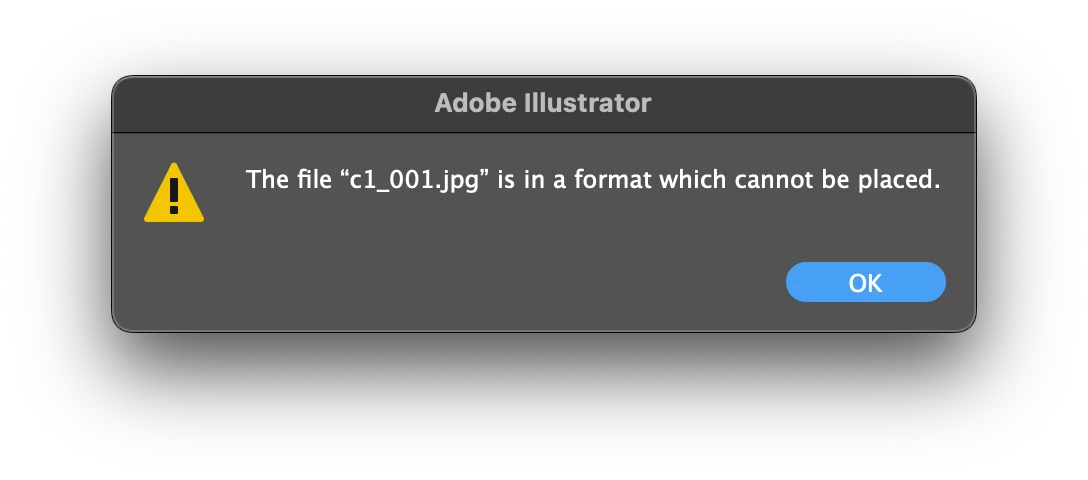
Data Merge: File is in a format that cannot be placed
  • June 27, 2024
  • 2 replies
  • 1887 views

Most of the Data Set is working fine, until I used Photoshop to edit one of the image to be used in dataset, I saved it with the same name, not changing size and extension, but then this error will show if I try to select the dataset with updated image. The same files works if I relink the placeholder file manually. Any ideas how to troubleshoot?

This topic has been closed for replies.

2 replies

Participating Frequently
July 3, 2024


I'm trying a few things and most of the time it makes things worst (more files cannot be linked) and for some reason all files are working until I open photoshop and change another image. Here's another error that I face today which does not make a lot of sense to me.

Participating Frequently
July 3, 2024

And a different error when I convert to PNG...

Participating Frequently
July 3, 2024

My Illustrator file is too big to upload here, but here's a new file that I created for testing with the same issue


I can't even upload my Illustrator file:
This website says

Correct the highlighted errors and try again.

  • The attachment's test.ai content type (application/postscript) does not match its file extension and has been removed.
Srishti Bali
Legend
June 27, 2024

Hi @Kevin38290156bys4,


Thanks for reaching out. Does it work if we try it on a new file? 


Regards,

Srishti

Participating Frequently
June 28, 2024

I just made a new ai file and loaded the same csv, and the error I got are still there. I managed to get a few images working but I still don't see a pattern.

Participating Frequently
June 28, 2024

I'm using jpg, Photoshop 25.11.0, Illustrator 27.0, Ventura 13.5.1