
Participating Frequently
June 27, 2024
Question

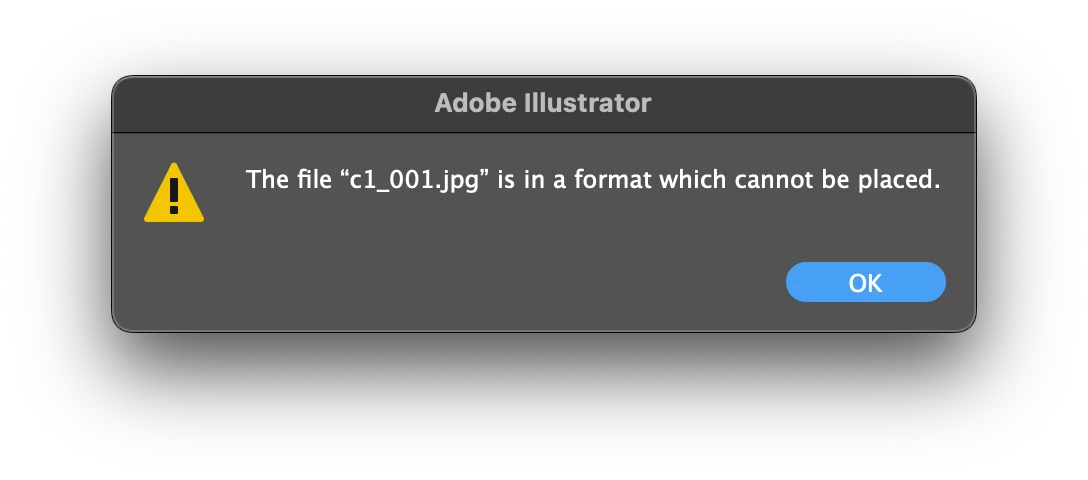
Data Merge: File is in a format that cannot be placed
  • June 27, 2024
  • 2 replies
  • 1887 views

Most of the Data Set is working fine, until I used Photoshop to edit one of the image to be used in dataset, I saved it with the same name, not changing size and extension, but then this error will show if I try to select the dataset with updated image. The same files works if I relink the placeholder file manually. Any ideas how to troubleshoot?

This topic has been closed for replies.

2 replies

Participating Frequently
July 3, 2024


I'm trying a few things and most of the time it makes things worst (more files cannot be linked) and for some reason all files are working until I open photoshop and change another image. Here's another error that I face today which does not make a lot of sense to me.

Participating Frequently
July 3, 2024

And a different error when I convert to PNG...

Anubhav M
Community Manager
Community Manager
July 8, 2024

HI Anubhav,


Here's a link to the file

https://latenitefilms.digitalpigeon.com/msg/pinAkDmREe-1rALtfWjOpw/vM-SKZ2o6qNTfsyip555TA


Cheers,

Kevin


Hello @Kevin38290156bys4,

Thanks for sharing the Ai file. Would you mind also sharing the linked images and PSD used along with the Illustrator file, so we can investigate this further?

Looking forward to hearing from you.


Thanks,

Anubhav

Srishti Bali
Legend
June 27, 2024

Hi @Kevin38290156bys4,


Thanks for reaching out. Does it work if we try it on a new file? 


Regards,

Srishti

Participating Frequently
June 28, 2024

I just made a new ai file and loaded the same csv, and the error I got are still there. I managed to get a few images working but I still don't see a pattern.

Participating Frequently
June 28, 2024

I'm using jpg, Photoshop 25.11.0, Illustrator 27.0, Ventura 13.5.1