
Participating Frequently
July 6, 2022
Answered

Delete parts of Circles/Rectangles?

  • July 6, 2022
  • 2 replies
  • 608 views

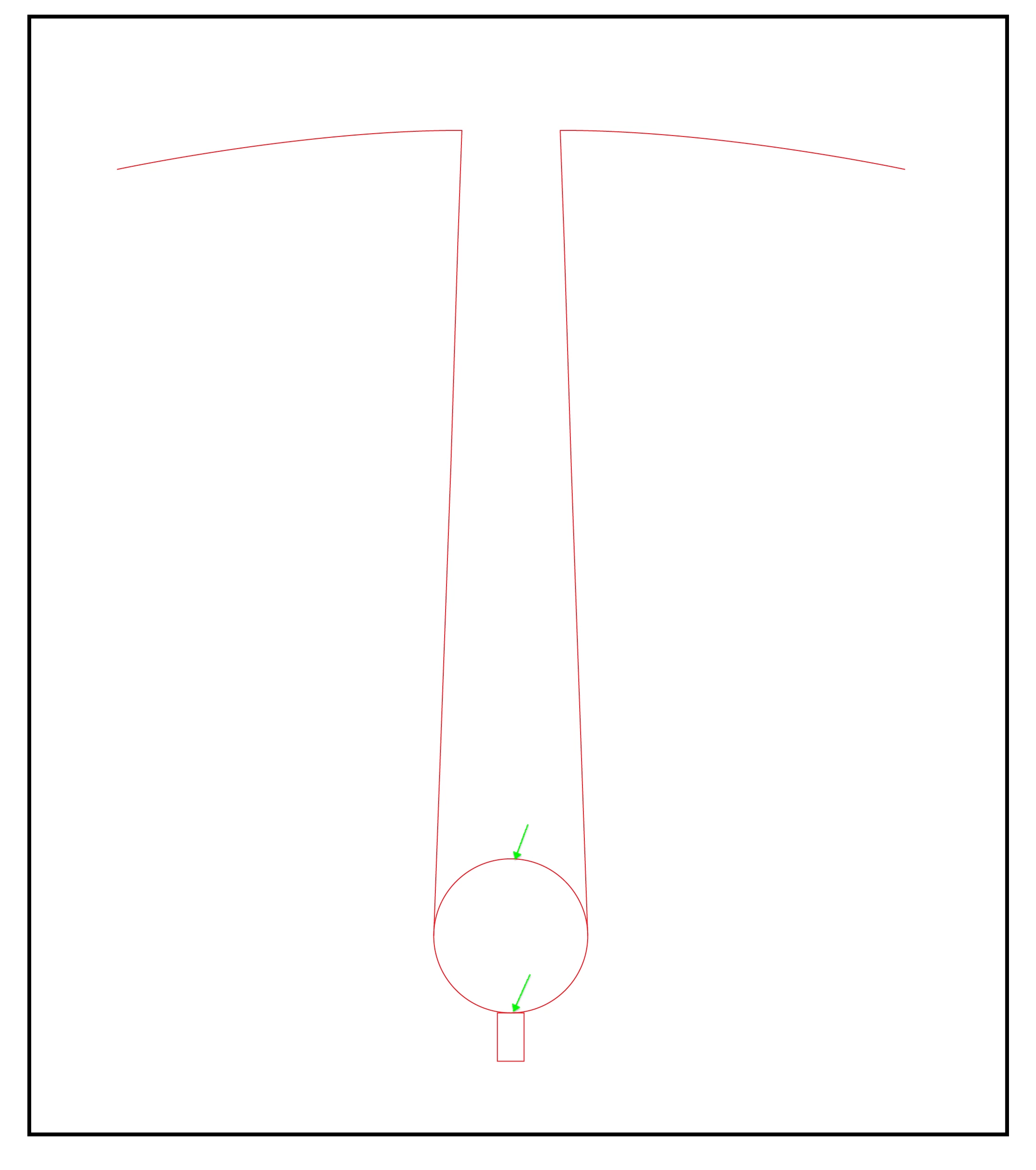
I've drawn a circle and rectangle to make an outline but I need to delete the indicated parts of those objects before I can send it to my Silhouette Cameo 4 to cut out a mask in vinyl.


How do I do that? I have tried googling but nothing seems to work.
 

This topic has been closed for replies.
Correct answer Doug A Roberts

Not sure why you moved the object first? Keep them in your initial arrangement and select everything.

2 replies

Doug A Roberts
Community Expert
Community Expert
July 6, 2022

Select the lines, select the shape builder tool (Shift+M), then alt-drag over the lines you wish to remove.

Participating Frequently
July 6, 2022

Thanks Doug, but whe I try this it deletes the whole object (I'm using a Mac, btw).


Doug A Roberts
Community Expert
Doug A RobertsCommunity ExpertCorrect answer
Community Expert
July 6, 2022

Not sure why you moved the object first? Keep them in your initial arrangement and select everything.

Participating Frequently
July 6, 2022

This is the end result I need to achieve.