Question
Deleting Illustrator Imported Brush Packs/Library
I've installed some brushes, but I'm annoyed the name wasn't changed first, and now I can't figure out how to remove the libraries/sets! See attached image for reference.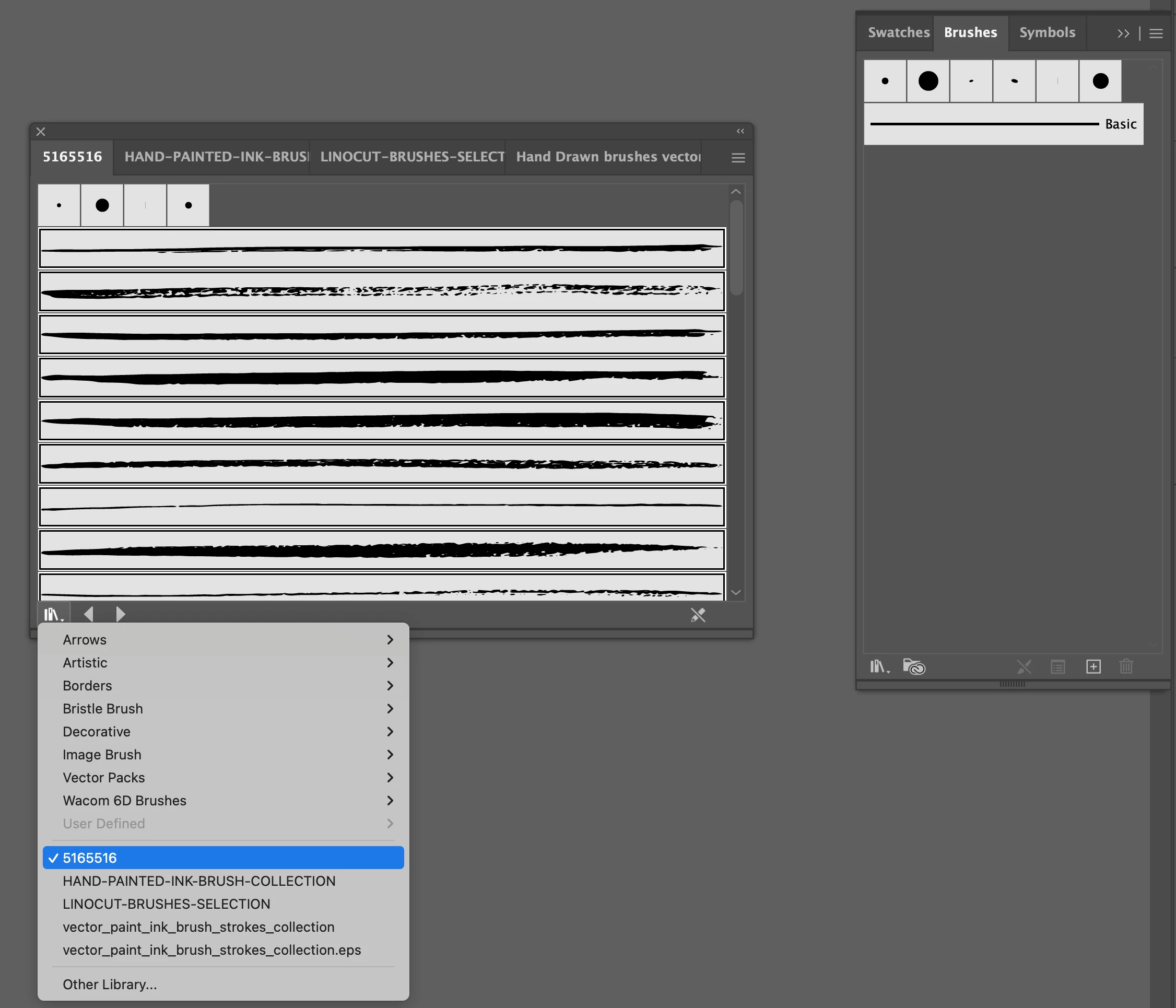

I've installed some brushes, but I'm annoyed the name wasn't changed first, and now I can't figure out how to remove the libraries/sets! See attached image for reference.
Already have an account? Login
Enter your E-mail address. We'll send you an e-mail with instructions to reset your password.
 AdChoices