sheridanr49311314
Participant
November 2, 2018
Answered

Deleting text from a vector

  • November 2, 2018
  • 4 replies
  • 10176 views

Hi everyone,

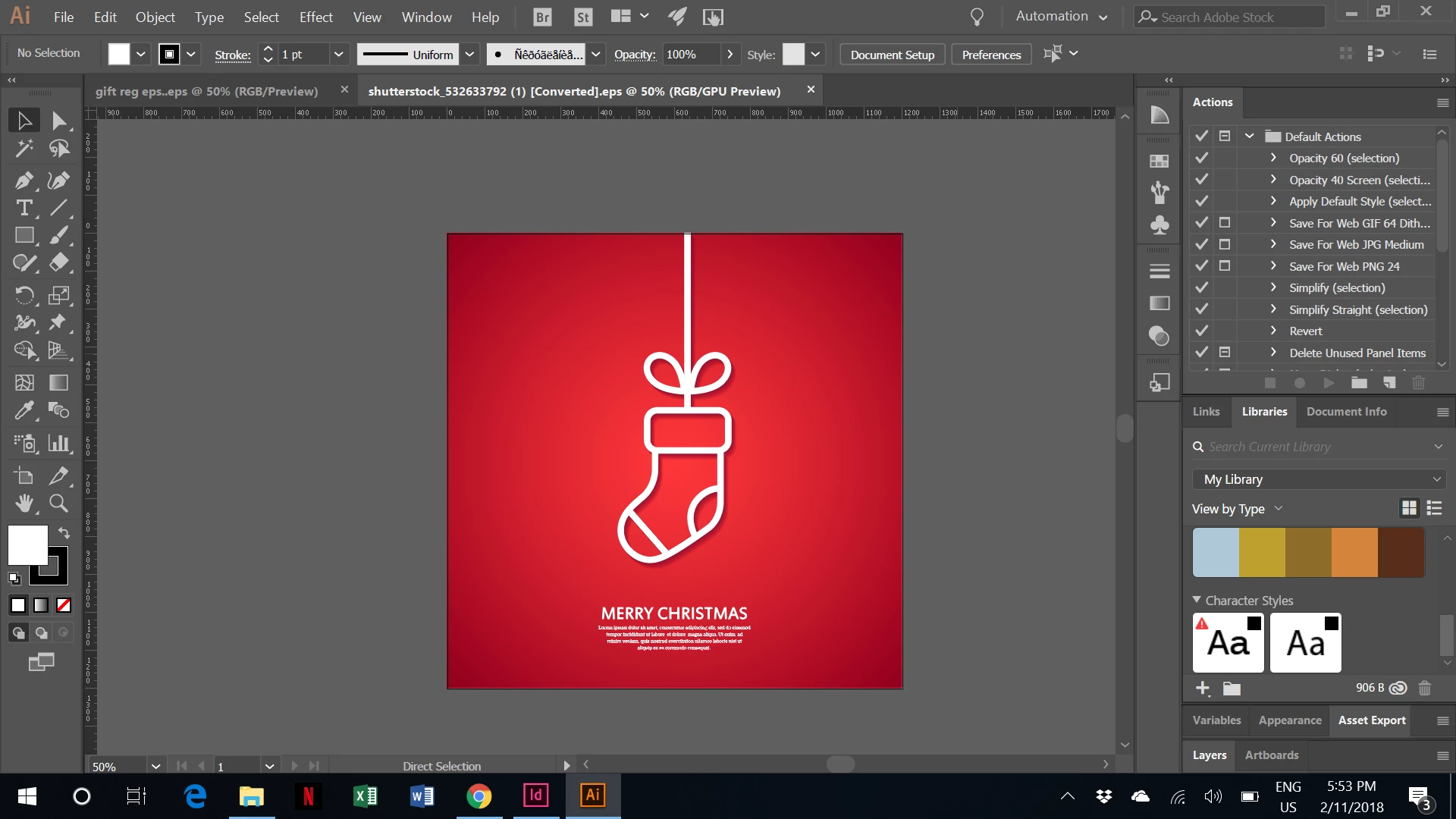
I purchased this image on shutterstock and can't remove the text from the bottom, i had assumed i could as it is filler text. I emailed them and they said yes it can be done in illustrator, but i have no idea how to do it.

I tried to just cover it up, but the background has a gradient on it, so it doesn't look great.

I would be grateful if anyone can help me.

thanks
This topic has been closed for replies.
Correct answer Muqqarib Hassan

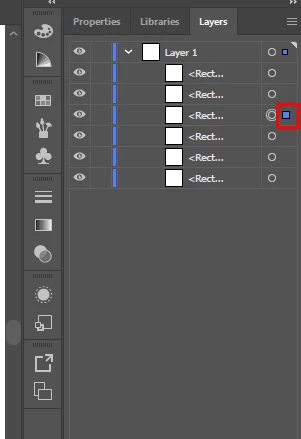
Hi, In layers panel select the layer and check that which is text layer after selecting the layer press the delete button or drag it down to the Deletion bucket.

4 replies

Participating Frequently
June 26, 2019

I am hoping to get some additional info here as I'm also new to Illustrator and i have similar issue only thing is it's a gradient background so I cannot simply place a box over it.  I was told I could use Illustrator instead of Photoshop here.  Also, I purchased the image through Shutterstock but no layers appear in Illustrator.  What can I do?

Legend
June 26, 2019

what is the file type?

Participating Frequently
June 26, 2019

i can download from shutterstock as vector png or jpg

Theresa J
Community Expert
Community Expert
November 2, 2018

Use the Direct Select tool, which is the white arrow at the top right of the toolbar. Click on the text with the Direct Select tool to select it. Then hit your backspace or delete key to delete it.

Muqqarib Hassan
Muqqarib HassanCorrect answer
Inspiring
November 2, 2018

Hi, In layers panel select the layer and check that which is text layer after selecting the layer press the delete button or drag it down to the Deletion bucket.

sheridanr49311314
Participant
November 4, 2018

Thanks so much for you help. i forgot all about the layers. worked in 1

click!

On Sat, Nov 3, 2018 at 12:04 AM Muqqarib Hassan <forums_noreply@adobe.com>

Muqqarib Hassan
Inspiring
November 4, 2018

You're welcome! 

Doug A Roberts
Community Expert
Community Expert
November 2, 2018

Can you select the text? Can you see it in outline mode (Ctrl/Command + Y)? If you flip open everything in the layers panel, what can you see there?