
Participant
October 30, 2023
Answered

Detaching multiple clipping mask shapes/images after using compound path

  • October 30, 2023
  • 3 replies
  • 1759 views

Hi,

I am trying to take a single photo and break it into individual, multiple shapes/images using the compound path and clipping mask commands. 

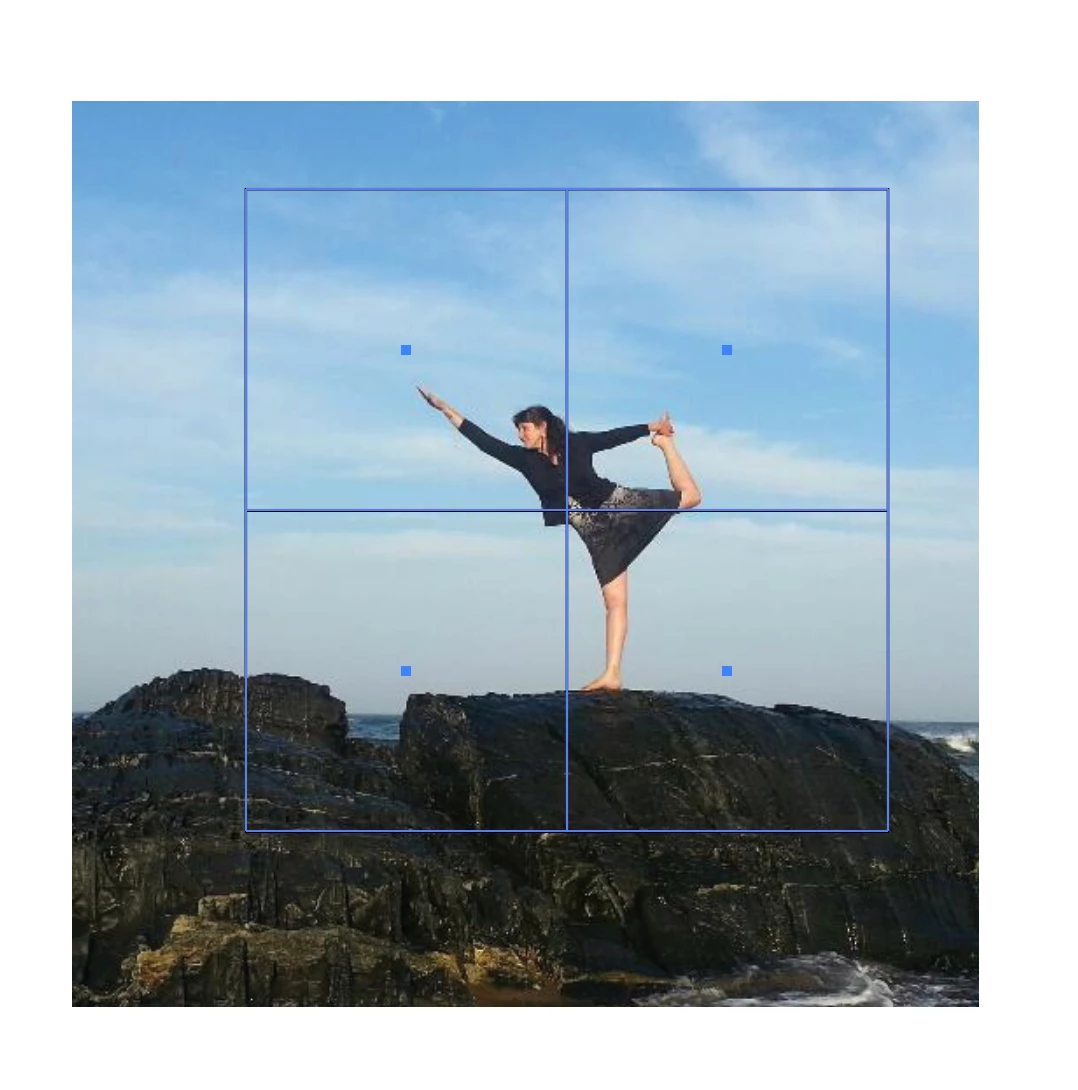
In the example below, I have made the shapes (squares) that I want to apply a clipping mask to:
 

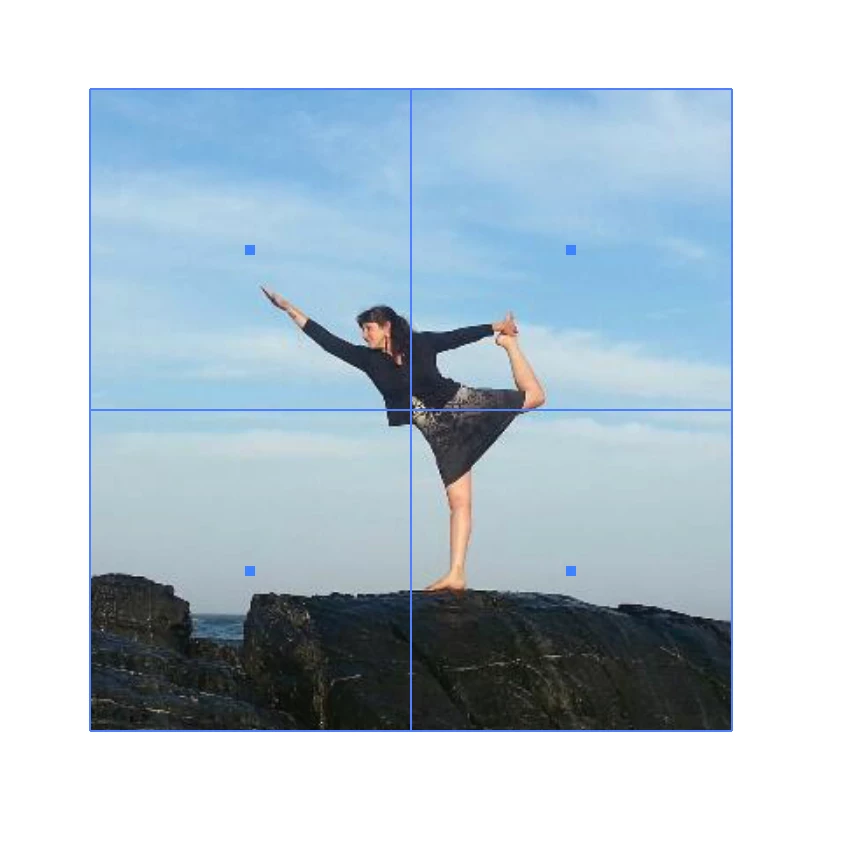
Next, I made those four squares into a compound path, so that I can have multiple clipping masks, and apply the clipping mask:
Then, I tried releasing the compound path so that (I thought) I could move the four squares individually:
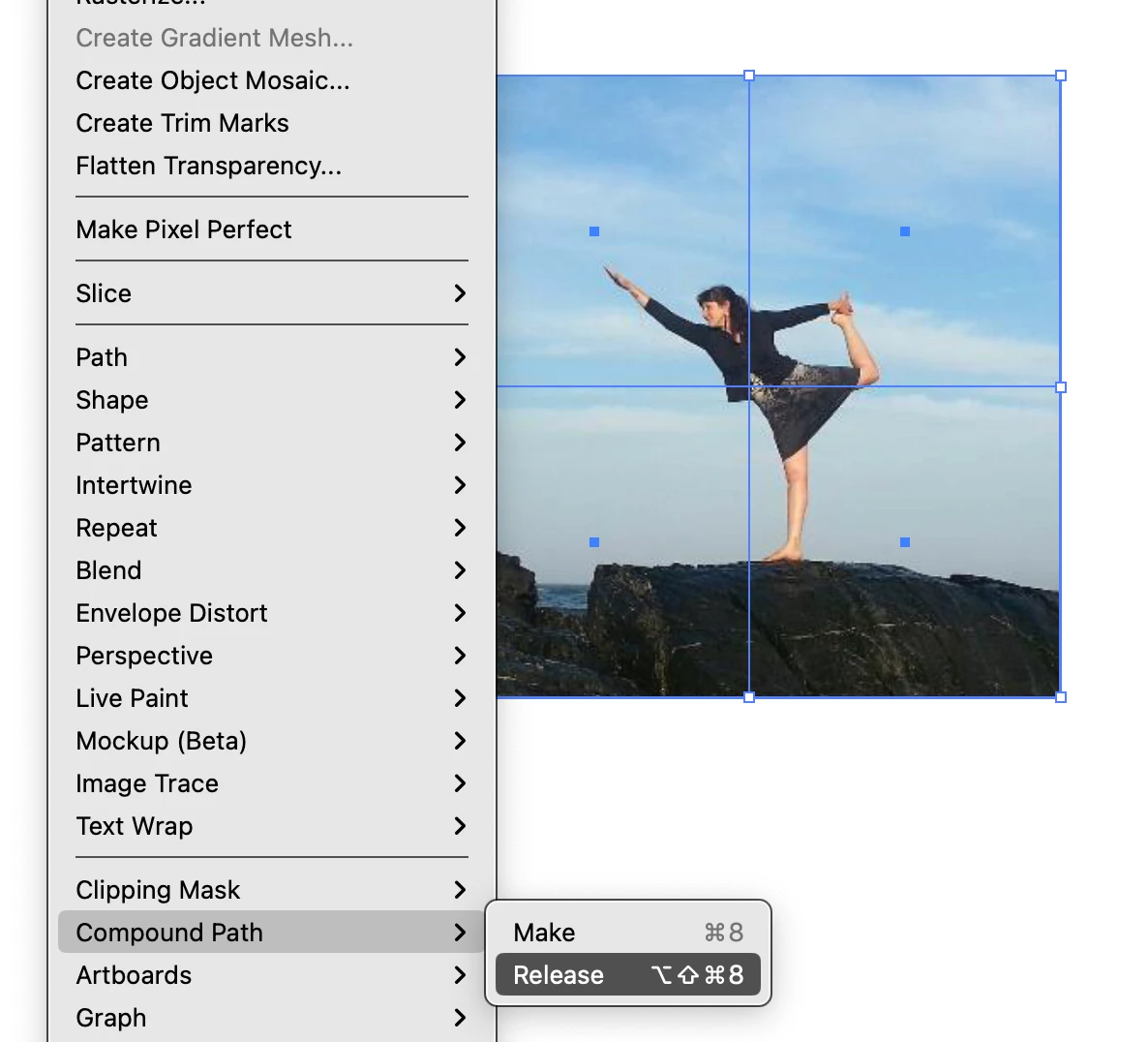
But, when I do, the images disappear.
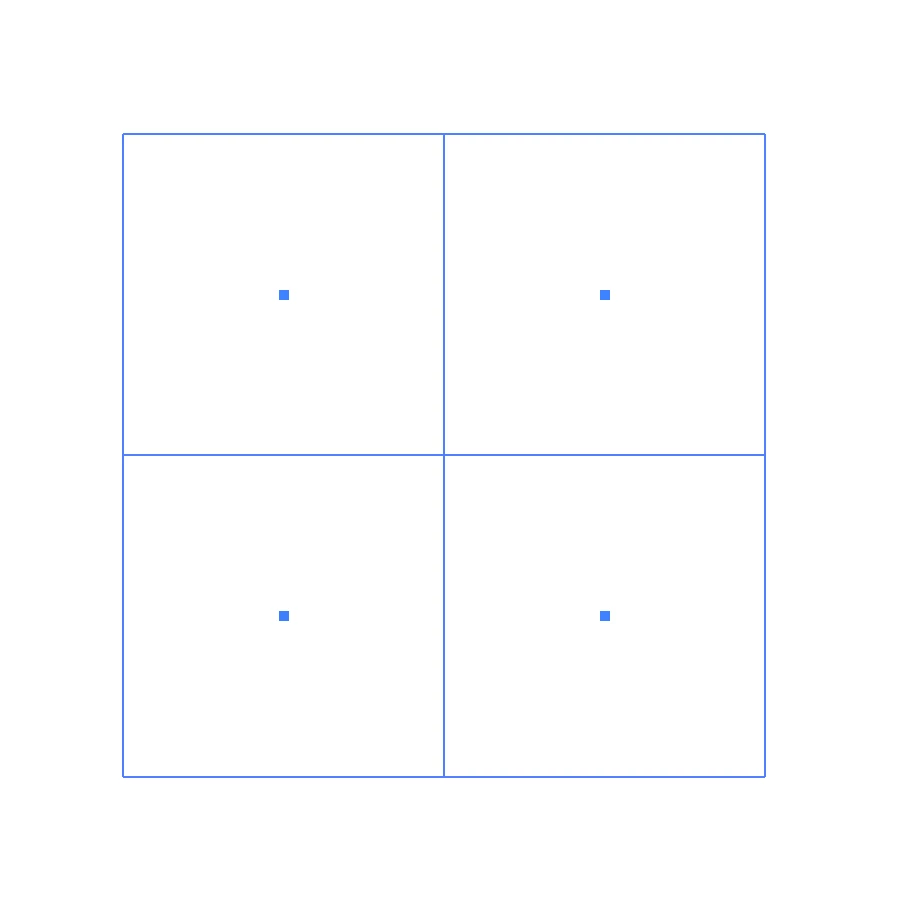
Please advise. I have looked for solutions in this discussion forum, and online. 


Thanks,

Abigail

This topic has been closed for replies.
Correct answer Kurt Gold

Alexander Ladygin has a neat script that probably does what you want.


PuzzleClipper


3 replies

Kurt Gold
Community Expert
Kurt GoldCommunity ExpertCorrect answer
Community Expert
October 30, 2023

Alexander Ladygin has a neat script that probably does what you want.


PuzzleClipper


Participant
October 30, 2023

You are my hero!

Thank you!

EXACTLY what I needed 🙂


Michael Ambroise
Community Expert
Community Expert
October 30, 2023

I give you this suggestion: you duplicate the image 4 times in the same place and create a clipping mask for each part.

_______Senior graphic designer | United Nations Population Fund
Michael Ambroise
Community Expert
Community Expert
October 30, 2023

_______Senior graphic designer | United Nations Population Fund
Participant
October 30, 2023

Follow exactly the steps I suggested. You first duplicate the image 4 times. One for each square. Then for each square you select an image, right click on the selected image and square and choose the clipping mask option. You do the same thing for the other 3 squares.


Yes, I understand how to make a clipping mask. The issue is that I need to basically cut the image into multiple sections (of the exact same size.) that can then be moved independently. I'm sorry, your explanation does not make sense to me. 

Larry G. Schneider
Community Expert
Community Expert
October 30, 2023

You will need to crop the individual parts and reassemble.