Known Participant
August 5, 2020
Answered

Different Chinese fonts for Illustrator and InDesign

  • August 5, 2020
  • 2 replies
  • 5009 views

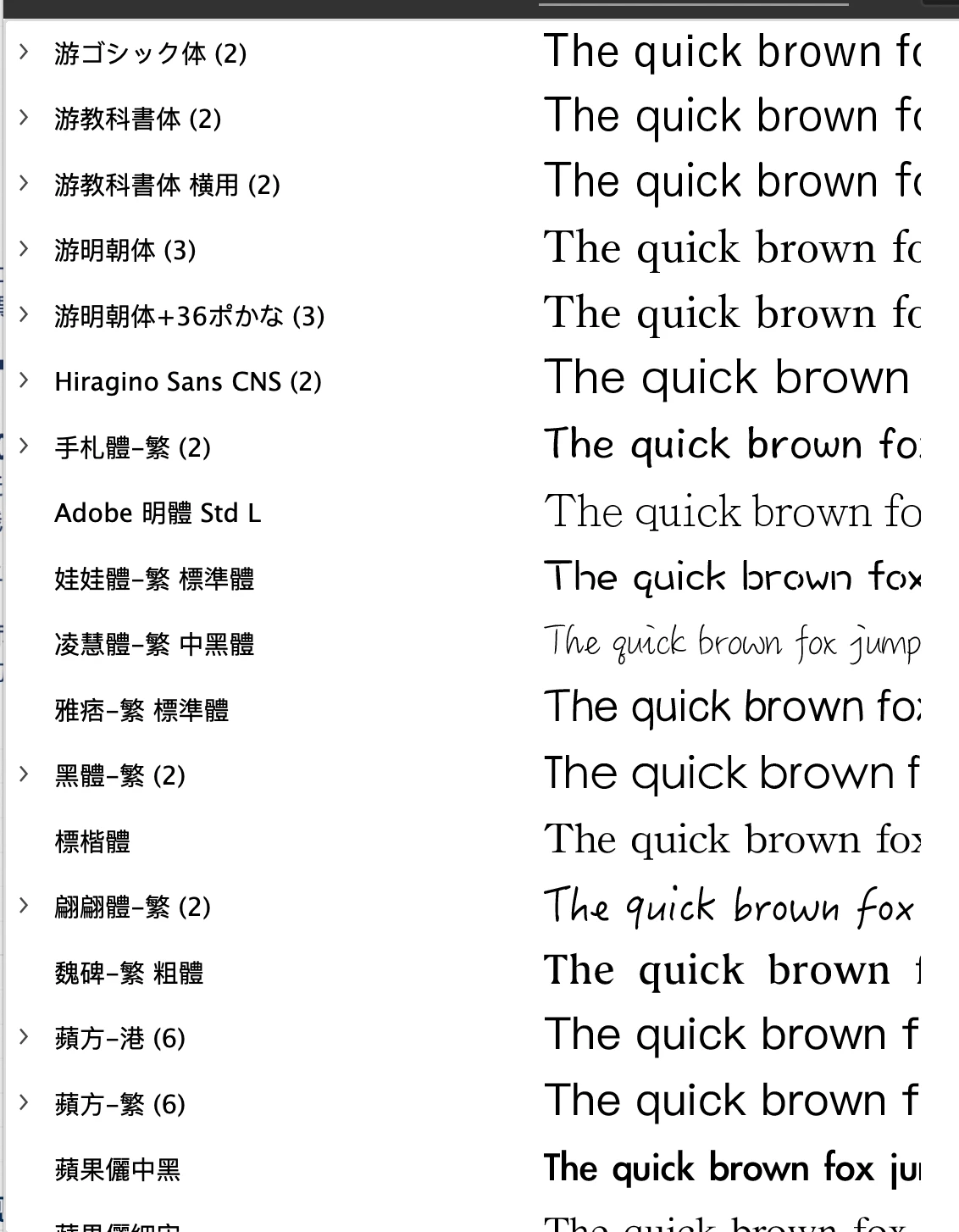
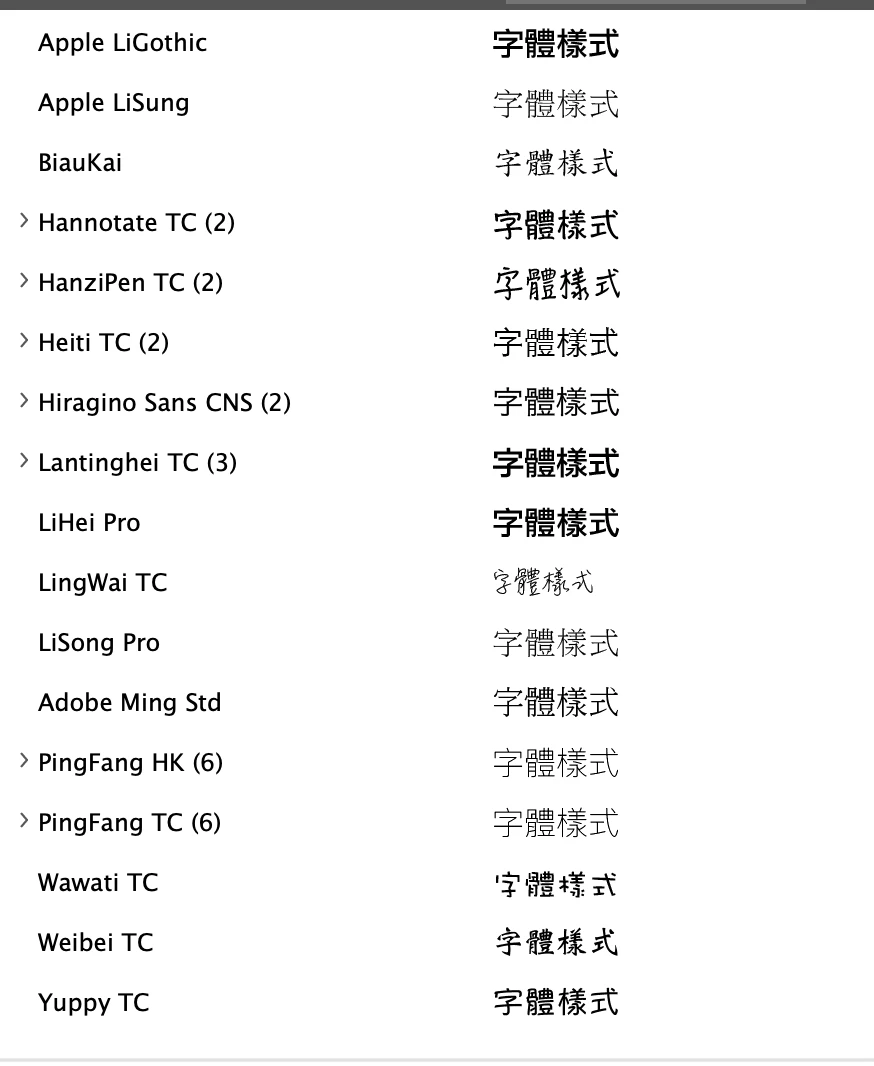
I'm using PingFang SC font in InDesign but when I go to Illustrator PingFang is nowhere to be found. In fact, Chinese fonts are romanised in InDesign but in Ilustrator they are in Chinese characters. Why is this, and how do I sync Illustrator's fonts so they are labelled in the same manner as in InDesign?


InDesign font menu on the left and Illustrator on right:
    Correct answer Ton Frederiks

    Try to set Preferences > Type > Show Font Names in English.

    2 replies

    Ashutosh_Mishra
    Inspiring
    August 28, 2020

    Hi there,


    Thanks for reaching out. I agree with Ton's response here. In addition to that, I'd request checking out this help article to know more about formatting Asian characters in Adobe Illustrator.

    Hope it helps.


    Regards,

    Ashutosh

    Ton Frederiks
    Community Expert
    Ton FrederiksCommunity ExpertCorrect answer
    Community Expert
    August 18, 2020

    Try to set Preferences > Type > Show Font Names in English.

    Known Participant
    August 19, 2020

    Thanks, that works!