
giovannir50325198
Inspiring
February 12, 2023
Answered

Different color problem

  • February 12, 2023
  • 1 reply
  • 1377 views

Good morning,
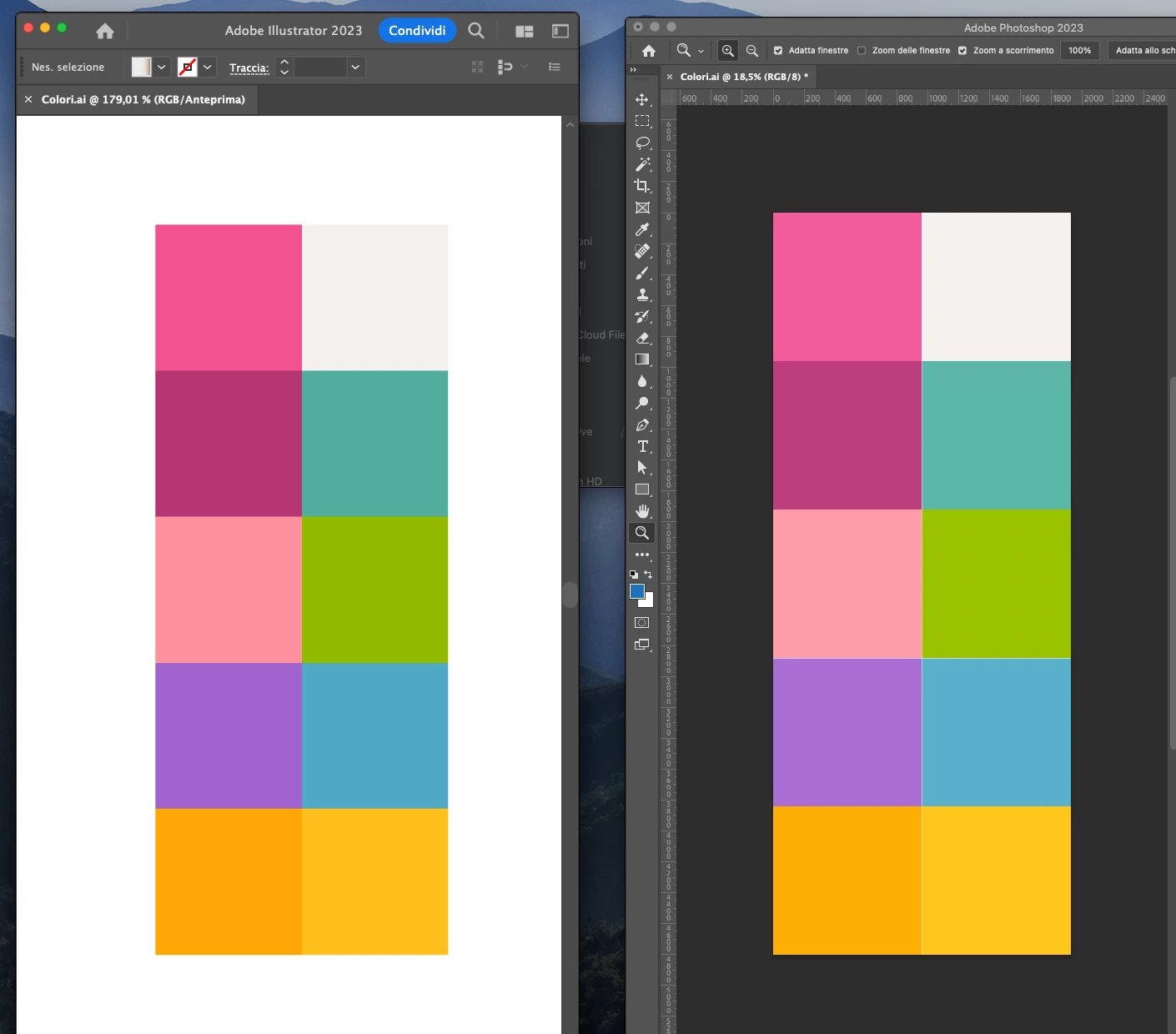
I noticed that the colors are different in the illustrations opened with photoshop. Can anyone help me figure out how to fix this?
The profile of illustrator and photoshop is the same:

Setting: General Use Europe 3
RGB: sRGB IEC61966-2.1

Thank you
  

This topic has been closed for replies.
Correct answer giovannir50325198

I think it has to do with the monitor profile BENQ LCD used in Illustrator as document profile and wrongly interpreted by Photoshop as sRGB.

Can you check the Document Profile of your Illustrator document?

You can show it at the bottom of your Illustrator document window by selecting Show > Document Color Profile.


Ok, the issue was resolved by updating Ventura from 13.0.1 to ventura 13.2
Thank you

1 reply

Monika Gause
Community Expert
Community Expert
February 12, 2023

Can you turn on all the profile warnings in the Color settings of both apps and then open the file again?

You are not placing it into another file, no?

giovannir50325198
Inspiring
February 12, 2023

These are the profiles of illustrated and photoshop.
I've been having this problem for about two months and I recently noticed it because I noticed that my illustrations in photoshop appeared clearer.


giovannir50325198
Inspiring
February 12, 2023

When you now open the file in Photoshop: are there any warnings?

Also: I'm seeing that your color management is not synchronized: please do that. Set up color management using Bridge.

Are you changing the color mode in Photoshop? Or placing the PDF in a file with a different color mode?


When the file is important in photoshop, no warnings appear!
By synchronizing the colors with Bridge, the screen returns to the previous state without those boxes ticked (as in the image).
Color in photoshop is the same as in illustrator.