
Participating Frequently
July 31, 2018
Answered

Disappearing Image

  • July 31, 2018
  • 5 replies
  • 11960 views

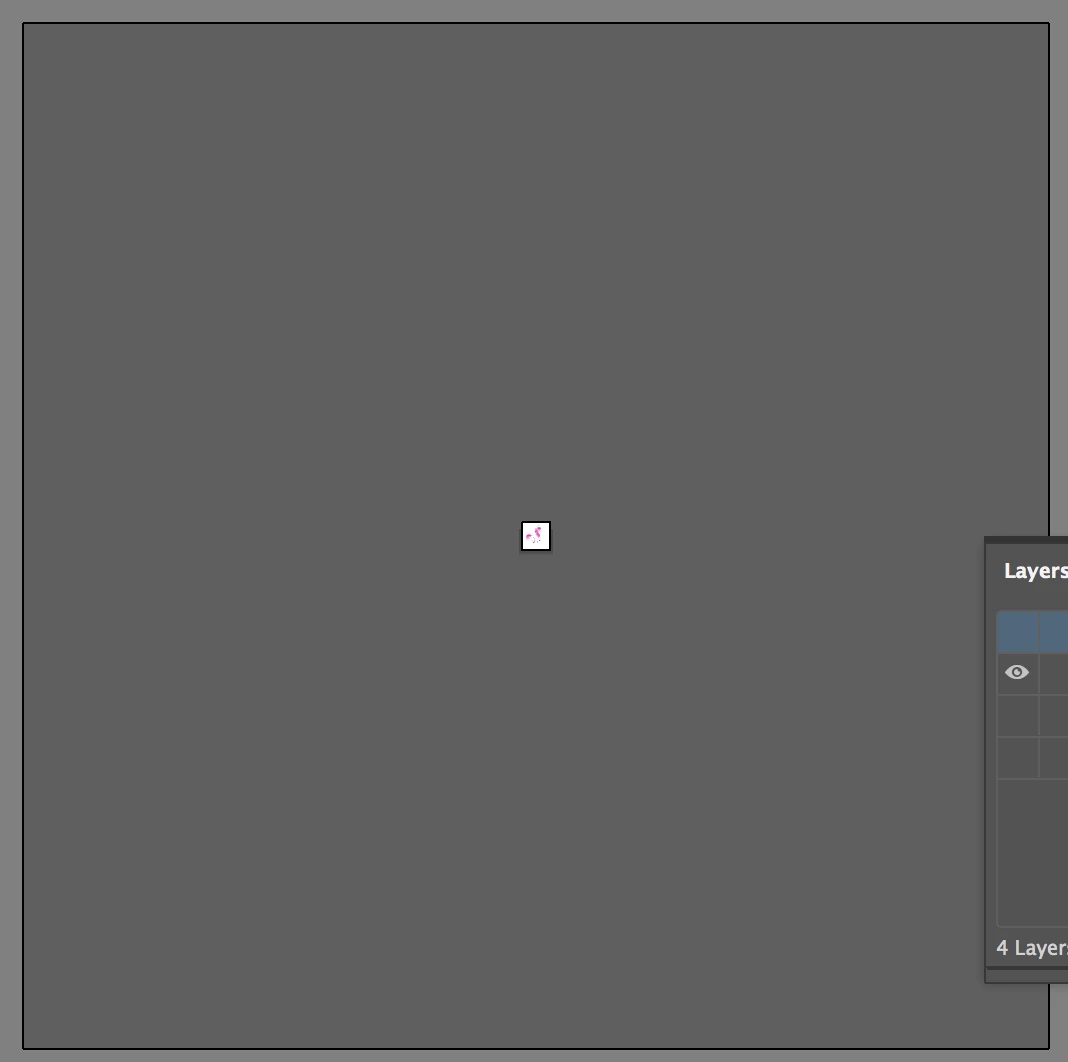
Hi Everyone! I'm new to illustrator so hopefully someone can help me. I've been working on an image, and for some reason once when I saved the image and went back to it, my screen was completely blank. What was strange about it was that originally when the adobe screen loaded, it showed up as a white background, and then it went completely empty. No matter where I scrolled or how much I zoomed out, my image wasn't there. Luckily I saved my progress into a jpeg, so I just reloaded the jpeg and continued. However, at a certain point, I scrolled to the right of my image and the entire screen went blank again. I though maybe I scrolled too far, but I zoomed out completely and the whole screen was blank. I saved my progress anyway, and when I did, the picture showed up in the recent files, but when I opened it, it was still blank. What could be the cause? Is there any way to fix this?

Thanks in advance,

Lena
This topic has been closed for replies.
Correct answer jane-e
  • Is there anything in your Layers panel when everything disappears?

  • When you zoom out, do you see a white area in the middle (the artboard)?
  • When you go to the View menu and choose Fit Artboard in Window or Fit All in Window, do you see your artwork?

5 replies

Participating Frequently
July 31, 2018

You mentioned a jpg? Jpg isn't an Illustrator file but you can place jpg images into Illustrator in which case they are only linked. (unless you purposely embed them)

If you break the link by moving or deleting the jpg, then Illustrator cannot locate it and your jpg image will no longer appear.

LenaT1995Author
Participating Frequently
August 1, 2018

Yes I know it's not an illustrator file, but because I couldn't open my original file I figured that I could add onto the jpg version. And it was working, until it disappeared as well.

jane-e
Community Expert
jane-eCommunity ExpertCorrect answer
Community Expert
July 31, 2018
  • Is there anything in your Layers panel when everything disappears?

  • When you zoom out, do you see a white area in the middle (the artboard)?
  • When you go to the View menu and choose Fit Artboard in Window or Fit All in Window, do you see your artwork?
LenaT1995Author
Participating Frequently
August 1, 2018

No, it's completely blank. There's no icons.

Bill Silbert
Community Expert
Community Expert
July 31, 2018

Are you using Windows 10 with possibly an earlier version of Illustrator (CS6 or earlier)? I've seen similar reports that have happened after Windows 10 ran one of it automatic updates.

LenaT1995Author
Participating Frequently
August 1, 2018

I have the 2018 Version. Strange. Did they find out how to fix the issue?

@mj
Community Expert
Community Expert
July 31, 2018

Hi Lena,

When you open the file, you will see No Selection on the properties bar which is on the top left of the screen.

Go to the Select menu and choose All.

No Selection should change to Group, Mixed Objects or something like that.

If it does not, it means you have nothing in your document.

HTH

Monika Gause
Community Expert
Community Expert
July 31, 2018

"an image"? You mean a file?

You opened that file and the screen was black?

Sorry, but I can't make sense of it.

Please tell us the exact steps you do.

Also: Which system and which version?

LenaT1995Author
Participating Frequently
August 1, 2018

I figured it out thanks to Jane-e! Thank you for your help!