Participating Frequently
August 15, 2018
Answered

Distorting vertical line gradients

  • August 15, 2018
  • 2 replies
  • 845 views

Hi all,

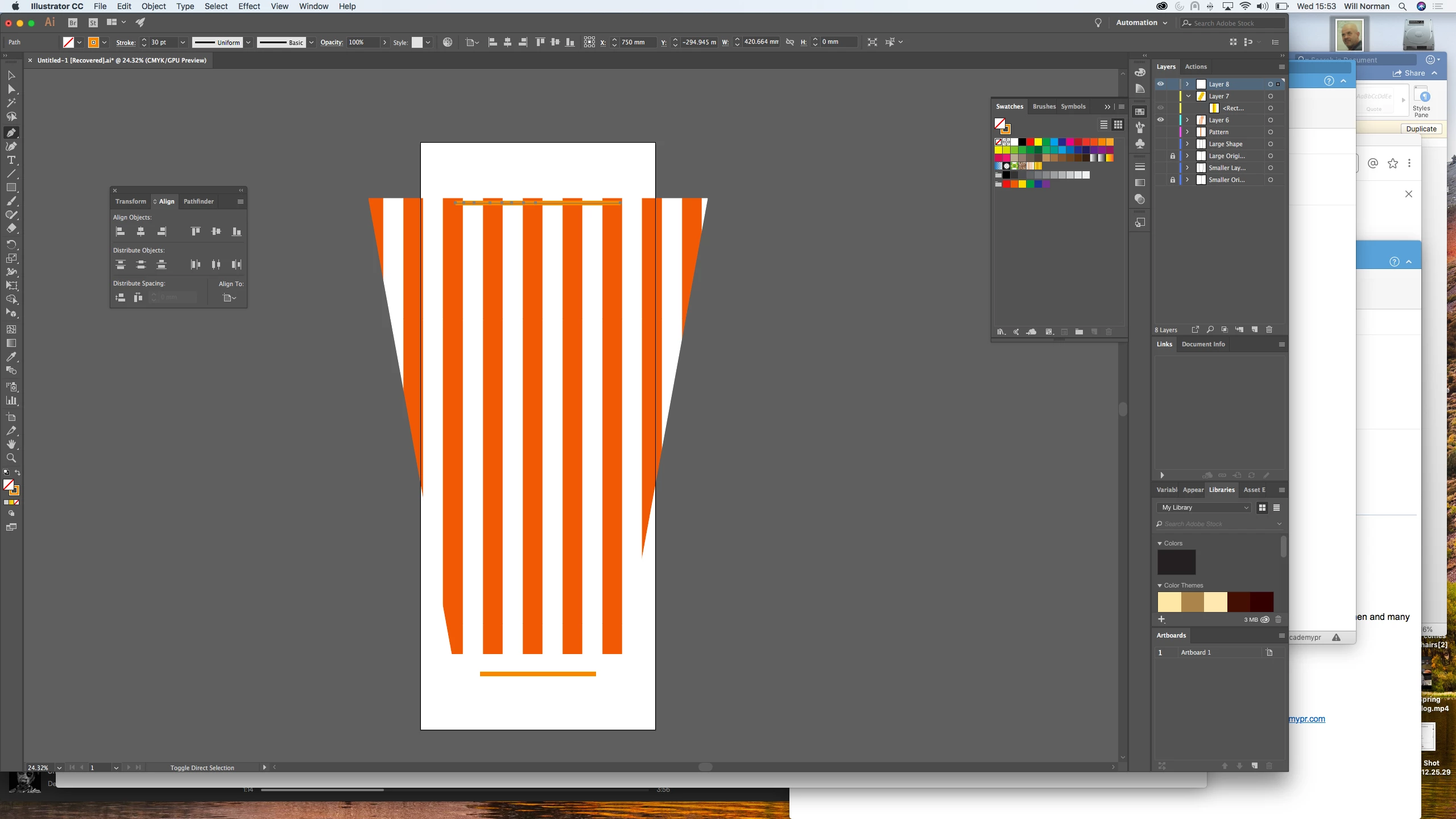
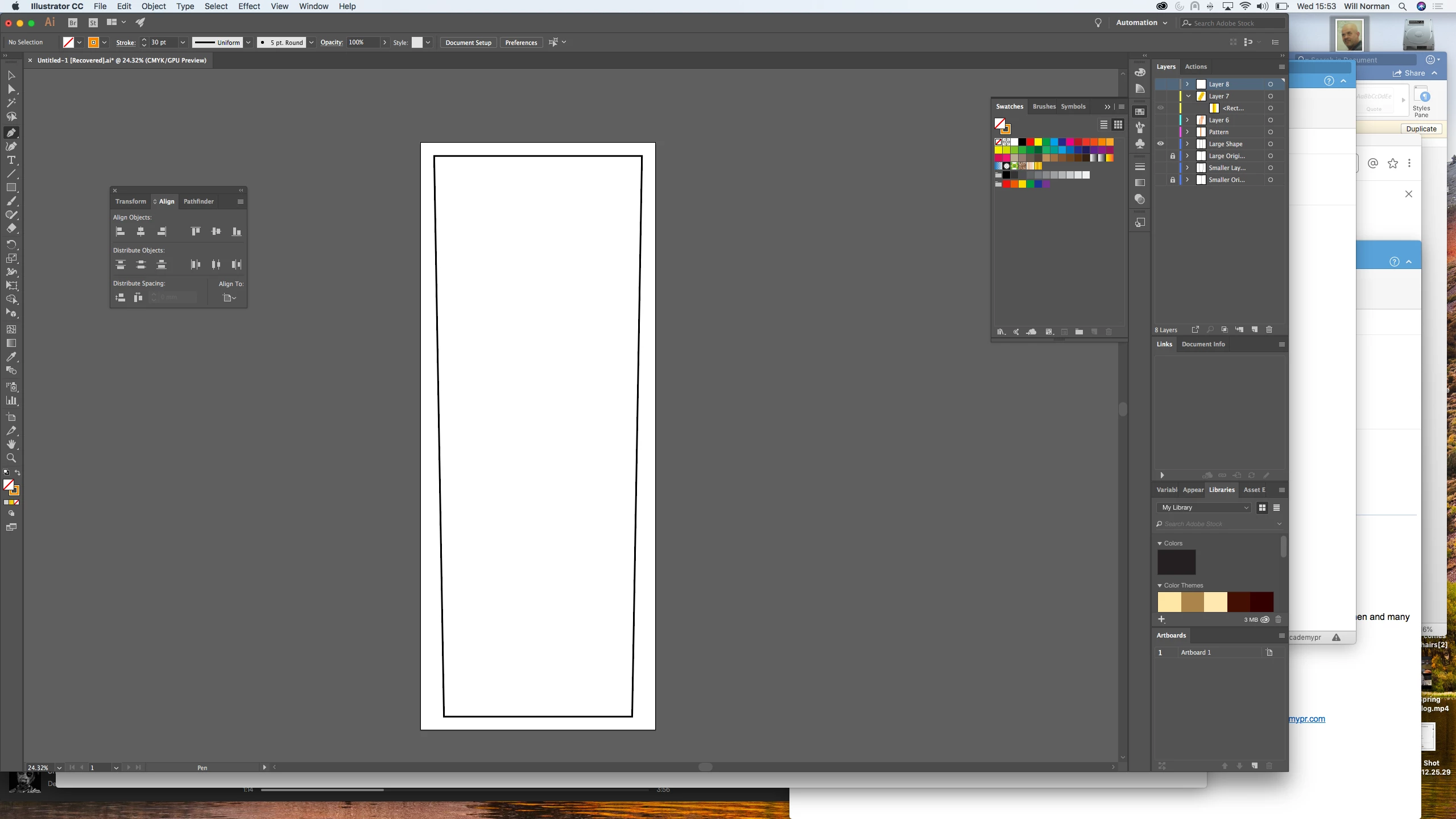
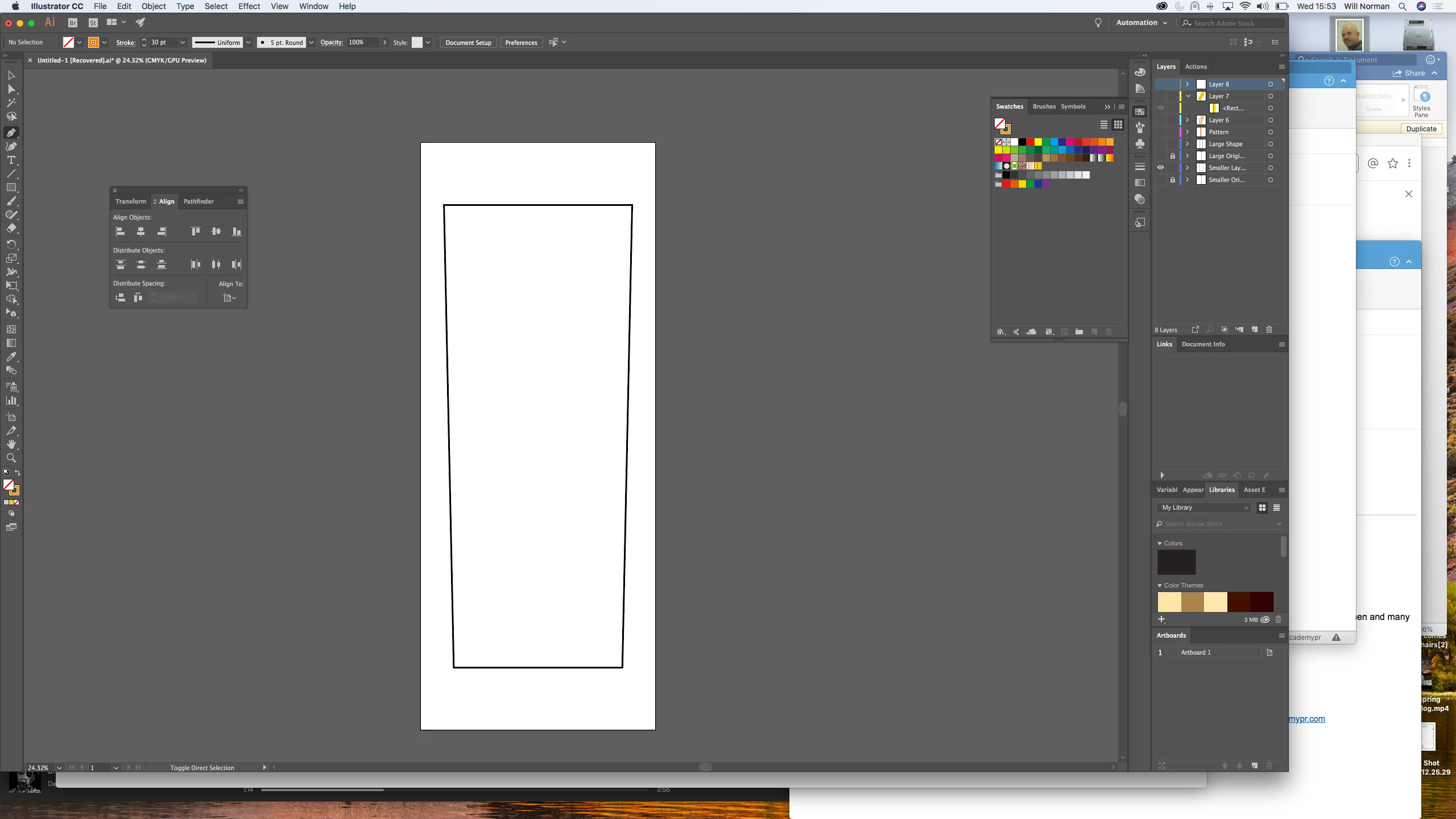
I'm having a little problem with something that I believe should be quite simple. I'm trying to create a deck chair's striped canvas, which tapers from the top to the bottom of the shape. I need the stripes inside of the shape to taper also, meaning that the width at the top of the stripe will be slightly wider than its width at the bottom.

I had been messing about with envelope distort but this is just affecting the shape and using it as a clipping mask to the unaffected striped gradient behind.

Hope I've made that understandable.

Please help!

Thanks,
Will
This topic has been closed for replies.
Correct answer ScooterD76

If those orange stripes are a pattern or gradient, its not going to work that way. You'll need to make the stripes out of actual shapes and group them.

Distort objects with the Free Transform tool

  • Select one or more objects.

  • Select the Free Transform tool .

  • Start dragging a corner handle on the bounding box (not a side handle), and then do one of the following:

    • Hold down Ctrl (Windows) or Command (Mac OS) until the selection is at the desired level of distortion.
    • Hold down Shift+Alt+Ctrl (Windows) or Shift+Option+Command (Mac OS) to distort in perspective.

    Distorting in perspective
    Distorting in perspective

2 replies

ScooterD76
ScooterD76Correct answer
Legend
August 15, 2018

If those orange stripes are a pattern or gradient, its not going to work that way. You'll need to make the stripes out of actual shapes and group them.

Distort objects with the Free Transform tool

  • Select one or more objects.

  • Select the Free Transform tool .

  • Start dragging a corner handle on the bounding box (not a side handle), and then do one of the following:

    • Hold down Ctrl (Windows) or Command (Mac OS) until the selection is at the desired level of distortion.
    • Hold down Shift+Alt+Ctrl (Windows) or Shift+Option+Command (Mac OS) to distort in perspective.

    Distorting in perspective
    Distorting in perspective

Participating Frequently
August 15, 2018

Brilliant, thank you very much!

Ton Frederiks
Community Expert
Community Expert
August 15, 2018

It may be brilliant, but not very flexible.

Did you try:

Object > Envelope Distort > Envelope Options:

Distort Pattern fills

?

Ton Frederiks
Community Expert
Community Expert
August 15, 2018

Object > Envelope Distort > Envelope Options:

Distort Pattern fills