

Answered
Dotted underlined objects in layers panel
Hi! Recently I discovered some specific issue — I've received an .ai file with a simple shape on artboard. Looks like a rectangle with cutted round region.
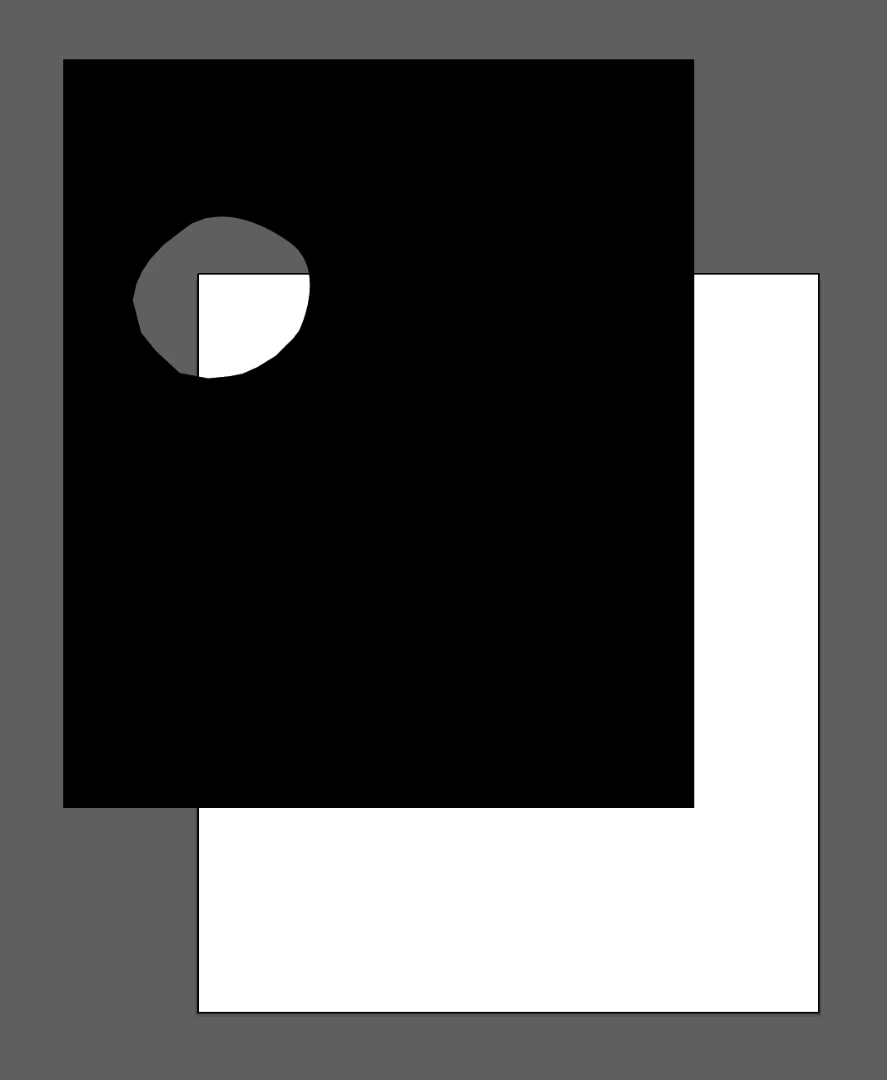
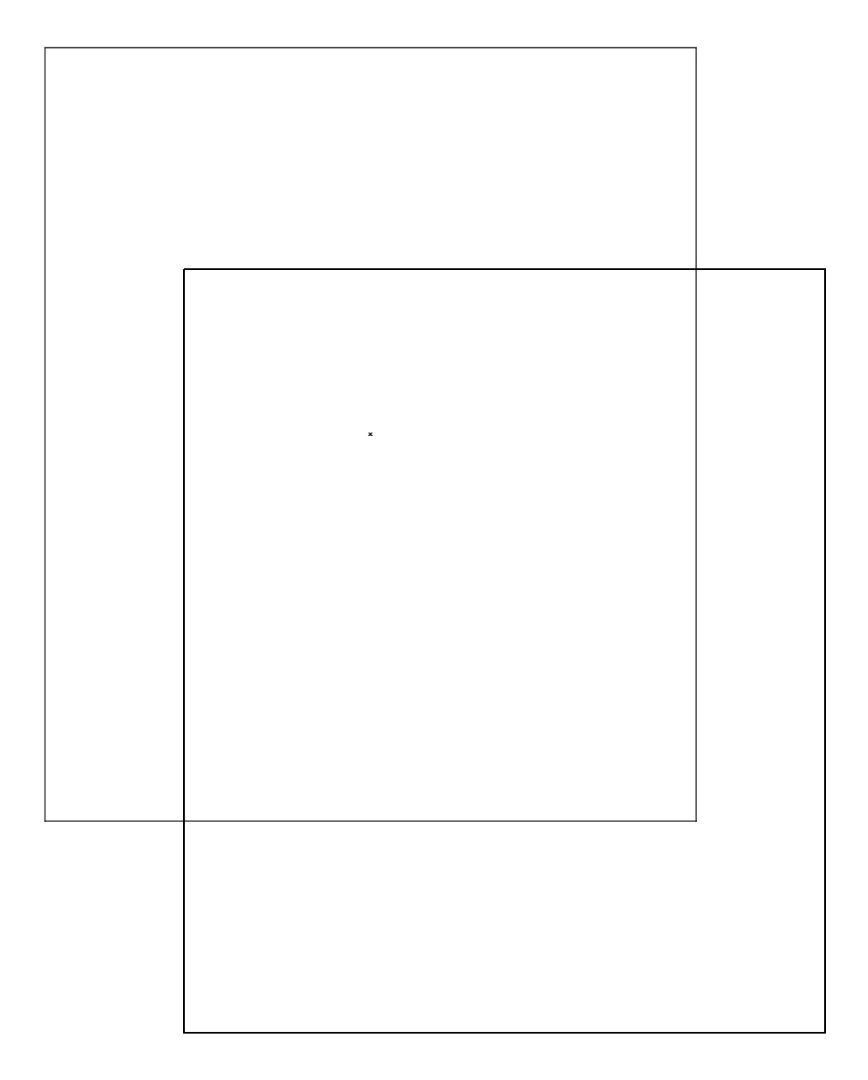
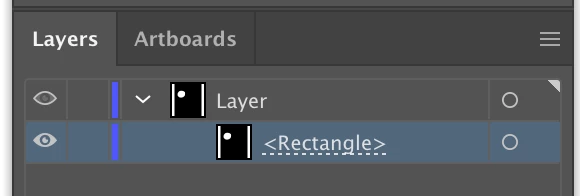
As you may see, in layers panel it undelined with dotted line. And on artboard it acts like there's no cutted region. Only the outter rectangle path is visible and editable. Rounded region stays invisible in outline mode.
Does anybody know what does it means? Is this path corrupted or something? I found this problem while scripting. I selected all objects in script and moved them along the artboard, but this damned rounded region stood still. Is there a way to move it?
 AdChoices