
Known Participant
August 5, 2022
Answered

Drop shadow and outer glow

  • August 5, 2022
  • 1 reply
  • 1781 views

Hello Experts


I am working with a map.


I want to have an outer glow along the coastline and a drop shadow under the frame.


So I applied the outer glow to the Live Paint map then made a clipping mask the same size as the map frame to limit the glow just to the coastline. Like this:
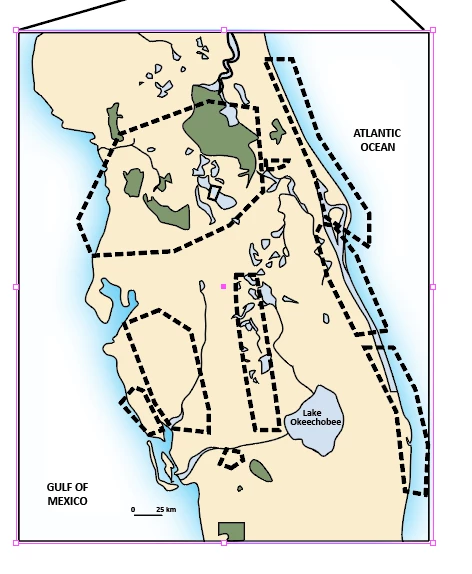


But I still want a drop shadow on the map. The “white” area in the Live Paint is void. So when I apply the drop shadow to this I get this:
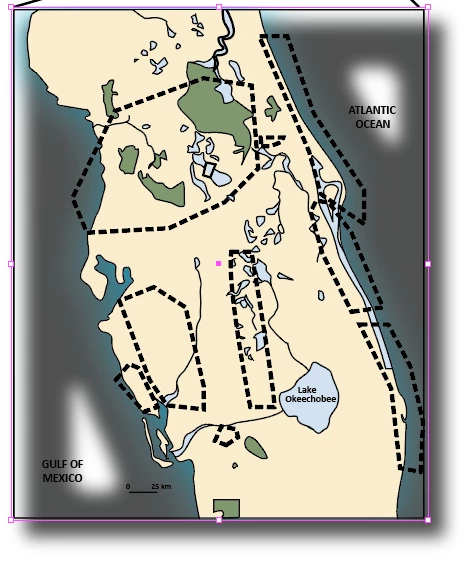


Looks like the drop shadow is applied to objects inside the Clipping mask of the Live Paint.


I just want the drop shadow around the frame in the above image.


How do I do that?


I have put the .ai file on DropBox if anyone wants to take a look:

https://www.dropbox.com/s/yy43atv1mc2j4qy/Temp.ai?dl=0

Thanks for any ideas!


jdballou
This topic has been closed for replies.
Correct answer Monika Gause

I understand.

I noticed that the .ai file in the DropBox does not have the outer glow effect. My mistake.

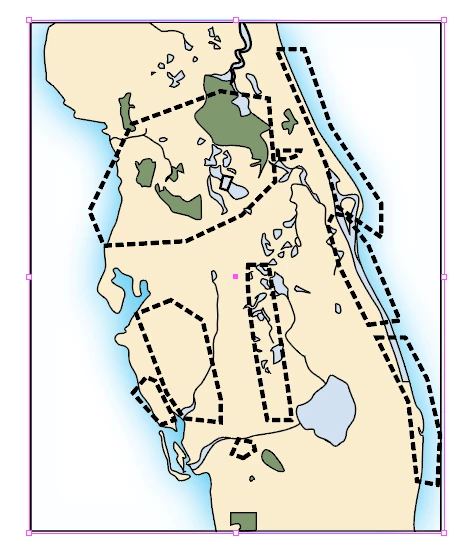
OK - I updated the DropBox link with the .ai file that has the outer glow applied plus the clipping mask.

It looks like this:


In the outer glow effect change the blend mode from Screen to Normal.

And then select the clipping mask object with the direct selection tool and apply a white fill to it.

And then you can apply a drop shadow to the complete object. You need to select it with the selection tool for that.

1 reply

Monika Gause
Community Expert
Community Expert
August 5, 2022

You could select the clipping mask with the direct selection tool and then apply a white fill.

jdballouAuthor
Known Participant
August 5, 2022

No. That doesn't work.

jdballouAuthor
Known Participant
August 6, 2022

If you select the black frame with the direct selection tool and apply a white fill to it, that should solve it.


I don't use chats.


I understand.

I noticed that the .ai file in the DropBox does not have the outer glow effect. My mistake.

OK - I updated the DropBox link with the .ai file that has the outer glow applied plus the clipping mask.

It looks like this: