Participant
February 2, 2023
Answered

Dull Colors in Illustrator Suddenly!

  • February 2, 2023
  • 3 replies
  • 796 views

I'm working in Illustrator, Photoshop, and InDesign for both web and print. On a project today for the web I suddenly encountered dull colors in Illustrator. The same exact color in Illustrator and Photoshop are displayed differently in RGB documents.

sid
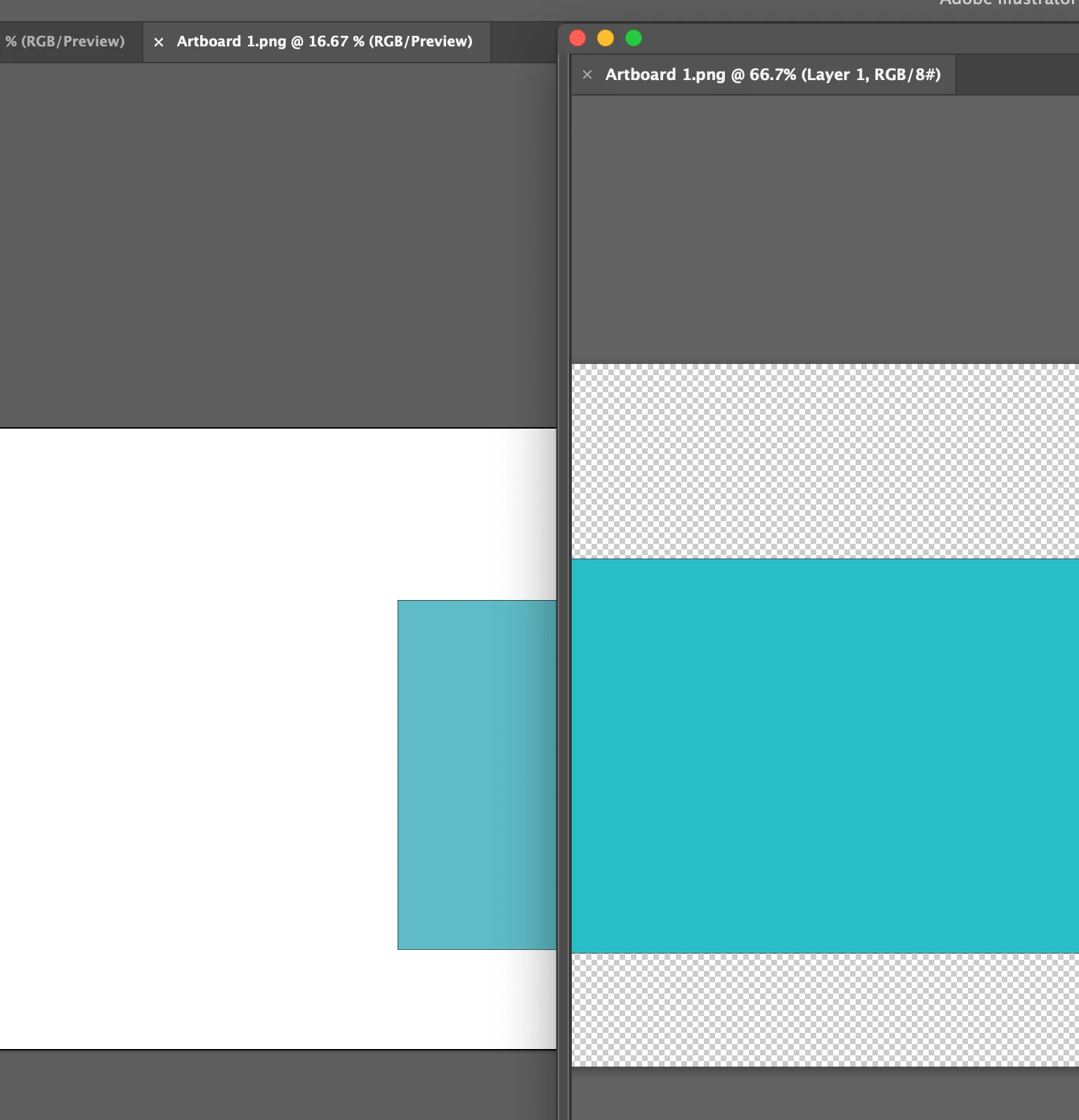
I sycronized my colors.
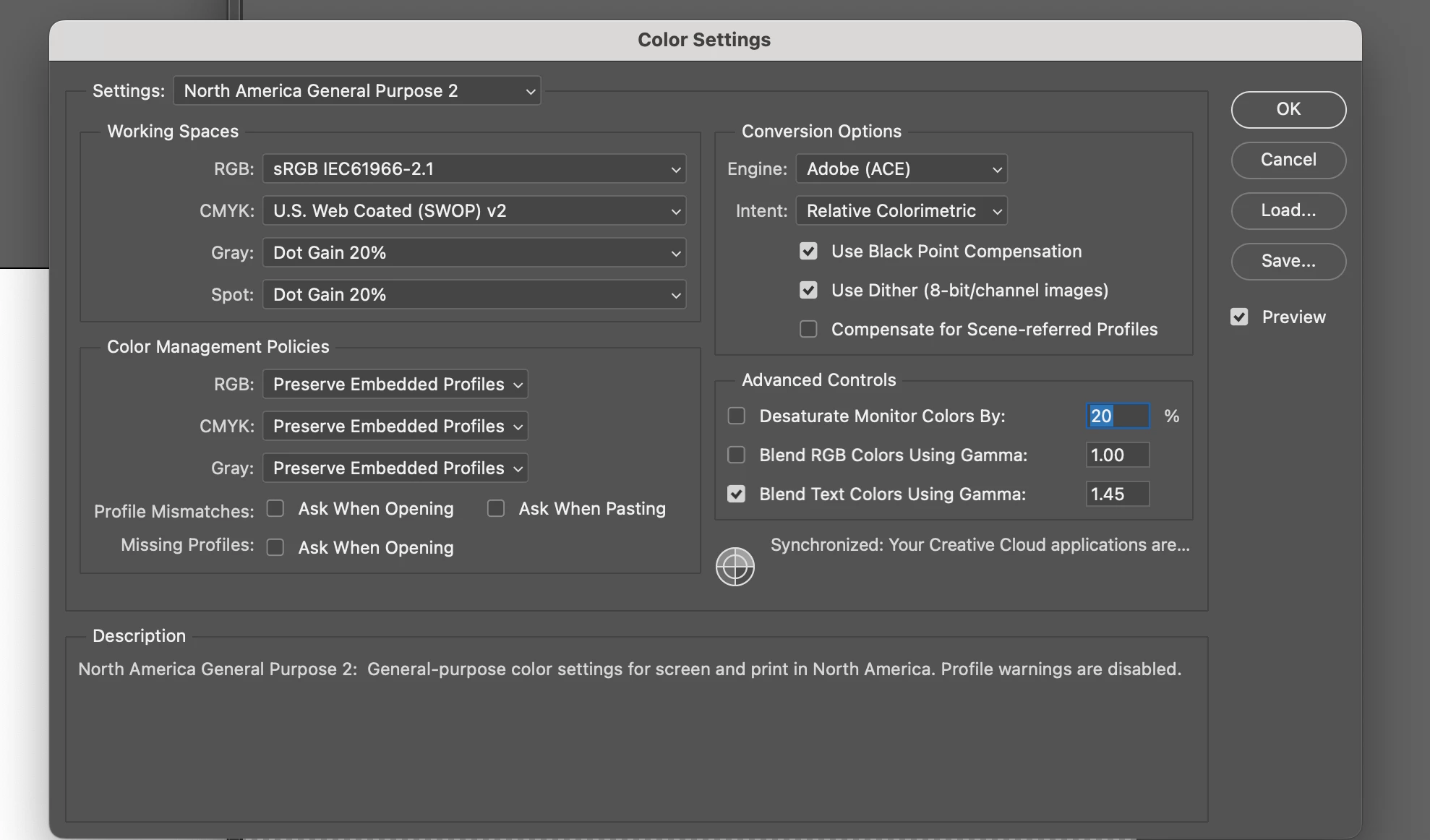
Still they're displayed differently, in Illustrator the color is washed out. The color displays correctly in the CC Library, but not in the document.
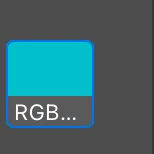
It has the correct value when examined in the the color picker, but it just isn't being displayed correctly.
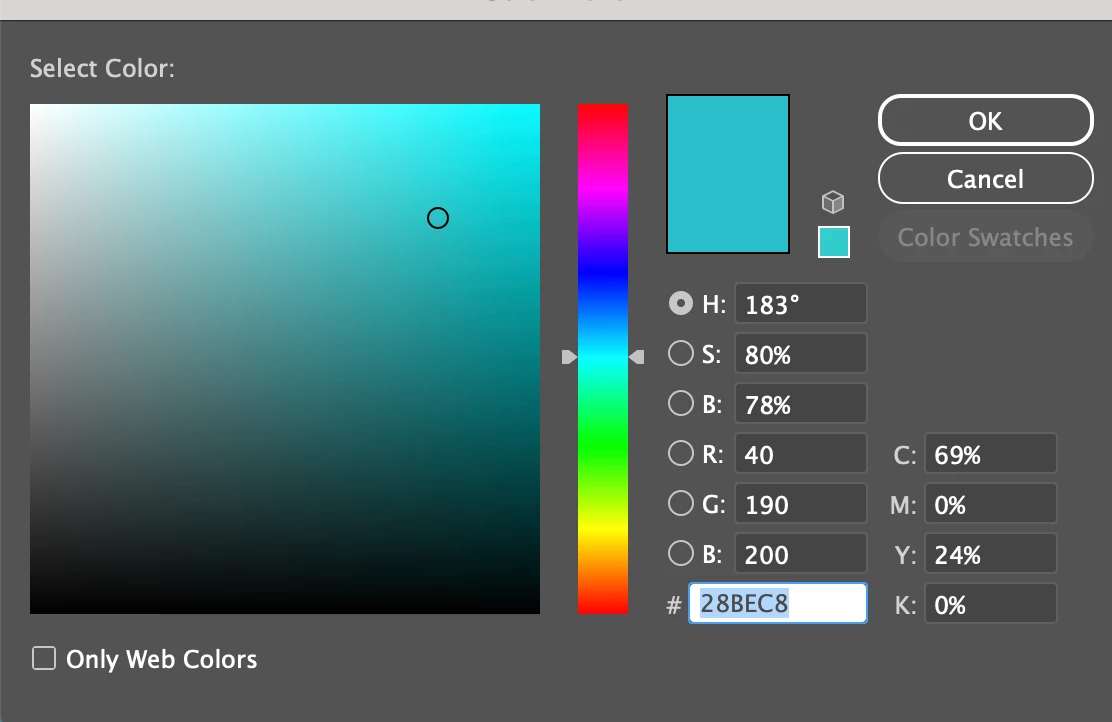
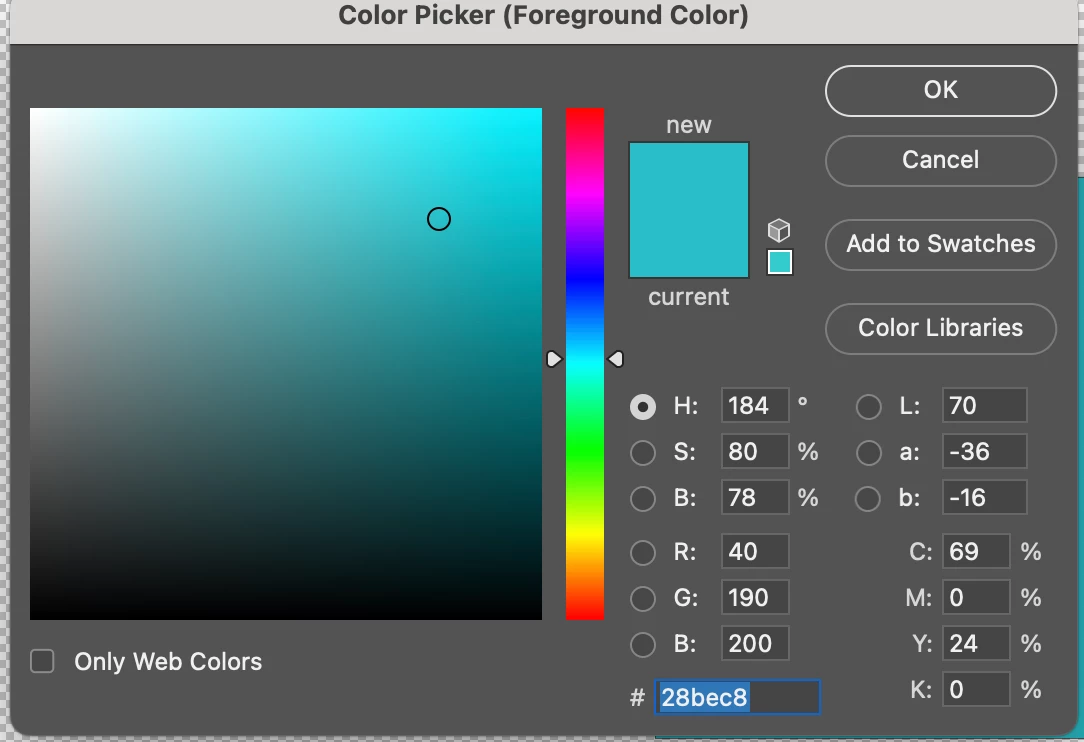
Please help!!!!

This topic has been closed for replies.
Correct answer Anubhav M

Hello @mgdrake,


Sorry to hear about the Color issues in Illustrator. Would you mind trying to recalibrate your monitor for sRGB (https://support.apple.com/guide/mac-help/calibrate-your-display-mchlp1109/mac), restarting your computer, and then relaunching Illustrator to check if it helps?


Looking forward to your response.


Thanks,

Anubhav

3 replies

mgdrakeAuthor
Participant
February 2, 2023

I changed my MacBook Pro display profile to sRGB and restarted and it's now much closer in value.

However, I do a lot of print work and sRGB as my monitor profile isn't ideal for that kind of work right??

Monika Gause
Community Expert
Community Expert
February 2, 2023

Your monitor profile should match what the monitor displays.

Your output profile should match the output.

Color management should be set up in a way that it can handle what's in the document and can do a good softproof and a good transformation when necessary.


Please read about color management. There is some information in the documentation, but that is just the bare minimum to get an idea of it.

Monika Gause
Community Expert
Community Expert
February 2, 2023

Exactly where and when is the display not correct?

When you export a PNG from Illustrator, it doesn't embed a color profile. You have to attach the correct one afterwards.

When you export for screen a JPEG 100 then Illustrator converts it to CMYK.

Could you checl if that is the case?


Also: you really should turn on all those profile warnings ion the color settings.

mgdrakeAuthor
Participant
February 2, 2023

It happens even before I've exported anything. Just within a new document in each program.

Turned on color warnings!

Anubhav MCommunity ManagerCorrect answer
Community Manager
February 2, 2023

Hello @mgdrake,


Sorry to hear about the Color issues in Illustrator. Would you mind trying to recalibrate your monitor for sRGB (https://support.apple.com/guide/mac-help/calibrate-your-display-mchlp1109/mac), restarting your computer, and then relaunching Illustrator to check if it helps?


Looking forward to your response.


Thanks,

Anubhav

mgdrakeAuthor
Participant
February 2, 2023

Thanks for getting back to me so quickly. Replied to you below!

mgdrakeAuthor
Participant
February 2, 2023

Definitely seems like my monitor preset is affecting how colors are displayed in Illustrator. They're more accurate to their RGB values when in sRGB profile for my MacBook Pro display. But, shouldn't the colors be displayed the same in both Photoshop and Illustrtor regardless of what profile I have selected? Not that the colors I'm seeing should be the same across profiles, just that the colors should be the same between the two applications regardless of profile selected?