Dr. Zee
Participating Frequently
November 11, 2022
Answered

Duplicate anchor points along a path?

  • November 11, 2022
  • 1 reply
  • 1521 views

Say you have a rectangle and you need 3mm x 10mm tabs all around the outside. You don't want to have to make 16 tabs on one shape, then 16 slots on another. Is there a way to select anchor points and copy/paste them along a path?
This topic has been closed for replies.
Correct answer CarlosCanto

Oh, interesting. Definitely not in the budget.
Thank you.


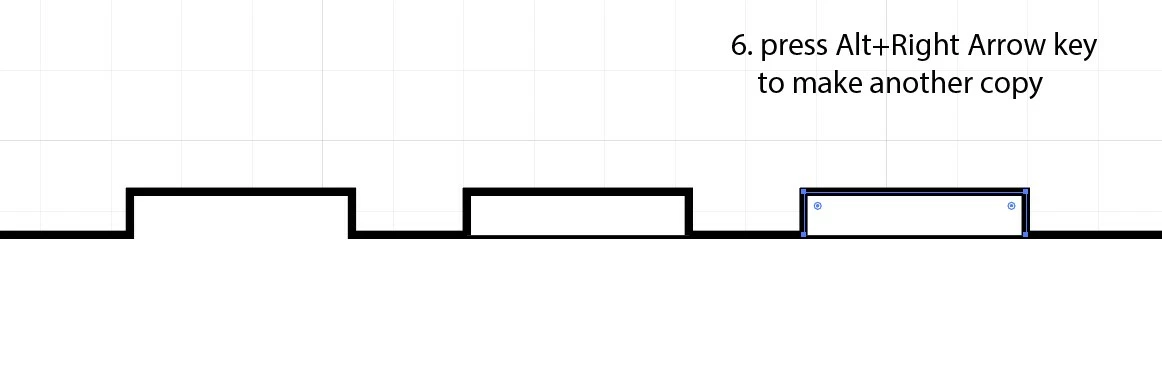
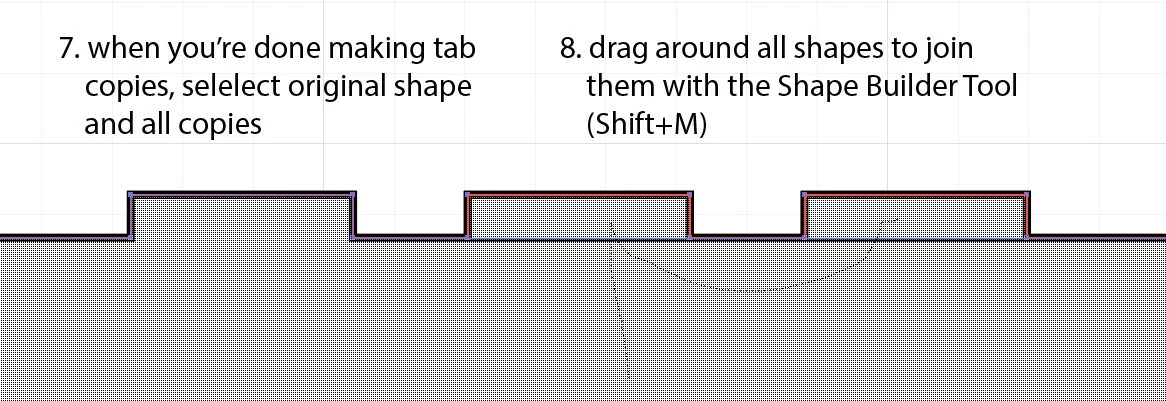
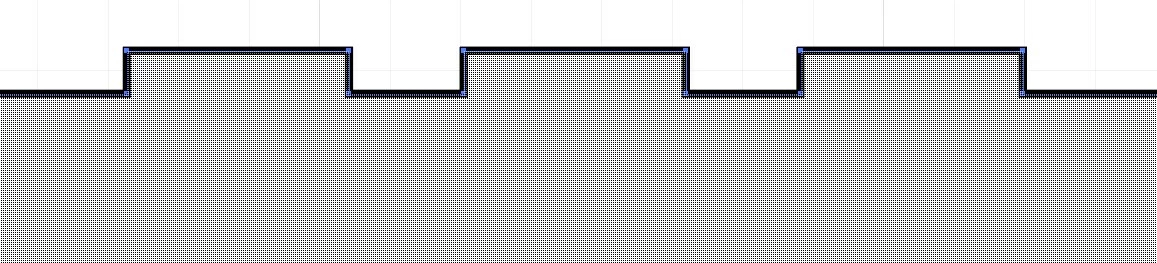
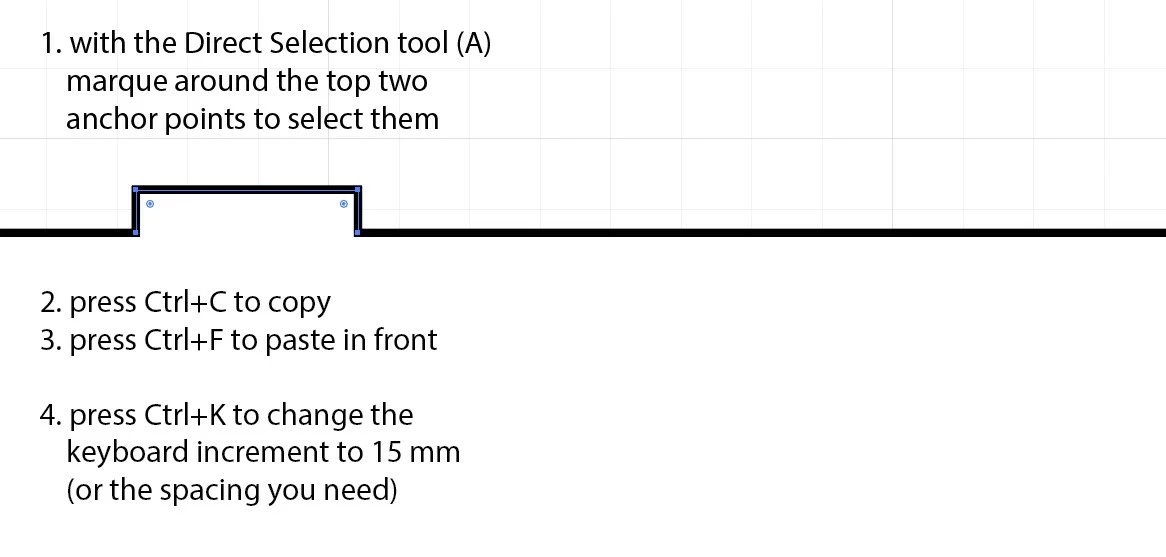
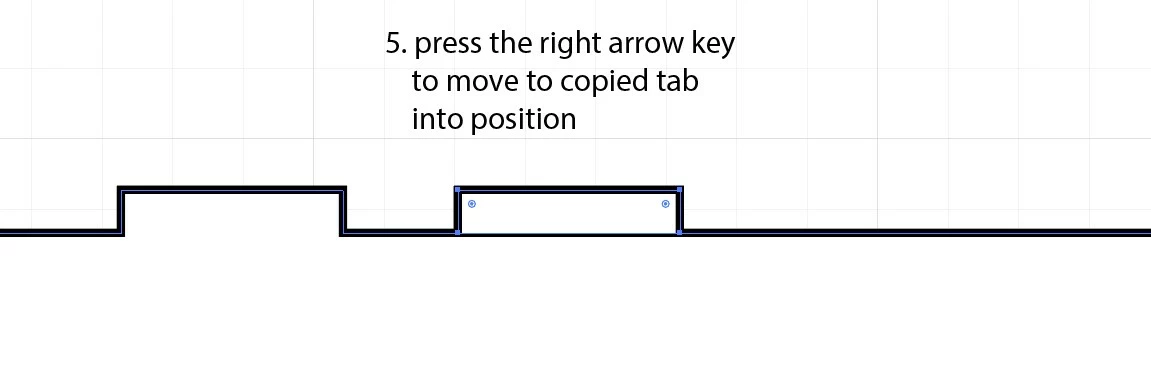
to copy tabs and slots manually

1 reply

Monika Gause
Community Expert
Community Expert
November 11, 2022

Could you perhaps make a sketch?


There are plugins that might be able to do it, but maybe there are also different ways.

Dr. Zee
Dr. ZeeAuthor
Participating Frequently
November 12, 2022

For instance this tab and slot. It would be great if I could select the 4 anchor points that make up the tab, copy them, then paste them further down the line. Same with the slot

Monika Gause
Community Expert
Community Expert
November 12, 2022

This is only a few anchor points and doesn't seem like much. The reason I'm having difficulty with it is that the position and dimenions of the tabs and slots hae to be exact, so I find I have to do elaborate guide positioning and measurements for each tab and slot throughout a project.


If I see it correctly, the Path Insertion from Xtream Path could do that: https://www.cvalley.com/products/xtreampath2/movies/