

Answered
Editing an open book mockup on Illustrator
Hello, everyone.
I have a mockup that I mistakingly believed to be in Photoshop format that I need to edit. I need to put the contents of a guide into it, but I don't know how to do that on Illustrator.
I have uploaded the files here in case anyone wants to take a look.
Illustrator Help - Files - Google Drive
If not, here's what I'm seeing:
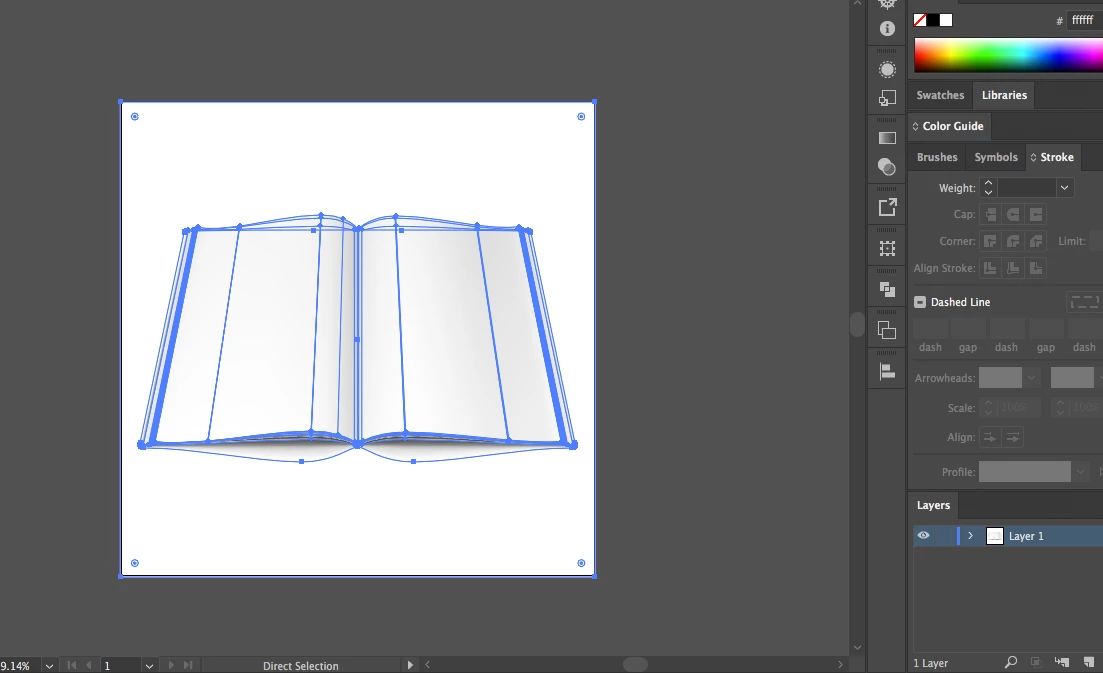
In Photoshop it's very easy to edit smart objects, but here, I have no idea how to drop the image into that layer and have it assume the same curve.
Can anybody help?
THANKS!
 AdChoices