
Answered
Editing Customize Bullets
With the new update illustrator includes:
"You can create custom bullets by using keyboard as follows:
- * <space>
- # <space>
- > <space>
- + <space>"
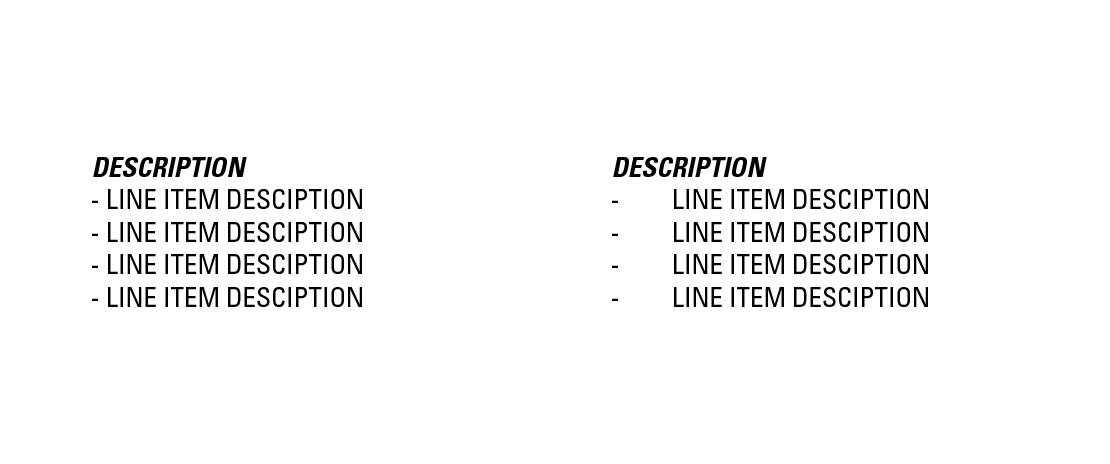
This also includes a "- <space>" that is precoded into illustrator. Our problem is that we use lists in our designs and need the "-" to NOT be a predefined bullet. Attached is an example of what we do on the left and on the right is what the dash and space does after the recent update.
Is there a way to disable the dash and space so illustrator does not treat the dash as a bullet point?
 AdChoices