
Participating Frequently
February 4, 2017
Question

editing red 3d check/tick mark symbol

  • February 4, 2017
  • 2 replies
  • 1118 views

hello to the gods of creations

please help me with this illustrator question as i am quite new to it

i have a client who would like to have the red 3d tick/check mark symbol, in the symbols panel, edited

but i some how cant do it i have done some colour editing , it to a gold fill with a black 1 point stroke

but the stroke looks bigger and i cannot make it smaller and make the fill area look bigger

also he wants the start point of the tick/check mark a little curved like the end/tail of it, also which i am unable to do

where can i send the file as an attachment for you to have a look please
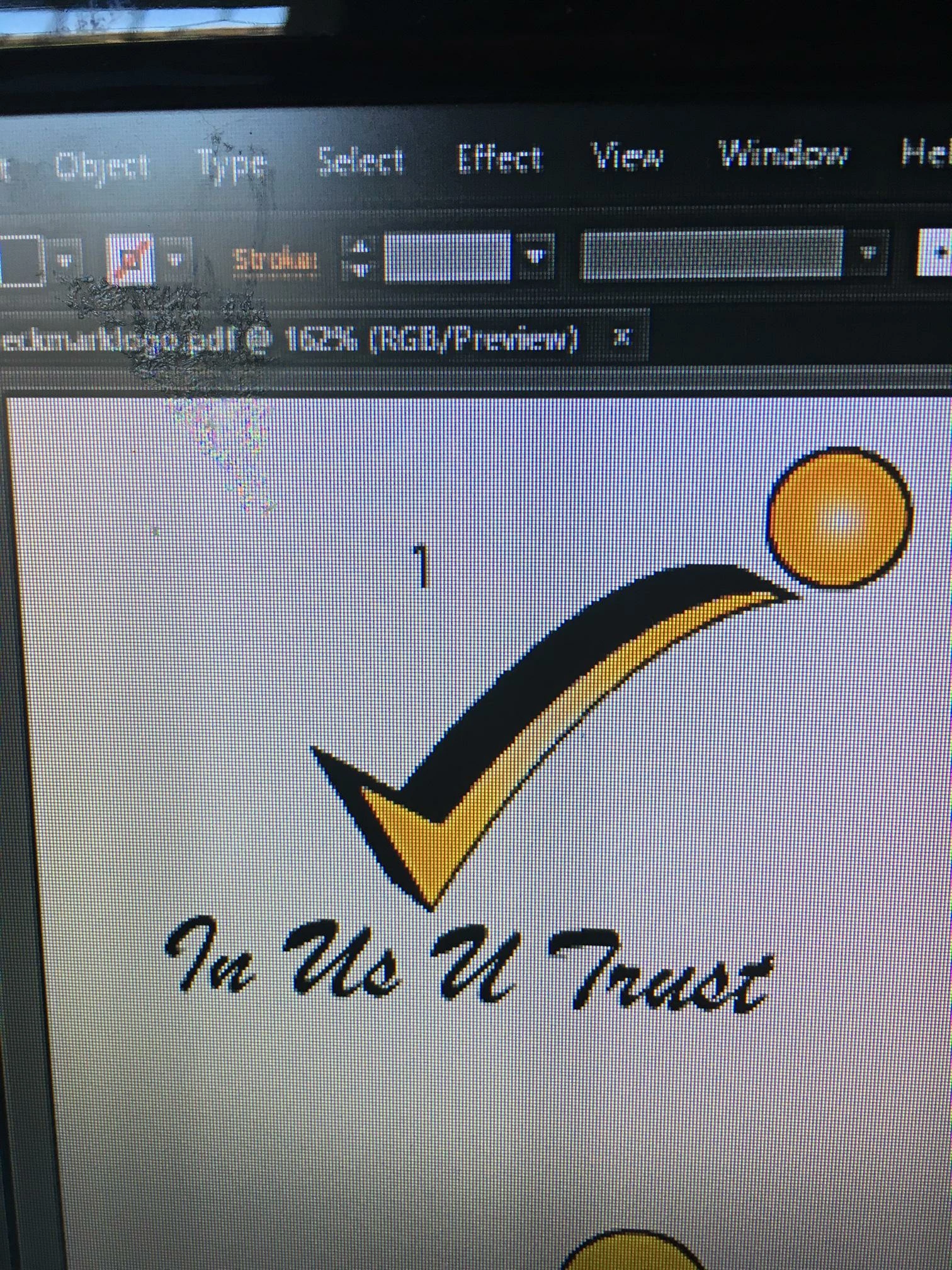
PLEASE HELP

    This topic has been closed for replies.

    2 replies

    jane-e
    Community Expert
    February 5, 2017

    vineetak38424631 wrote:

    please help me with this illustrator question as i am quite new to it

    i have a client who would like to have the red 3d tick/check mark symbol, in the symbols panel, edited

    but i some how cant do it i have done some colour editing , it to a gold fill with a black 1 point stroke

    but the stroke looks bigger and i cannot make it smaller and make the fill area look bigger

    also he wants the start point of the tick/check mark a little curved like the end/tail of it, also which i am unable to do

    Is this the Red 3D Check mark that you used?

    I have two copies and the top shape is in Outline view. The bottom is the symbol in Preview view.

    To edit the shape, you will need to use the direct selection tool and redraw it to get the curved tail.

    To edit the shading, you will need to

    • select the symbol

    • expand it 

    • click 3D Extrude and Bevel in the Appearance panel and make the edits there. Start with the Extrude Depth.

    This is a tough challenge for a beginner. Monika's suggestion for taking a class and learning the program is a great idea.

    Participating Frequently
    February 5, 2017

    thank u for both the solutions

    I am sadly on my way home from office

    but I am defy gonna try this once I reach

    let's see

    I hope it works

    where can I take the classes??

    Monika Gause
    Community Expert
    February 5, 2017

    There are a couple of options to take classes depending on the region you're living

    Authorized trainng centres:

    Adobe Partner Finder | Adobe Training & Certification

    There are also a lot of training offers without any Adobe certification, but still good.

    You will need to search for it online: adobe illustrator training [your region]

    Or use the yellow pages. Search local art schools.

    Larry G. Schneider
    Community Expert
    February 4, 2017

    Since this is an RGB based file, try turning off the Align to Pixel Grid.

    Participating Frequently
    February 5, 2017

    so sorry

    how can i do that

    could you please exlpain in steps so i can follow them to the T

    Please

    Monika Gause
    Community Expert
    February 5, 2017

    Which version is this?