
Editing text in a Stock Vector Logo
Hello. I am 100% new to AI so bear with me. I have gotten as far as opening the .ai file in Illustrator. I need to be able to edit/change the text and leave everything else alone. I read numerous threads and watched numerous videos. I keep seeing vids that show cutting the text and retyping what I want. Simple right? Nope. Doesn't work. Others have said to click on Create Outlines and take it over to a Fonts page and recreate it. Huh? No way I'm going to "recreate" when I see EXACTLY what I want, I just need it to allow me "to put my text here."
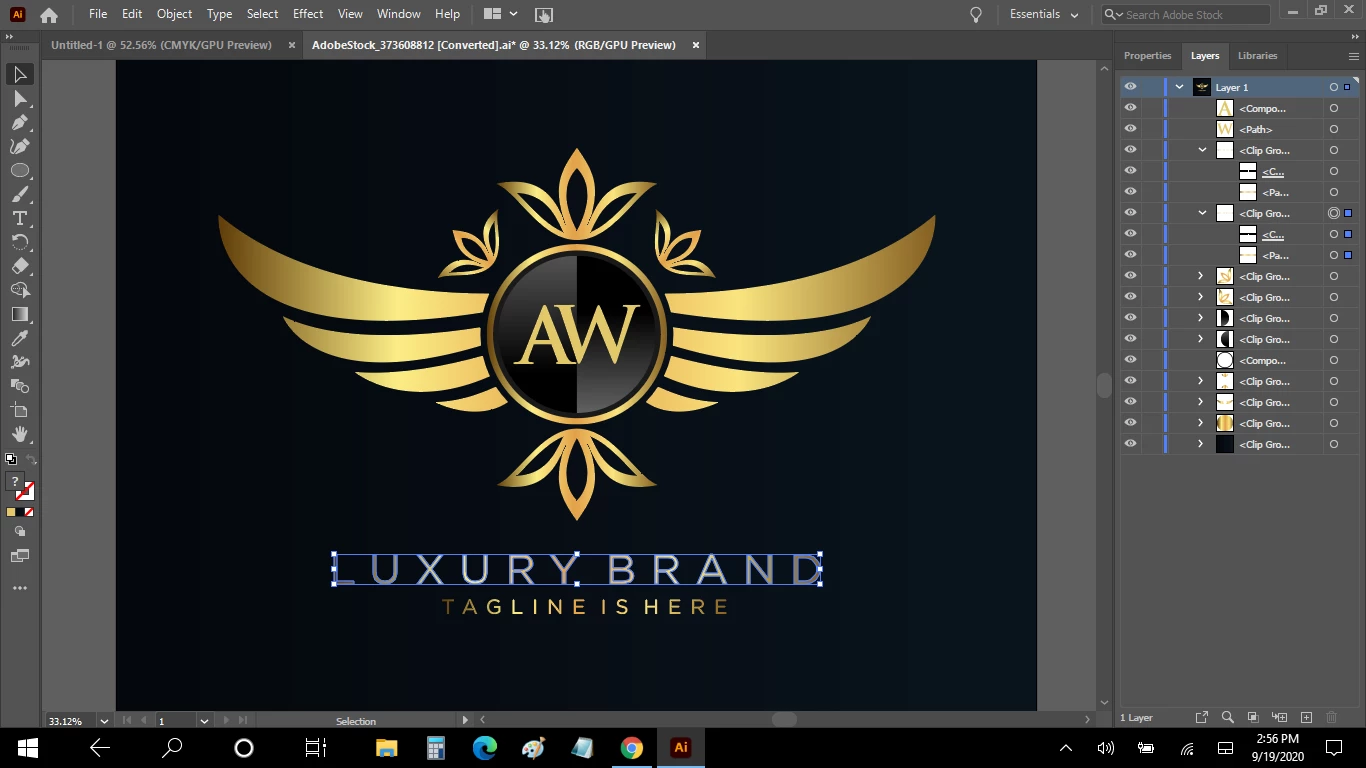
I've highlighted one line of text here. But I can not delete and change any letters. "Ungroup" is grayed out. I can not use it. "Create Outlines" is grayed out. Can't use it. Also "Type on a Path" is grayed out.
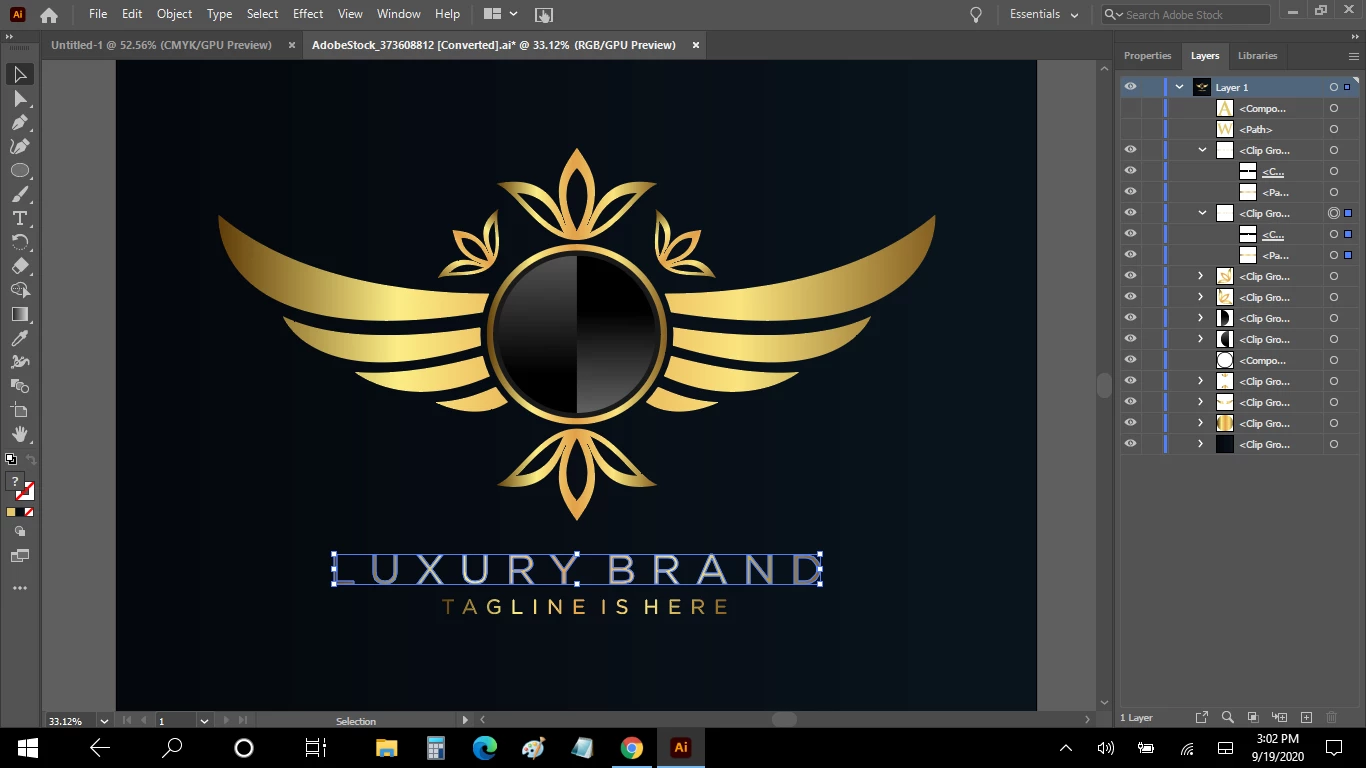
I was able to open the Layer Option and as you see here I can make a letter disappear but still can not change it to another letter.
If I click on the Text Tool and go to the text i want to change, ANY click of my mouse just inserts this teeny tiny bunch of black Latin language. Why? What is that?
I will tell you my final product if it is easier?
The A & W needs to be H M. The line of "LUXURY BRAND" needs to be "HALEY MOORE FOUNDATION" The "TAGLINE IS HERE" needs to be "DREAM BELIEVE ACHIEVE"
Help? TIA
 AdChoices