
Exit
  • Global community
    • Language:
      • Deutsch
      • English
      • Español
      • Français
      • Português
  • 日本語コミュニティ
  • 한국 커뮤니티
0

Email signature blurry for Gmail

New Here ,
Jun 08, 2023 Jun 08, 2023

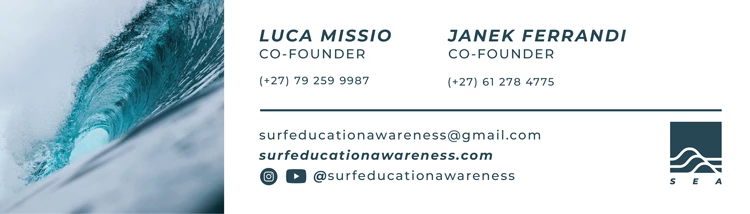
I have created an email signature dimensions 750px by 250px. I have tried saving it as PNG and JPG files in 300dpi (this is too large when placed into Gmail) 150dpi (size doesnt change but image becomes pixelated) and 72dpi (blurry but right size). Is there a way I can make this png crisp? 


I have turned my text to oulines and image has no mask on it. Email-sig-10.png
TOPICS
How-to , Import and export
3.0K
Translate
Report
Community guidelines
Be kind and respectful, give credit to the original source of content, and search for duplicates before posting. Learn more
community guidelines
Adobe
Community Expert ,
Jun 08, 2023 Jun 08, 2023

When viewed on here it doesn't look pixelated if i'm honest..? Well no more than you would expect from a .png or .jpg

Translate
Report
Community guidelines
Be kind and respectful, give credit to the original source of content, and search for duplicates before posting. Learn more
community guidelines
Community Expert ,
Jun 08, 2023 Jun 08, 2023
LATEST

There aren't enough pixels in it to be super crisp. You are probably viewing this on a HiDPI device. 


It's not a good idea to have this kind of email footer anyway. Images are turned off in many email readers automatically and then people don't see your information.

Translate
Report
Community guidelines
Be kind and respectful, give credit to the original source of content, and search for duplicates before posting. Learn more
community guidelines