Are your photos RGB? If so, what profile is assigned to them?
Conversely, are your photos already CMYK? If so, what profile is assigned to them?
Illustrator can only be in one color space, so it's either RGB or CMYK. It also matters what space you've assigned the document.
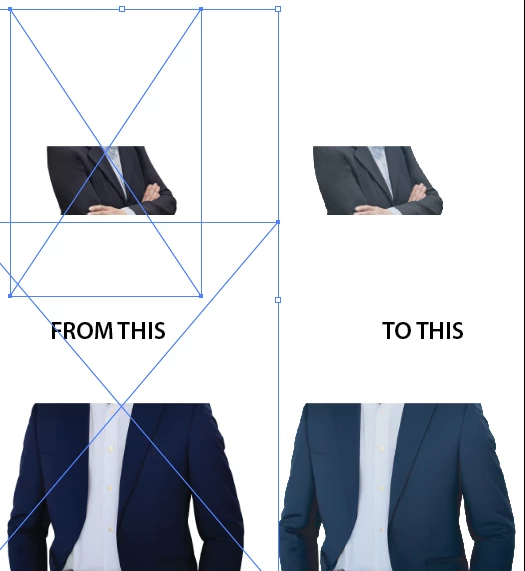
If your document is in CMYK, and you place an RGB image (Linked, as you should), it will display in the CMYK space you have defined in your color settings, which will be be quite different than the gamut of your RGB image. (btw, when Linked, the photo hasn't actually changed--you can see that by toggling your Document Color Mode between CMYK/RGB. If you photos were taken in a wide space like AdobeRGB or ProPhotoRGB, the difference will be quite marked.)
If your photos are already CMYK, but with a different profile than your working space, since your color settings are set to ignore profiles on CMYK images (Preserve Numbers), these photos will also look different.
If you embed the photos, the embedded copy is permanently converted to your CMYK working space, so make sure you keep your original around.

 AdChoices