
Known Participant
February 12, 2020
Question

Enabling GPU (NVidia GTX) in Adobe Illustrator

  • February 12, 2020
  • 1 reply
  • 6985 views

Is there a way to let Adobe Illustrator work only with the dedicated Graphic Card? I have a NVidia GTX 1650, and despite having already enabled "High-Performance GPU" in its control panel, it seems like Adobe Illustrator is using only the integrated GPU (Intel HD 630).
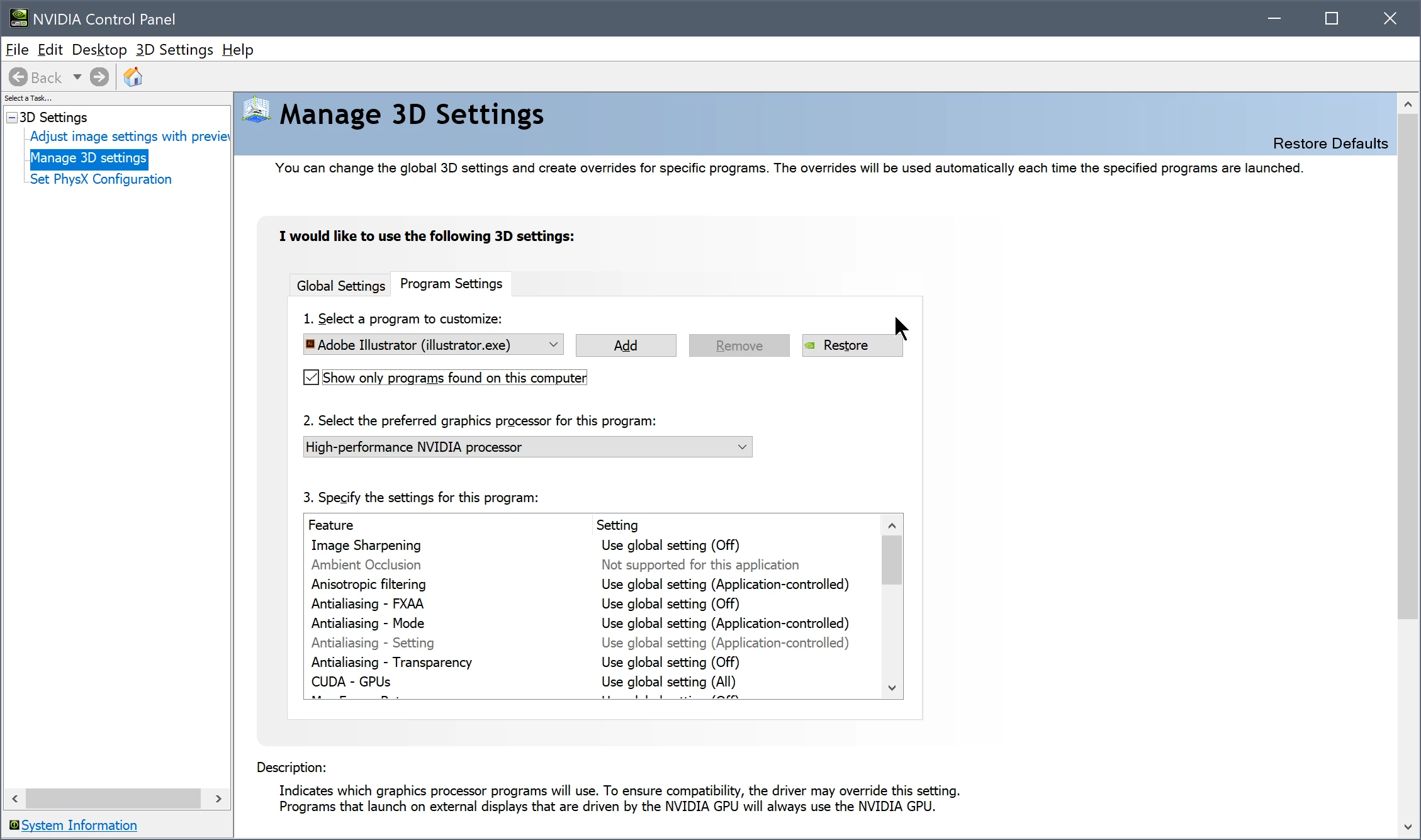
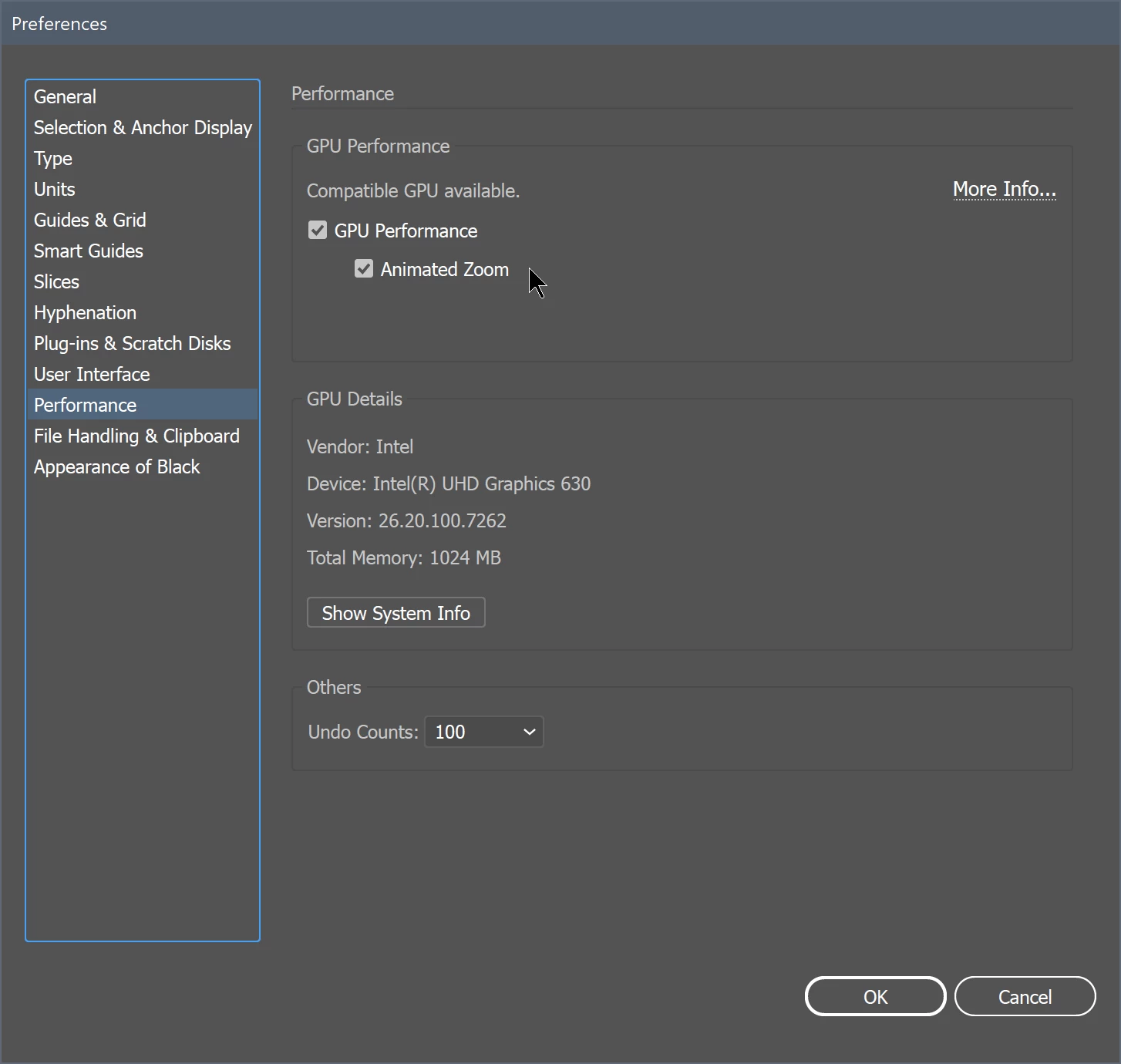


Please, don't suggest me to post other computer details or recommend to download/update the app to the latest version. The PC is brand new and everything has already been updated.


This topic has been closed for replies.

1 reply

Legend
February 16, 2020

Is thge graphic card CTX 1650 an outborad graphics card? Yes. Is it connected to an external display? Yes.

Therefore that card is always used. I have a similar card, and never have paid any attention to Nvidia Control panel.

just  get assured you have enabled High Performance GPU in Illustrator Preferences.

If you do not get the results expected it may have relation to available memory, CPU and artwork complexity.

Known Participant
February 16, 2020

Dear @federico_platon, thanks for your reply, but, unfortunately, my issue is not resolved yet. 


I'm using a DELL XPS.


The card isn't connected to an external display.


It's already enabled High Performance GPU in Illustrator. 


Legend
February 16, 2020

I had seen some separated cards using that GPU processor. I know now it's a portable model.

Illustrator allows with that preference, -High Performance GPU in Illustrator-, to use the CPU or the GPU to display your artwork. BUT it does not switch between the TWO graphic processor units (Nvidia and Intel) available on your computer. Consult your Dell documentatio to know how to work with one or the other.