
Enhancing the magnet effect in Adobe Illustrator: precision, workflow and custom grids
Improve the snap effect in Adobe Illustrator: Enhancement for precise and intuitive design
Introduction:
Adobe Illustrator is a benchmark for creating vector graphics, but the snapping effect, while useful, needs an upgrade to offer greater efficiency and fluidity in the creative process. In this proposal, I outline innovative features that would elevate the user experience and unlock new design potential.
1) Advanced Magnetic Docking:
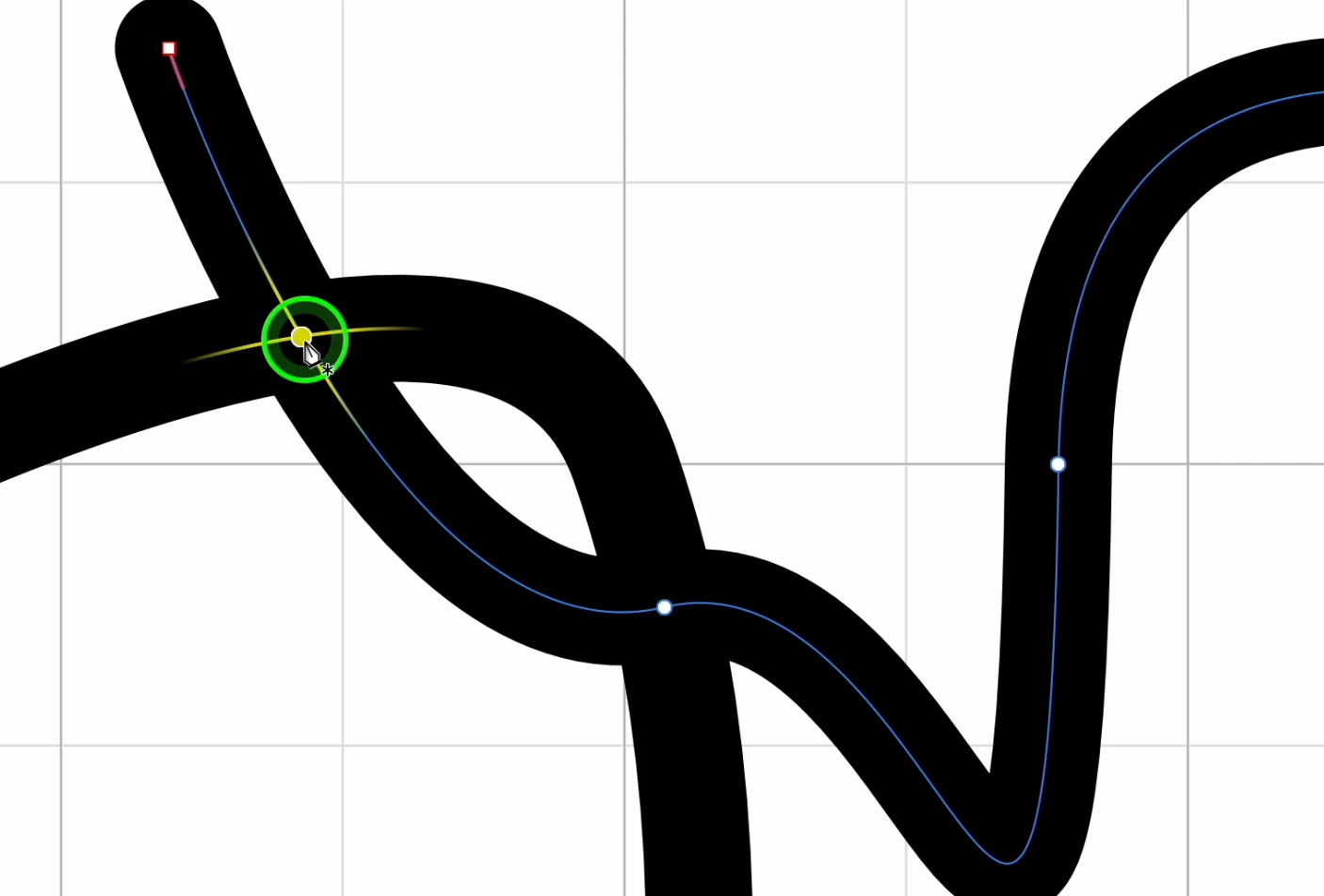
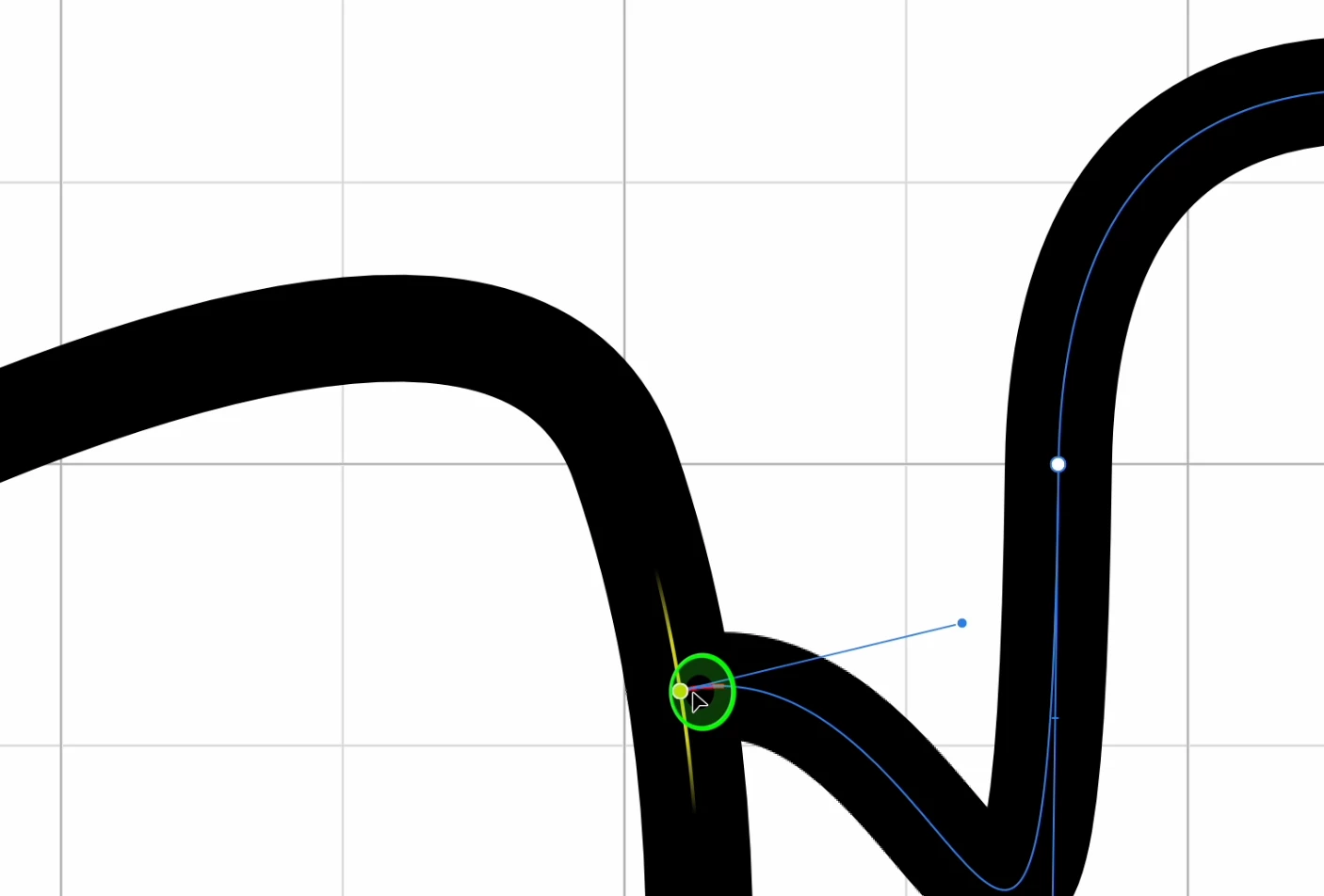
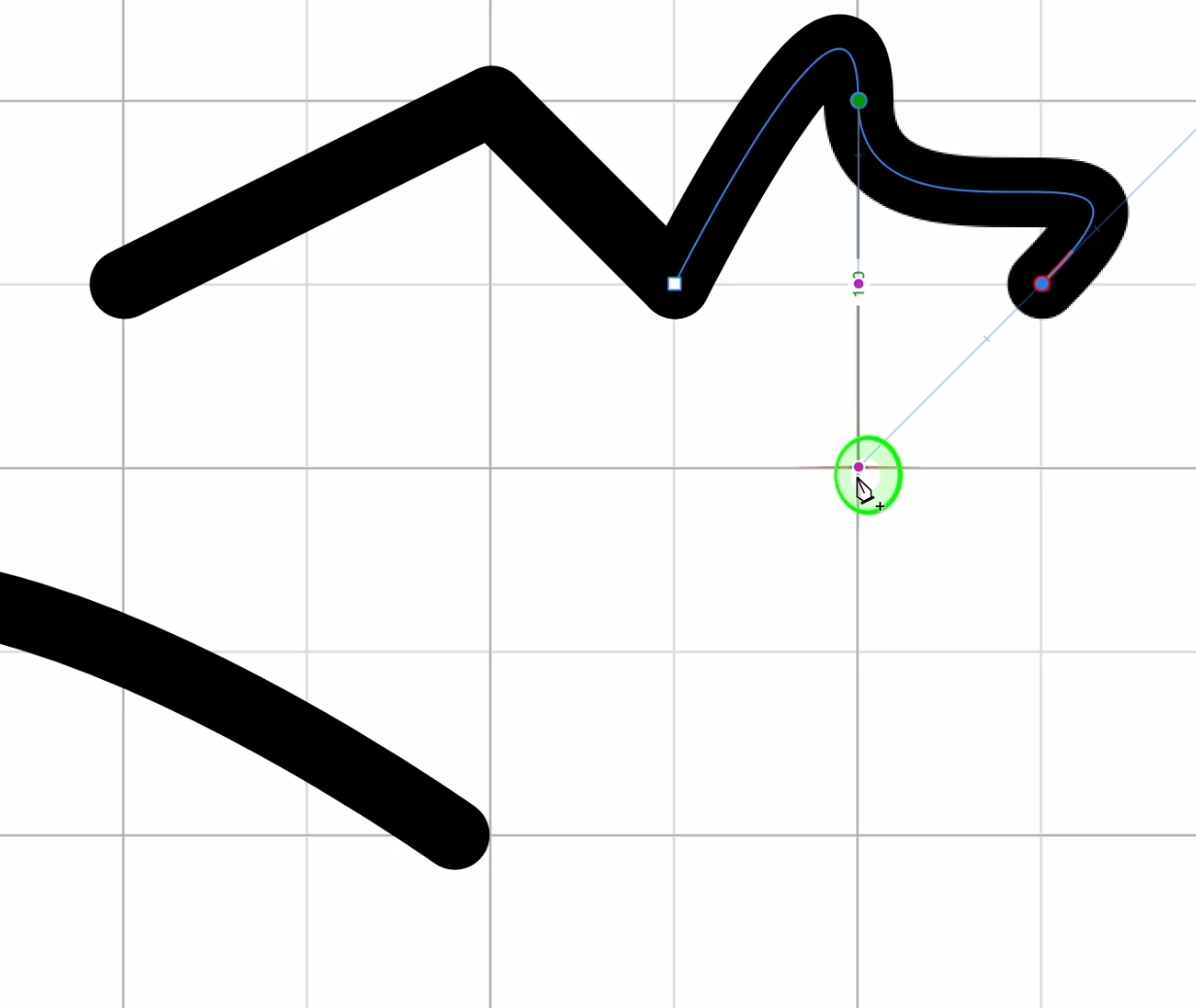
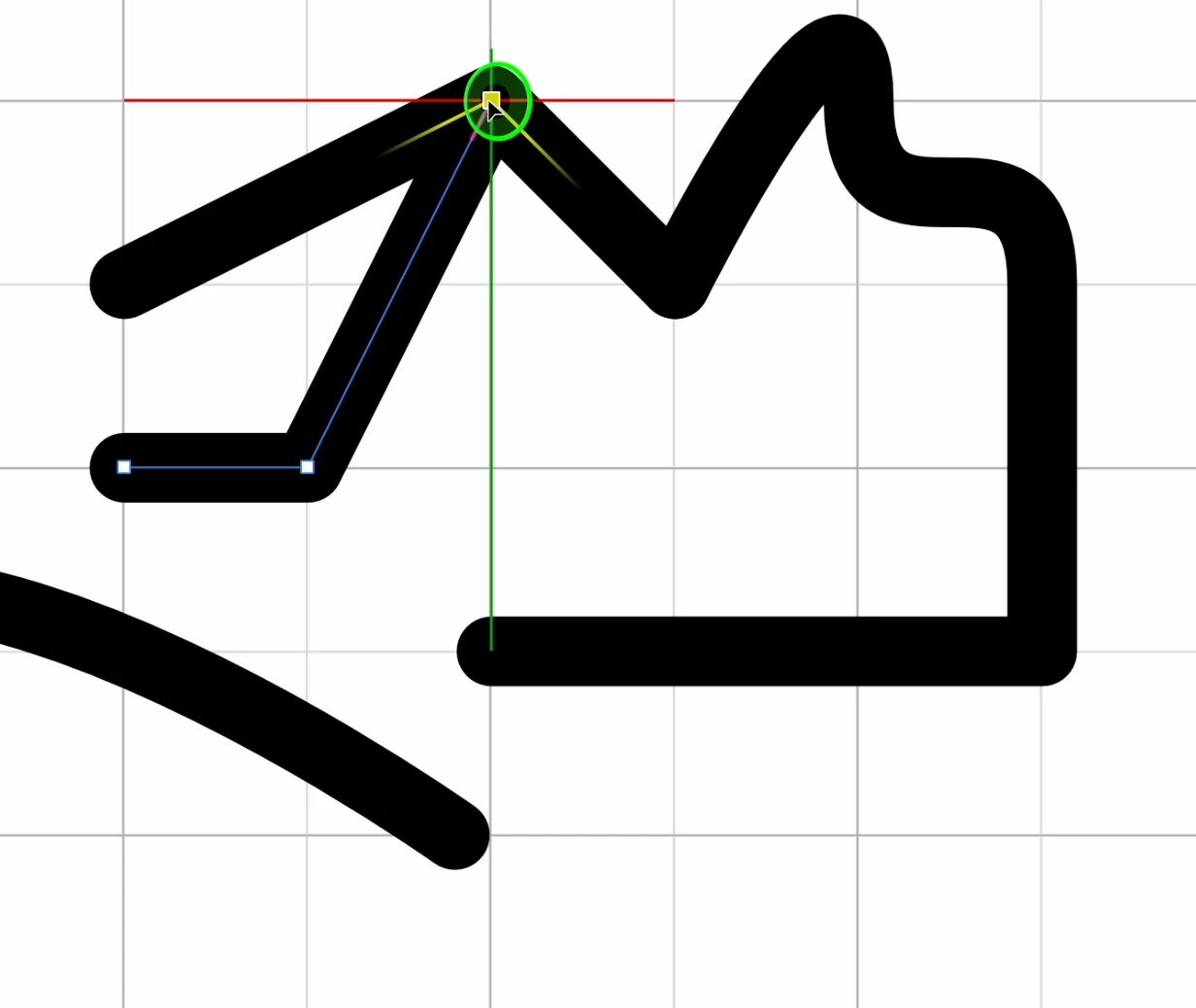
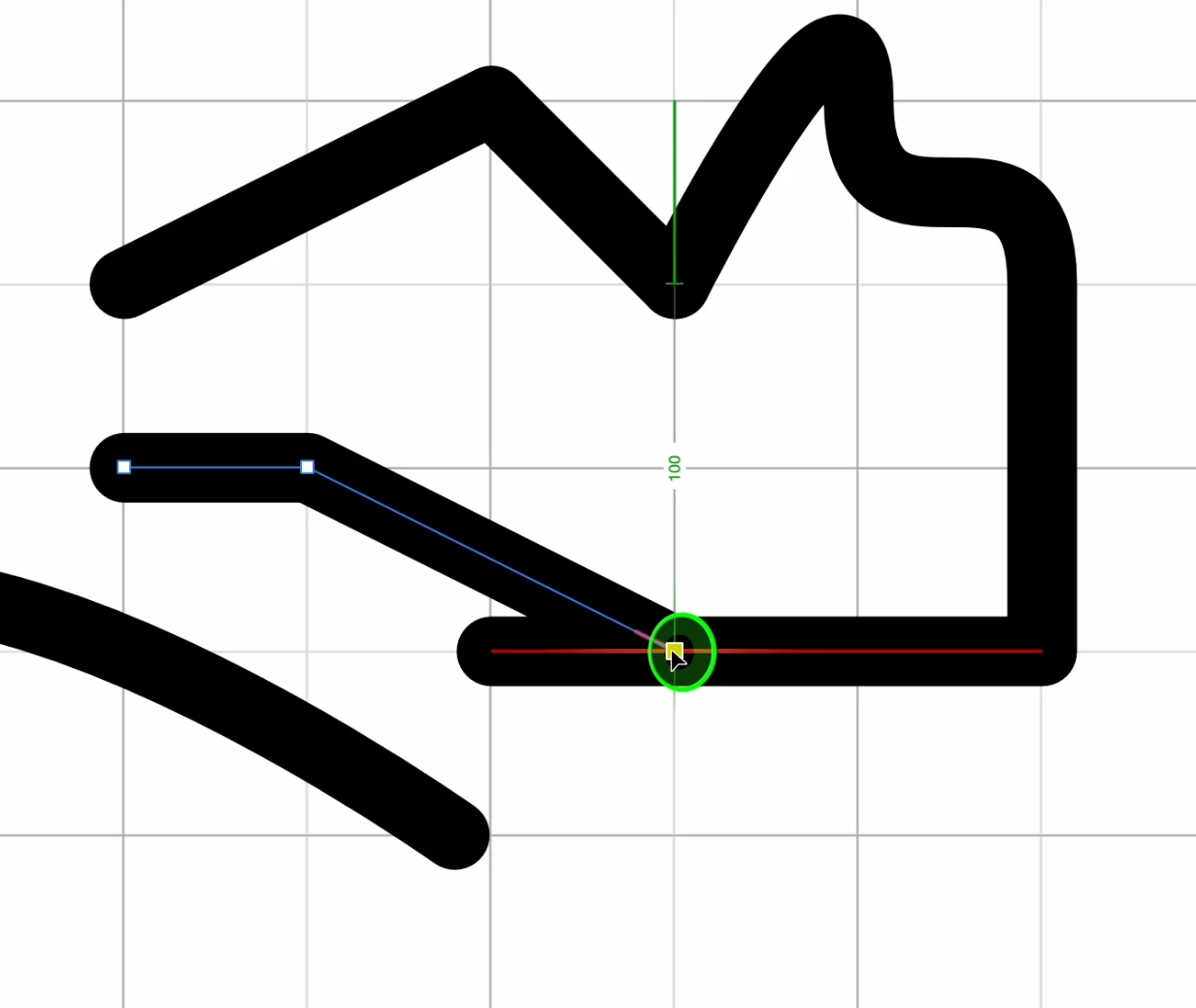
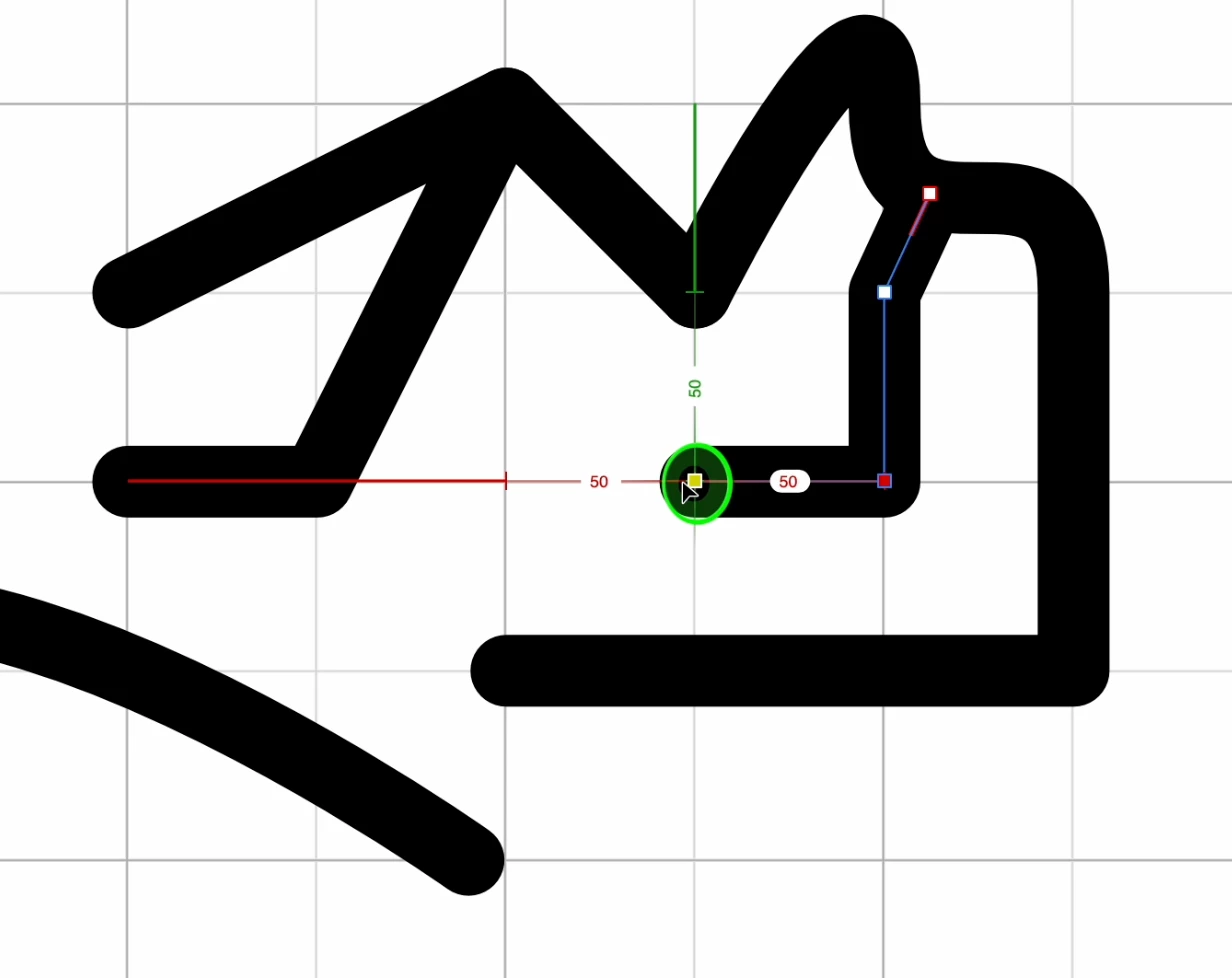
Introducing an intuitive magnetic docking system that automatically connects the end of a path to another existing path, dramatically simplifying workflow.
Implementation of direct magnetic attachment to the edge of the canvas, eliminating the need for manual measurements and speeding up the positioning of the elements.
Option to keep the magnetic attachment active even while using other magnet effect functions, ensuring maximum flexibility and control.
2) Custom grids for unprecedented precision:
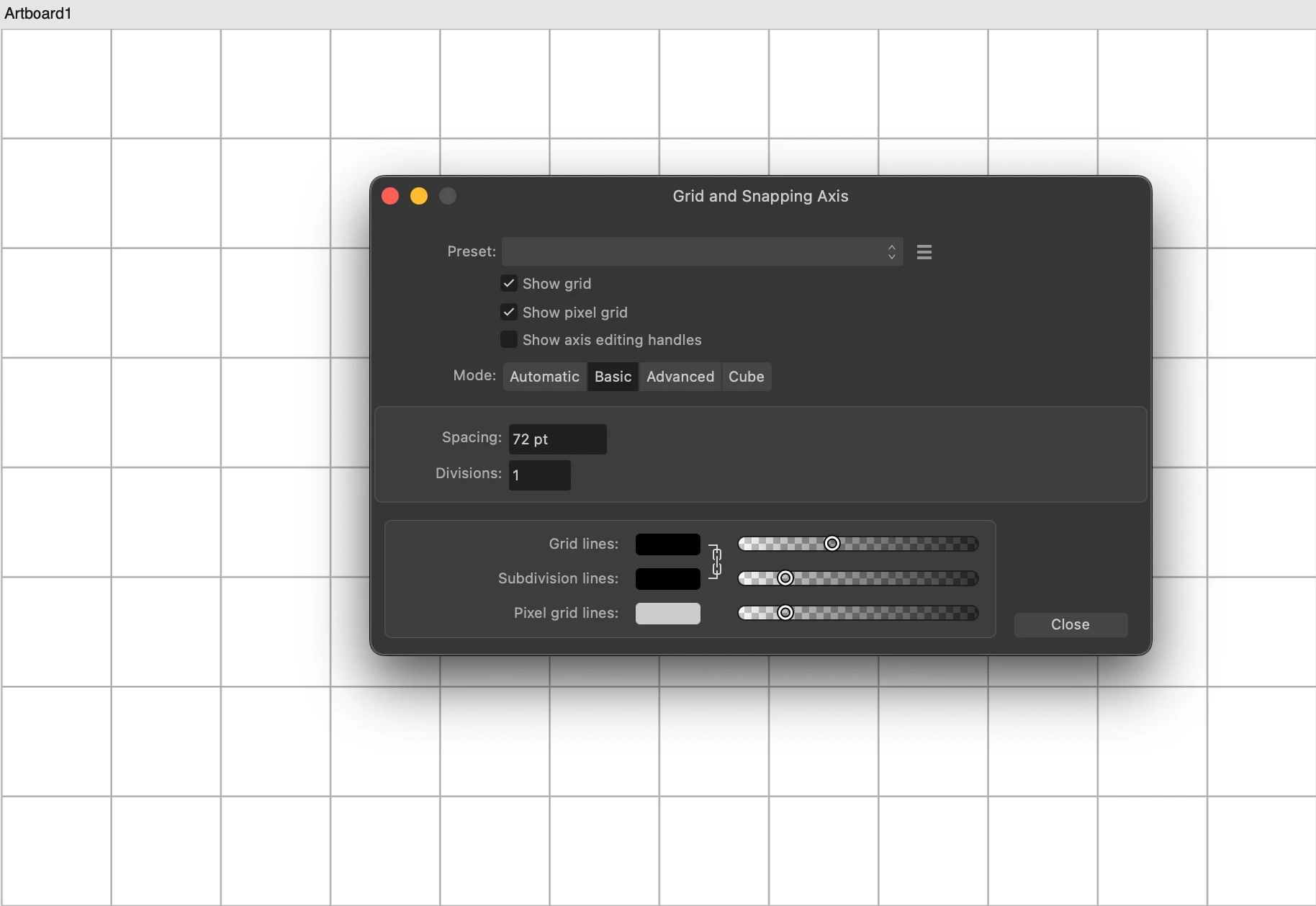
Implementation of the ability to create basic and advanced grids, including hexagonal shape, to meet the needs of various designs.
Introduction of tools for fully customizing grid distances and dividers, offering fine-grained control over element placement.
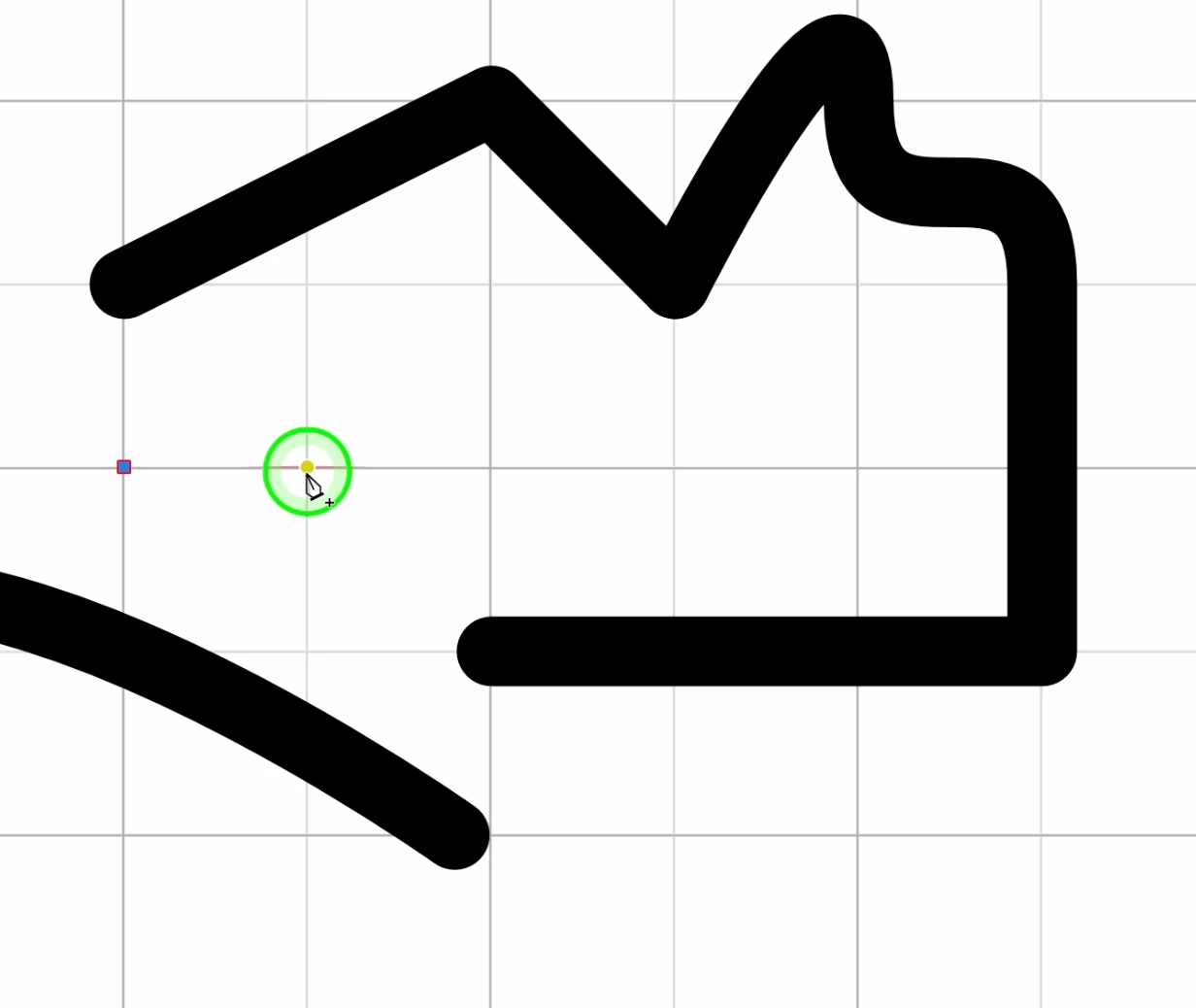
Enabling magnetic snapping of the end of a path directly onto the custom grid, ensuring a perfect fit and flawless design.
3) Optimized Workflow and Smooth Connections:
The new magnetic snapping and custom grid features will work together to optimize workflow, allowing designers to create complex layouts with extreme ease and precision.
The ability to magnetically connect paths and grids will eliminate the need for repetitive manual adjustments, freeing up time for creativity and exploring new ideas.
The flexibility of the magnetic coupling system will guarantee fluid connections between the elements, allowing you to create harmonious and coherent designs.
Conclusion:
Implementing these new snap features in Adobe Illustrator would represent a significant leap in efficiency, accuracy, and versatility for designers. We trust that Adobe will welcome these proposals and consider them for future software development, allowing Illustrator to maintain its leadership role in the vector graphics landscape. (translated) 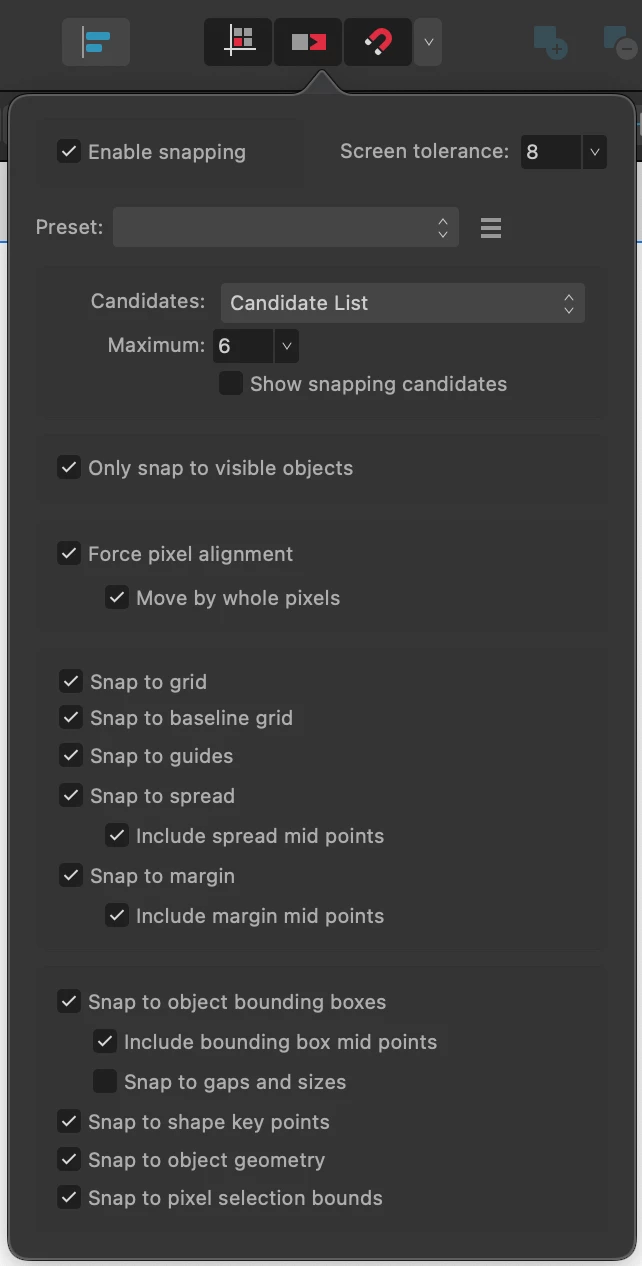
 AdChoices