Participating Frequently
June 5, 2025
Answered

Envelope Distort > Make with top object.

  • June 5, 2025
  • 2 replies
  • 2099 views

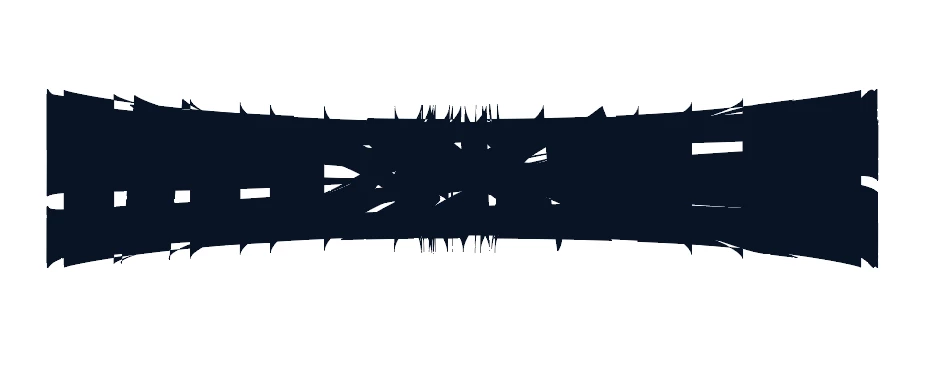
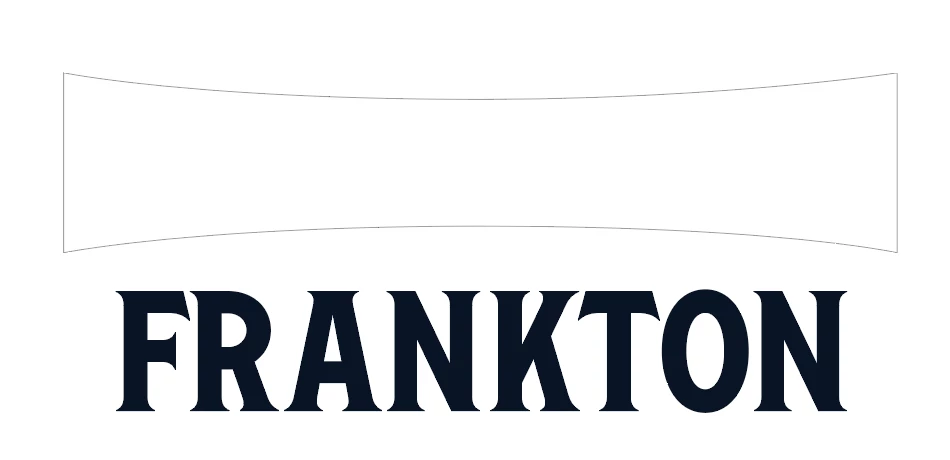
I am having trouble getting the text to show up in a readable format. I have my shape on the top and select my outlined text and when I "make with top object" it becomes a jumbled mess and I have messed with the Fidelity settings but that hasn't fixed my problem. I am trying to redraw a poor version of an AI logo that I client liked but correcting all the errors. I am not sure what I am missing to have it fit in the shape. 
Correct answer Ton Frederiks

Object > Path > Reverse Path Direction for the top object seems to make it behave.

2 replies

Kurt Gold
Community Expert
Community Expert
June 5, 2025

This mess is not normal when using envelopes.


Can you share the file that behaves as shown in your screenshot?

Participating Frequently
June 5, 2025

I watched a bunch of youtube, and I agree. I either am missing something or its just acting super weird. 

renél80416020
Inspiring
June 6, 2025

Bonjour à @Burned by Renee 

Je n'ai pas vu la vidéo, mais je préconise d'utiliser un simple rectangle puis de modifier l'enveloppe.

René

Monika Gause
Community Expert
Community Expert
June 5, 2025

You need to prepare the envelope.

Such as here: https://youtube.com/shorts/fH9-YXw4FkU 

Participating Frequently
June 5, 2025

I am pretty sure that I did what you are saying, I know yours isn't in english, but I followed the concept. I am gonig to attach the file, maybe I am missing something. I looked at some of your other replies to this question from other people and I wasn't getting it to work. 

Monika Gause
Community Expert
Community Expert
June 6, 2025

I don't know if you attached the file yet.

You would need to do that via the forum's web interface. Also: change the file extension to .pdf