Known Participant
May 27, 2022
Question

EPS INCOMPLETE, WHAT'S HAPPENING?!

  • May 27, 2022
  • 2 replies
  • 516 views

Hey, guys, it's been a couple of months since I've downloaded an EPS file,


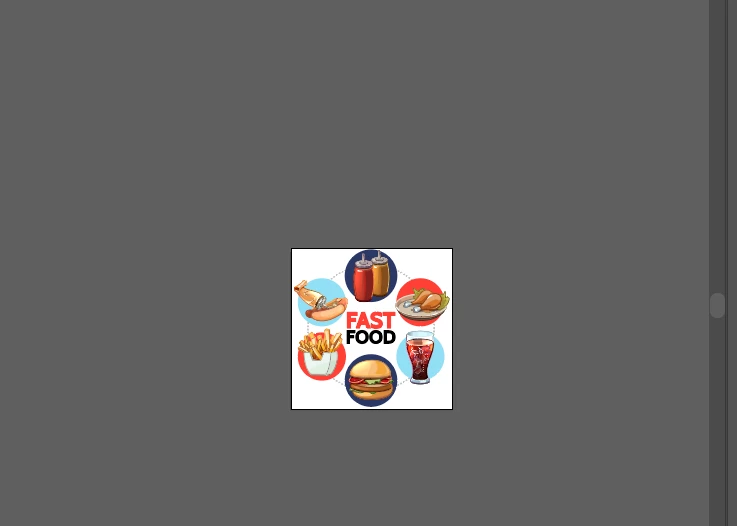
And when on the home screen it shows up like that
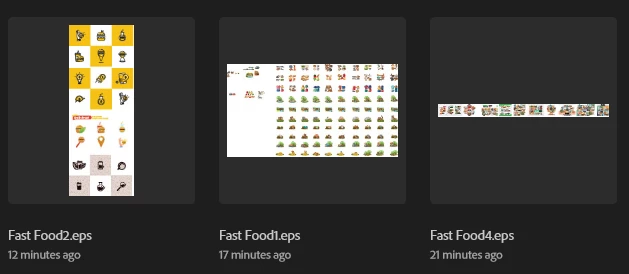
 

but when I open any of these files, this is what happens
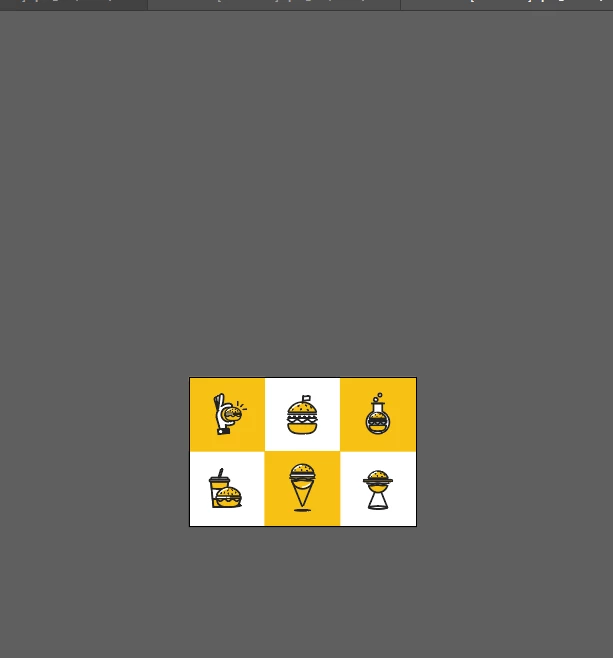
I've tried everything I know, I even asked for help, but none of those who helped seems to know how to fix it.
It's not a mask, ctrl + shift +h don't work and ctrl + alt +3 neither.

This topic has been closed for replies.

2 replies

Monika Gause
Community Expert
Community Expert
May 27, 2022

See Mark's answer about the EPS. This happens quite frequently that the embedded preview doesn't reflect what's actually in the file.


Did you just download the file for free or did you pay for it? If the latter: complain to the seller that they should check this.

m1b
Community Expert
Community Expert
May 27, 2022

Hi @LanaSt, are you able to post the eps file for us to look at? Then I might be able to give a better answer.


EPS files usually have a raster image preview that is shown in the home screen and elsewhere, but unfortunately there are cases where this preview doesn't exactly match the real file's contents. Perhaps that has happened. Or it could be something else going on. EPS files are not as popular these days which is probably a good thing.

- Mark

LanaStAuthor
Known Participant
May 27, 2022

Yeah, sure!

Oh, I had no ideia EPS was no longer used, I'll convert them later then, but yeah, lemme know if you need another file

m1b
Community Expert
Community Expert
May 27, 2022

Thanks. Well the bad news is that your eps file just has the four icons. However I can confirm that it does also contain a preview of all the others too, like you describe. I'm not sure, but I think this might be a bug in Illustrator when exporting a single artboard from a document with more artboards or more objects. Sorry I couldn't help.

- Mark