
JDMerry
Participant
February 19, 2021
Answered

Equally distancing text around a path

  • February 19, 2021
  • 3 replies
  • 555 views

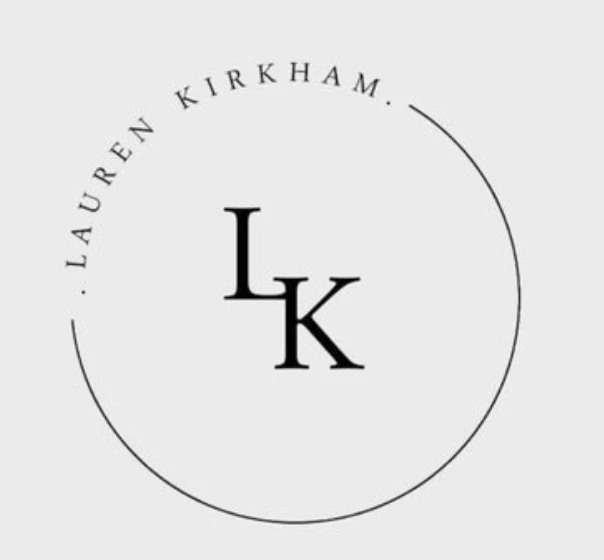
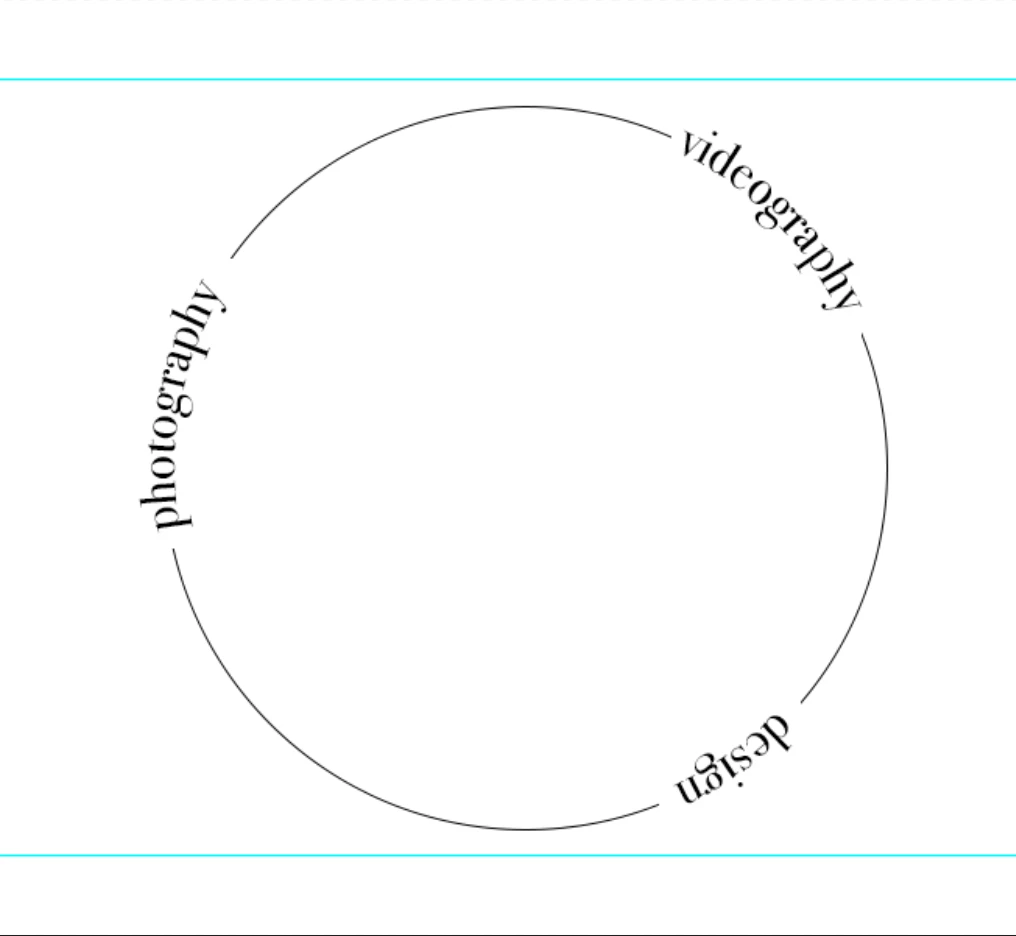
I am trying to type multiple pieces of equally distanced text around a cirlular path. I know how to type on a path but what I want to know is; is there a way to type separate pieces of text around the same cirlce and make them equally distanced from each other? This is an example of a logo that does what I want to but with only one piece of text, as well as an attempt I made in photoshop but the text is not spread evenly around the circle how I would like it to be. (I have attempted it in Photoshop because I have more experience with it than I do Illustrator, but I understand that Illustrator is generally better logo design and text manipulation so I thought I'd ask here)
This topic has been closed for replies.
Correct answer Kurt Gold

I typed the following line into a regular point type frame and set it to "Justify all lines" in the Paragraph palette:


 ngised photography videography


Then I highlighted the first word and rotated it by 180 degrees in the Character palette. After that I copied the entire line, drew a circle, took the Type on a Path tool, clicked on the edge of the circle and pasted the clipboard. In the Character palette I modified the baseline shift for each word a bit.


Pretty cranky, isn't it?


3 replies

Kurt Gold
Community Expert
Kurt GoldCommunity ExpertCorrect answer
Community Expert
February 19, 2021

I typed the following line into a regular point type frame and set it to "Justify all lines" in the Paragraph palette:


 ngised photography videography


Then I highlighted the first word and rotated it by 180 degrees in the Character palette. After that I copied the entire line, drew a circle, took the Type on a Path tool, clicked on the edge of the circle and pasted the clipboard. In the Character palette I modified the baseline shift for each word a bit.


Pretty cranky, isn't it?


Larry G. Schneider
Community Expert
Community Expert
February 19, 2021

Good job, Kurt 😉👍

Kurt Gold
Community Expert
Community Expert
February 19, 2021

Caution, this method is a bit whimsical.


https://drive.google.com/file/d/1gSDTVTgCWDZzgF_3k9HiaZtyqrswLL-s/view?usp=sharing


(AI format CC 2020)


JDMerry
JDMerryAuthor
Participant
February 19, 2021

Thank you so much! could you explain how you did it?

JDMerry
JDMerryAuthor
Participant
February 19, 2021

Also, is it possible to/how do I flip the text at the bottom of the circle so that it is the right way up?