
New Participant
January 8, 2020
Question

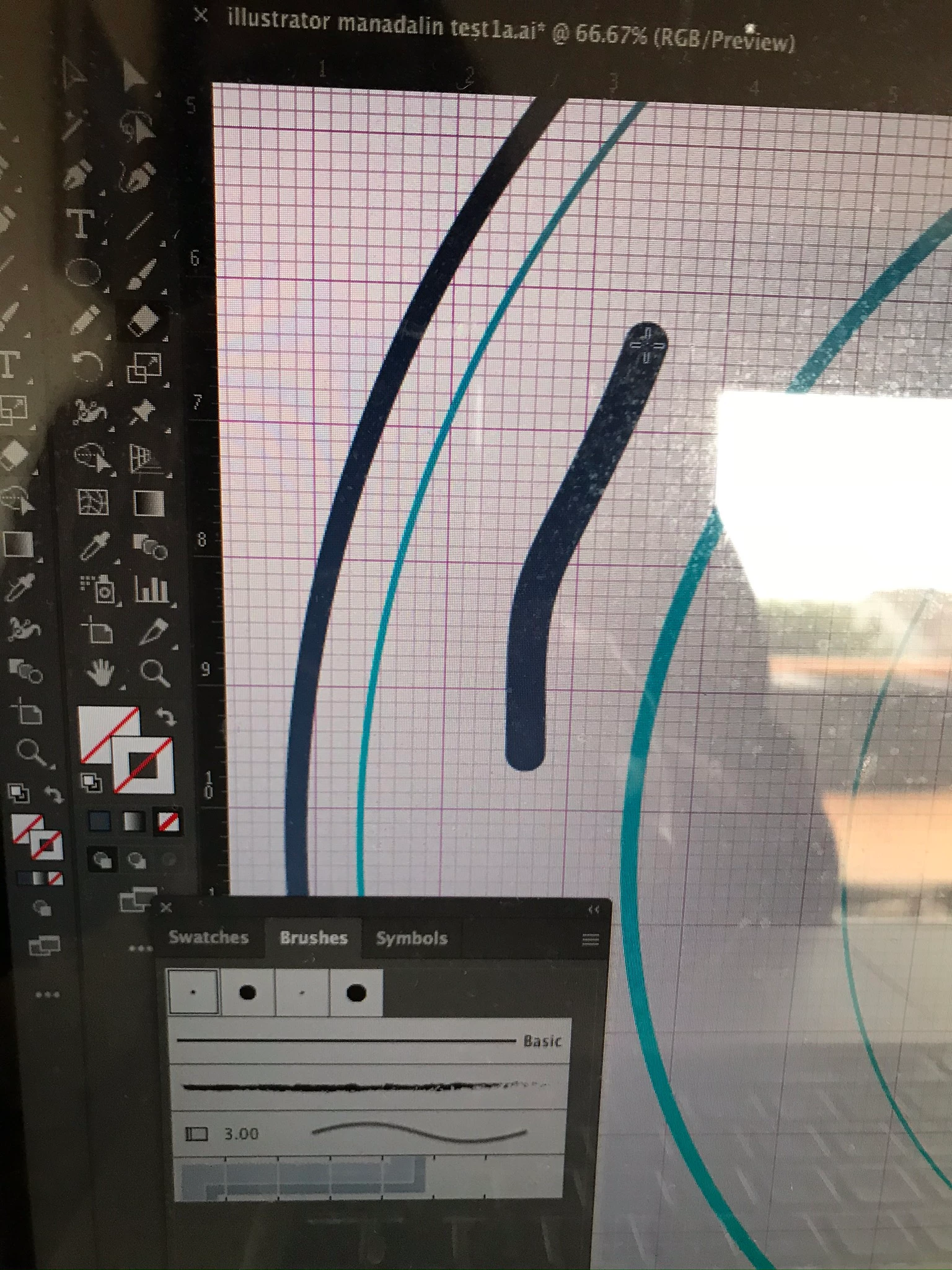
Eraser tool painting and not erasing.

  • January 8, 2020
  • 1 reply
  • 1041 views

Help, I have the fill and stroke set to invisible.  When I use the eraser tool (the one that looks like a block and not the path eraser), it looks like it’s erasing then as soon as I release the tool it fills in whatever I did with a color. The dark grey mark is where I ran the eraser over. It started as blank then switched to grey when I released the tool. Thanks for any help.


This topic has been closed for replies.

1 reply

Ashutosh_Mishra
Inspiring
January 8, 2020

Hi there,


Thanks for reaching out. I'd recommend checking out the help article https://helpx.adobe.com/illustrator/using/editing-paths.html#erase_artwork to know how Eraser tool works.
If you are using it correctly and it is not working as expected, you may try resetting the preferences. Please follow instructions on 

https://helpx.adobe.com/illustrator/using/setting-preferences.html#setting_illustrator_preferences 


Please note that resetting preferences will remove all the custom settings and Illustrator will launch with default settings. You can also take a backup of the folders in case you want to. Location is mentioned in the article.

Hope it helps.


Regards,

Ashutosh


New Participant
January 8, 2020

Thank you! Very helpful:)