
Answered
eraser tool painting instead of erasing in Adobe Illustrator
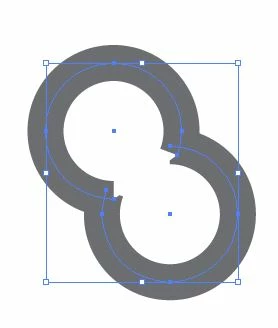

The first image on the left above shows my starting point. I want to erase the 4 sharp points in the inside of the overlapping circles so they look smooth. However, when I select the eraser tool and click+drag it over the points on the inside/left of the image, I get the result shown in the second picture above. What am I doing wrong? The circles are not grouped together but they are in the same layer.
 AdChoices