Exit
  • Global community
    • Language:
      • Deutsch
      • English
      • Español
      • Français
      • Português
  • 日本語コミュニティ
  • 한국 커뮤니티
0

Error Message When I Save a File as a Template

Engaged ,
Jul 25, 2018 Jul 25, 2018

Hi,

I want to set up some files as templates I can easily access. 

When I do File > Save As Template, and then name the template file and click 'save', I get an error message: "Can't save the illustration. You do not have enough access privileges". 

Screenshot is below.

Does anyone know what is causing this, and how to correct it?
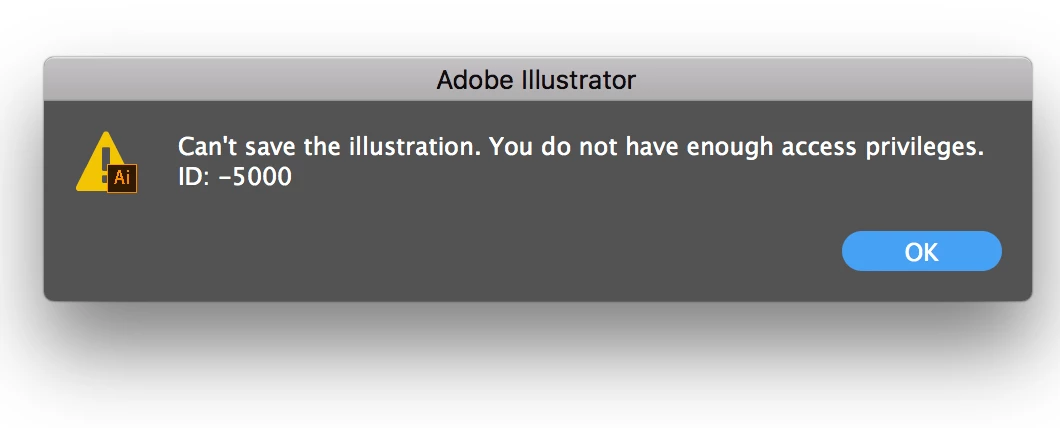
error.png

Thanks,

Paul.

1.1K
Translate
Report
Community guidelines
Be kind and respectful, give credit to the original source of content, and search for duplicates before posting. Learn more
community guidelines
Adobe
Community Expert ,
Jul 25, 2018 Jul 25, 2018

Just as the dialog box says.

Use the disk utility to check privileges and have them repaired if necessary.

Are you logged in as an Admin?

Translate
Report
Community guidelines
Be kind and respectful, give credit to the original source of content, and search for duplicates before posting. Learn more
community guidelines
Engaged ,
Jul 25, 2018 Jul 25, 2018

I don't know how do to this? What do i need to do?

Translate
Report
Community guidelines
Be kind and respectful, give credit to the original source of content, and search for duplicates before posting. Learn more
community guidelines
Community Expert ,
Jul 25, 2018 Jul 25, 2018
LATEST

The disk utility is in the Utilities folder in the Applications folder.

Repair disk permissions with Disk Utility - Apple Support

Translate
Report
Community guidelines
Be kind and respectful, give credit to the original source of content, and search for duplicates before posting. Learn more
community guidelines