Exit
  • Global community
    • Language:
      • Deutsch
      • English
      • Español
      • Français
      • Português
  • 日本語コミュニティ
  • 한국 커뮤니티
0

Error when trying to open cloud documents

New Here ,
Apr 30, 2021 Apr 30, 2021

I prefer sketching on my iPad then further editing on my laptop but having an issue opening the document on another device.
I'm quite new to illustrator so maybe there's an obvious way to fix this that I'm unaware of.
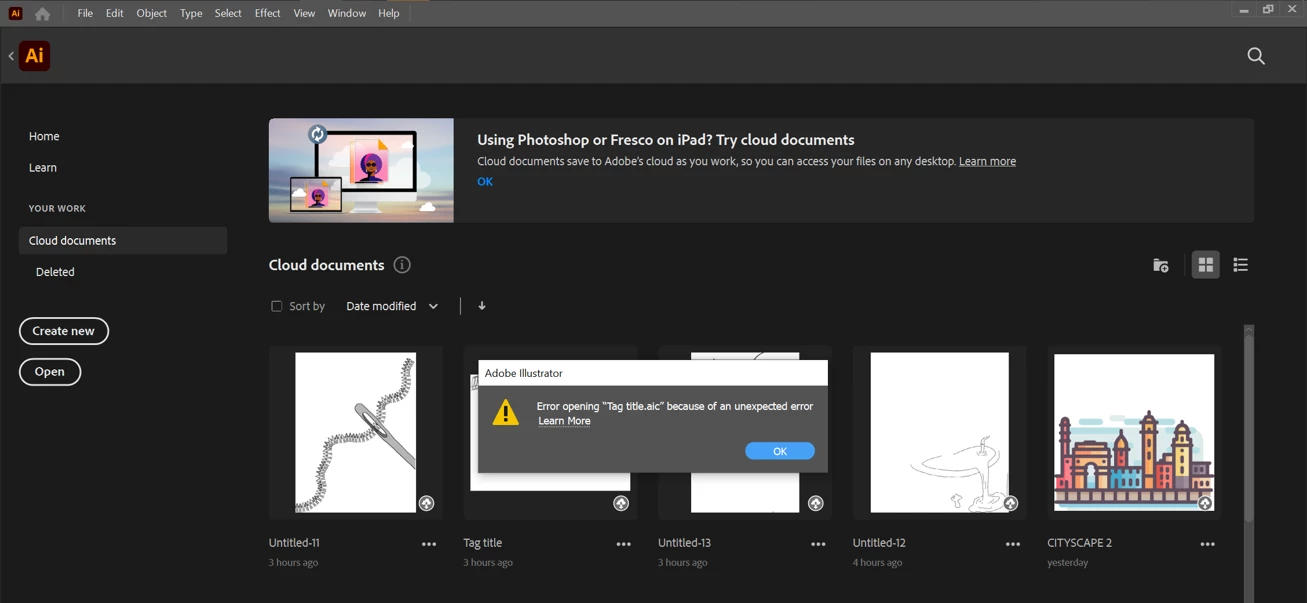
I face an issue when trying to open cloud documents, it tells me "one or more documents could not get downloaded" no matter how many times I try. Then following that message another appears saying "error opening"


I've shown below what happens anytime I try to open a cloud document

Does this happen to anyone else and does anyone know how I can stop this from happening?
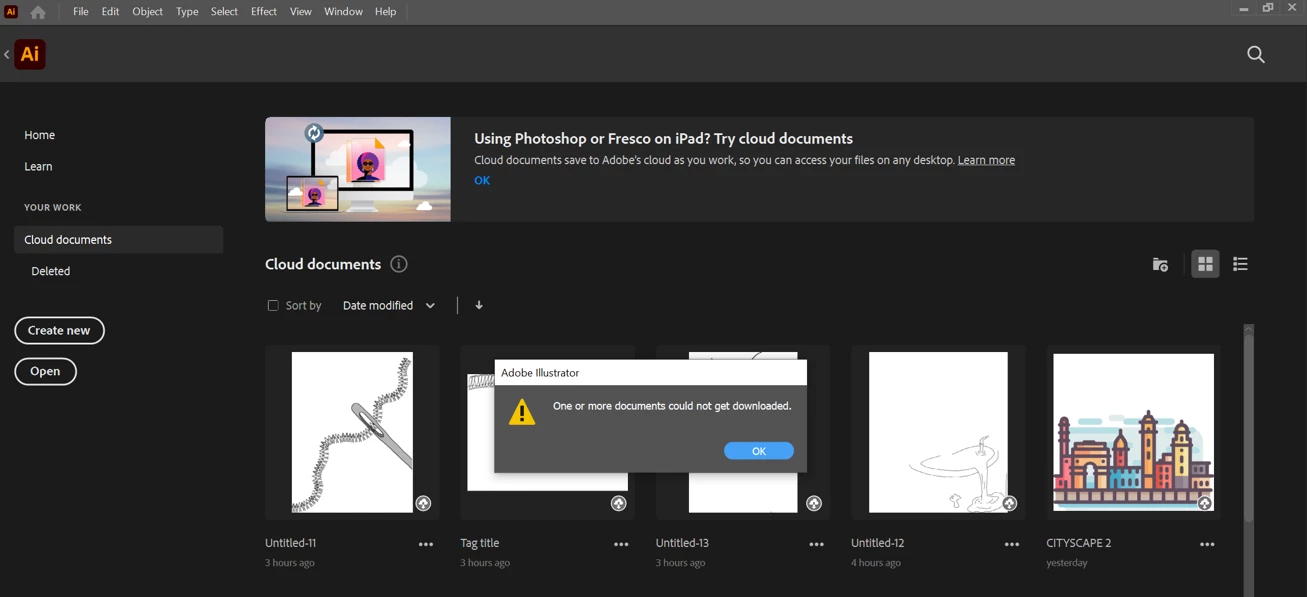
DD7E691A-C378-4A8D-991F-2184B476C912.png


12C63309-4E5C-47E1-8D02-8EF6FDC6A4A4.png

TOPICS
Bug , Import and export
178
Translate
Report
Community guidelines
Be kind and respectful, give credit to the original source of content, and search for duplicates before posting. Learn more
community guidelines
Adobe
LEGEND ,
Jun 02, 2021 Jun 02, 2021
LATEST

Hi there,


Apologies for the delayed response. I hope your issue is resolved now. 

If you still have such issues, I'd recommend you to try logging out and logging back into Adobe Creative Cloud desktop app. In addition to that, you may check your documents on https://assets.adobe.com/ and download the files from there.

Hope it helps.


Regards,

Ashutosh

Translate
Report
Community guidelines
Be kind and respectful, give credit to the original source of content, and search for duplicates before posting. Learn more
community guidelines