
Even with document raster effects set to 300ppi, my rulers indicate that ppi is 72
Illustrator 28.1, Mac OS Sonoma 14.0
What I mean by my subject line is this:
I have my document raster effects set to 300ppi, and I have an artboard that is 6.25x6.25:
Therefore, I would assume that when I switch my units from inches to pixels, my artboard would be 18,750px X 18,750 (6.25" x 300ppi)

...but it's not, it's 450px X 450px. ... which is 6.25x72. So it would seem to show that the document is set to 72ppi (or that raster images in the document are, anyway)
When I place a raster image that's 2560x2560 into the document, its about 35.55" wide, which also reflects 72 ppi
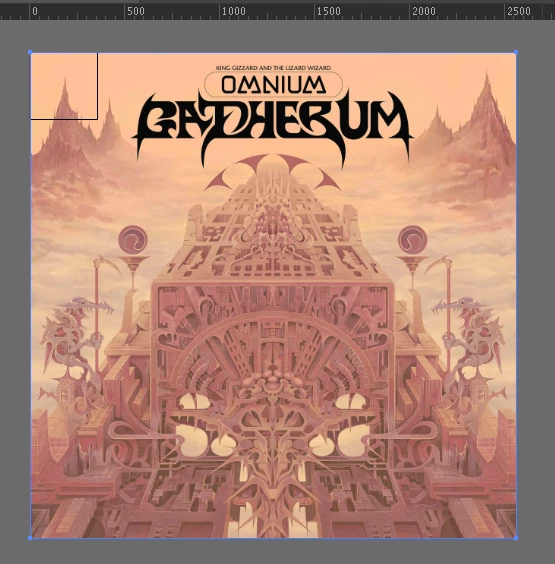
So what's going on here? Is there some other place where I set the actual ppi of the document? I wondered if document raster effects just affects the ppi of the actual effects themselves (given that it's in the effects menu), and maybe there's some other place? Or is this a bug?
Can someone at least validate the logic of what I'm saying? Am I right that this doesn't add up?
 AdChoices