

Excel charts imported into illustrator
Hi All,
I am using MS Excel and illustrator in order to create publication-quality figures. First I create the chart in Excel and copy/past it into illustrator, modify it and then save the final results to EMF file then copy/paste it into MS Word. Finally, I save the Word document into pdf.
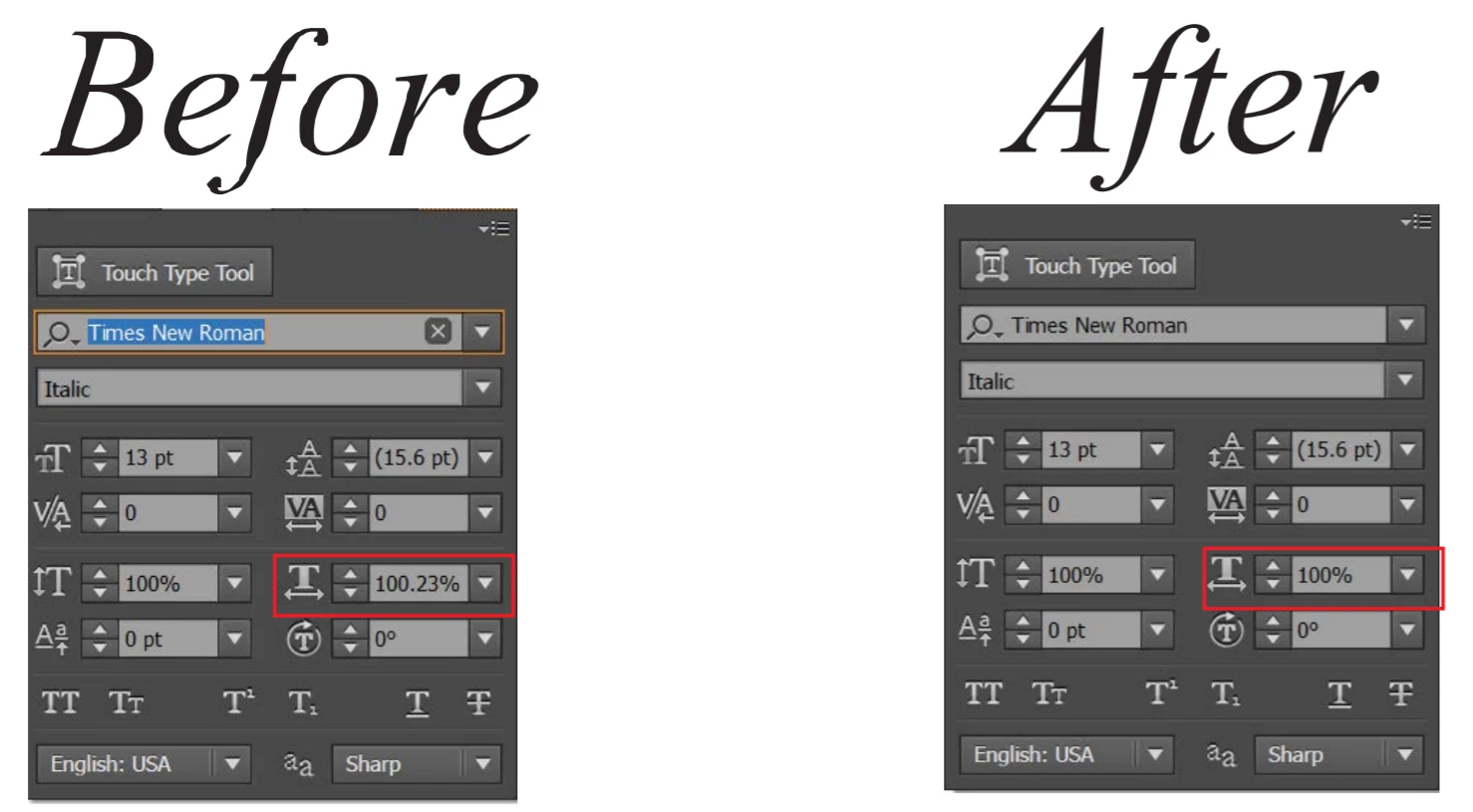
Using this approach, everything is working perfectly except for the text in charts imported from Excel. In illustrator the text is editable and I can change the font, size, etc. But when I check the text in the pdf file I see that the text is somehow distorted and I cannot select it, i.e. it is not text anymore. This is not the case if for example I removed the text imported with the chart and start writing text in illustrator as shown in the below image.

I can indeed remove the text and re-type it again but the problem is that I have many figures and it would be very tedious to check them all.
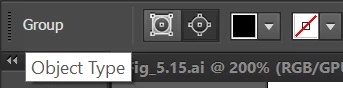
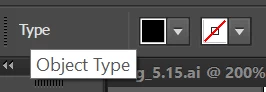
One more thing, when I select the imported text I found the object type is "Group" while the native illustrator text object type is "Type" as shown below.
Your help is highly appreciated.
Best regards,
Mohamed
 AdChoices