
Participating Frequently
December 8, 2020
Answered

Export autocad to illustrator

  • December 8, 2020
  • 1 reply
  • 2984 views

Hello!
I have a question regarding the line weights whhen exporting.
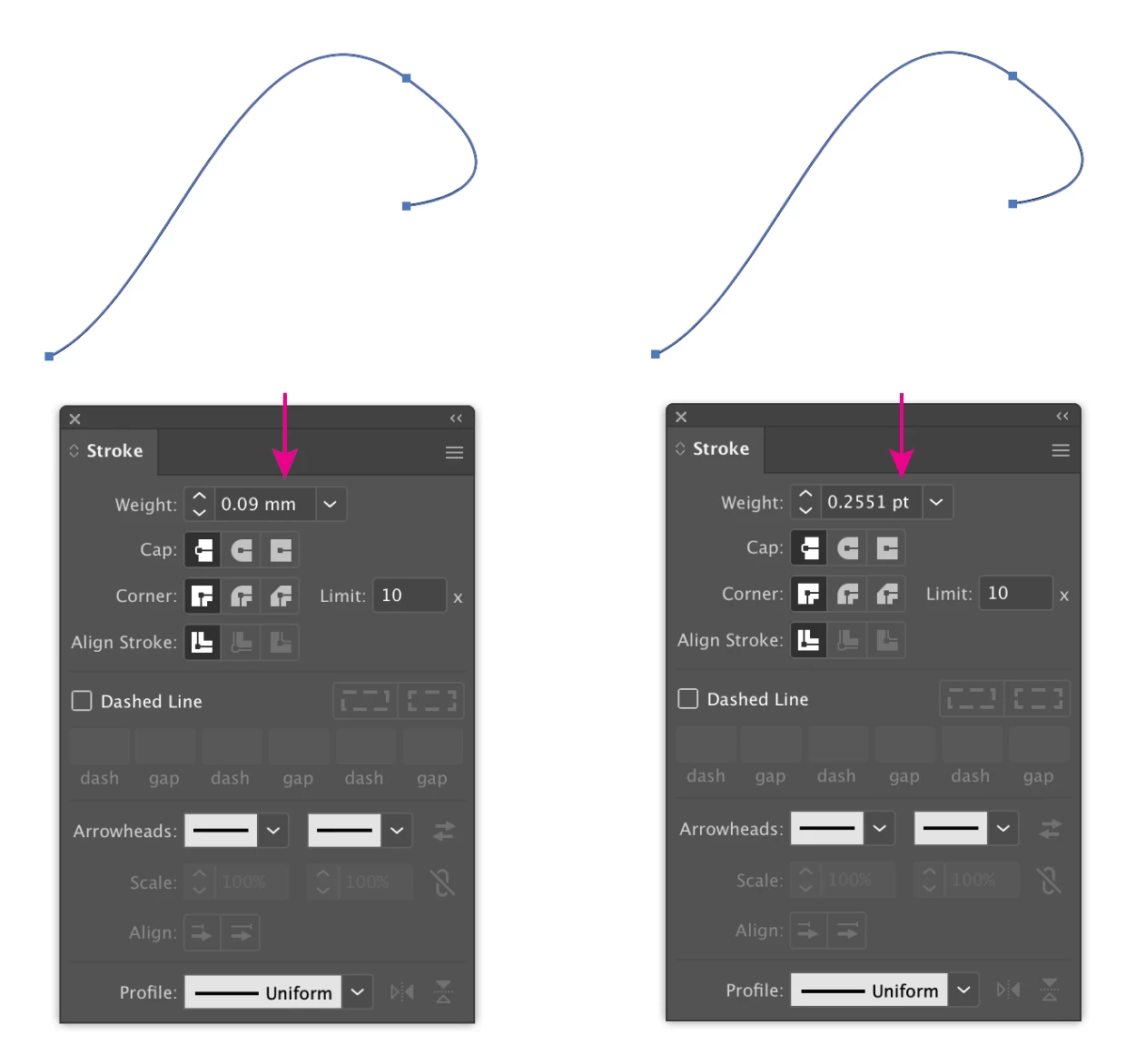
So in Autocad we can assign line weights to lines, for example 0.09 for furniture. When opening this drawing in illustrator, this line weight says 0.25 and not 0.09.. Do you perhaps know what the reason for this is? 
This topic has been closed for replies.
Correct answer Luke Jennings3

No I didnt resize it, just opened with illustrator. Measurement units? You mean setting of the drawings? Both are in mm


Do the lines appear thicker in Illustrator, compared to how they look in Autocad? If so, can you show two screen shots? With a line selected in Illustrator, go to Window> Stroke, what is the stroke weight indicated on the stroke panel? You can change the stroke units in the Illustrator preferences.

1 reply

Luke Jennings3
Community Expert
Community Expert
December 8, 2020

You can set the measurement units in the Illustrator preferences, or right-clicking on the ruler. Also, Acrobat has a preference to thicken very thin lines when displaying on-screen, which is a bit off-topic, but still good to know.

Emine98A7Author
Participating Frequently
December 8, 2020

Yes indeed it makes the lines thicker!

How can I adjust that what you are mentioning? I found under preferences 'units', but there it is already in milimeters?


I tried the other units to look if the line weights will change, but no. Or do I need to shut down illustrator first and reopen the specific pdf?


Luke Jennings3
Community Expert
Community Expert
December 9, 2020

Line thickness is identified by stroke width, I believe your lines are .25 pt in illustrator and .09 mm in Autocad. Do the lines actually appear thicker or are the measurement units different? Did you re-size the objects in Illustrator? If so, there is a preference to "Scale Strokes & Effects" (under General Preferences) this would change the line width when objects are re-sized. The "thicken thin lines" I mentioned earlier is an Acrobat and Reader preference and is not available in Illustrator.