
Copy link to clipboard
Copied
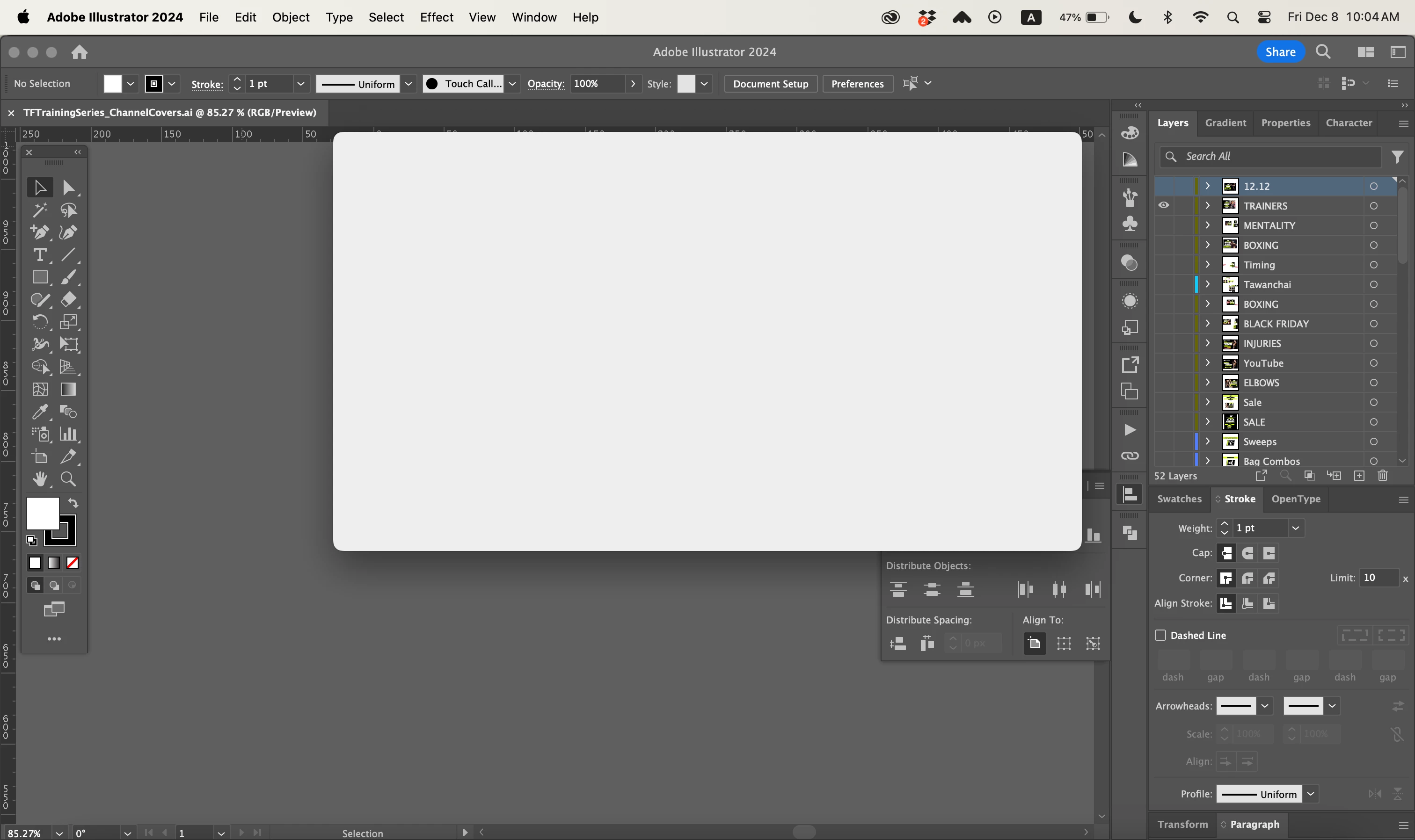
Fully updated illustrator cannot export any files. I am on Mac Book Pro Sonoma 14.1.1 (23B81). This is what I get when i try to export a file. This just started to happen, I updated ai weeks ago and it was working fine and now out of nowhere I just get this grey box when I go to export as.
Copy link to clipboard
Copied
Did you already reboot the computer? Reset the preferences?
Exactly what are you doing when this happens?
Copy link to clipboard
Copied
Copy link to clipboard
Copied
And you are using Save as? Export? Export for screens?
When does this appear? Immediately?
What's in the files?
Are you connected to a VPN? What other apps are running?
can you please be more precise?
Copy link to clipboard
Copied
I use export as...then the grey box appears. Yes it appears immideately after selecting export as.
The files just contain logo designs, nothing too intriquite.
I am not connected to a VPN. Sometimes ill have PSD, PremierPro, Lightroom running in the background.
It doesnt happen always, it aonly happens sometime but i havent been able to figure out when.
Copy link to clipboard
Copied
If you are running all these memory hungry apps in the background: how much RAM is installed?
Copy link to clipboard
Copied
At the present time most Creative Cloud programs are not fully compatible with Mac OS Sonoma. It sounds like your issues are related to that. If it is possible for you to do so try downgrading your computer to the latest version of Mac OS Ventura (13.6.2).
Get ready! An upgraded Adobe Community experience is coming in January.
Learn more