
Export svg with fill opacity
Hello,
I am currently working on an icon set, that have icons that contain shapes that should not have a fill value.
For example, one icon has two ellipses, one with a fill value and one without. These are done so, that the ellipse that should not include a fill has the fill set to 0% opacity. These are exported to SVG-files and they are used in code projects where their colour can be changed by changing the “fill” value in css, and they act appropriately.
An older version of Illustrator (2022) used to export svg-files so, that the tag for the ellipse in question would have a “fill” attribute and a “fill-opacity” attribute as 0 to achieve this, and the icon set was originally done with that version. When the "fill" value is changed, the "fill-opacity" still stays at 0, resulting that the ellipse does not have a visible fill.
It seems that a newer version of Illustrator exports the svg-files so, that the svg-file has only fill attribute with “rgba”-color value, with the alpha set to 0. This results in that the “fill” value given in the css-file overrides the original value, and the ellipse has a visible fill value.
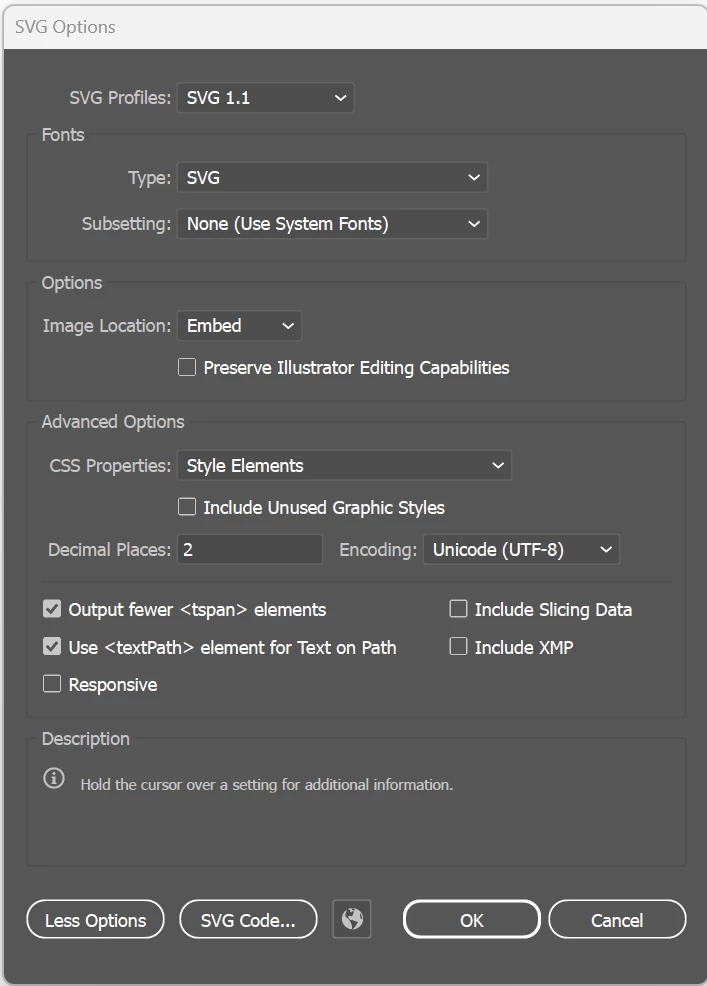
I assume there would be an alternative way to do produce these icons in the first place, but my question would be that is there any setting anywhere I do not know of, that would change the way Illustrator exports the svg-files. Or do I need to downgrade to an older version just to work with the icons in question.
Thank you in advance!
 AdChoices