
Participant
February 22, 2021
Answered

Export to jpeg in Illustrator for Facebook header - image blurry

  • February 22, 2021
  • 3 replies
  • 2223 views

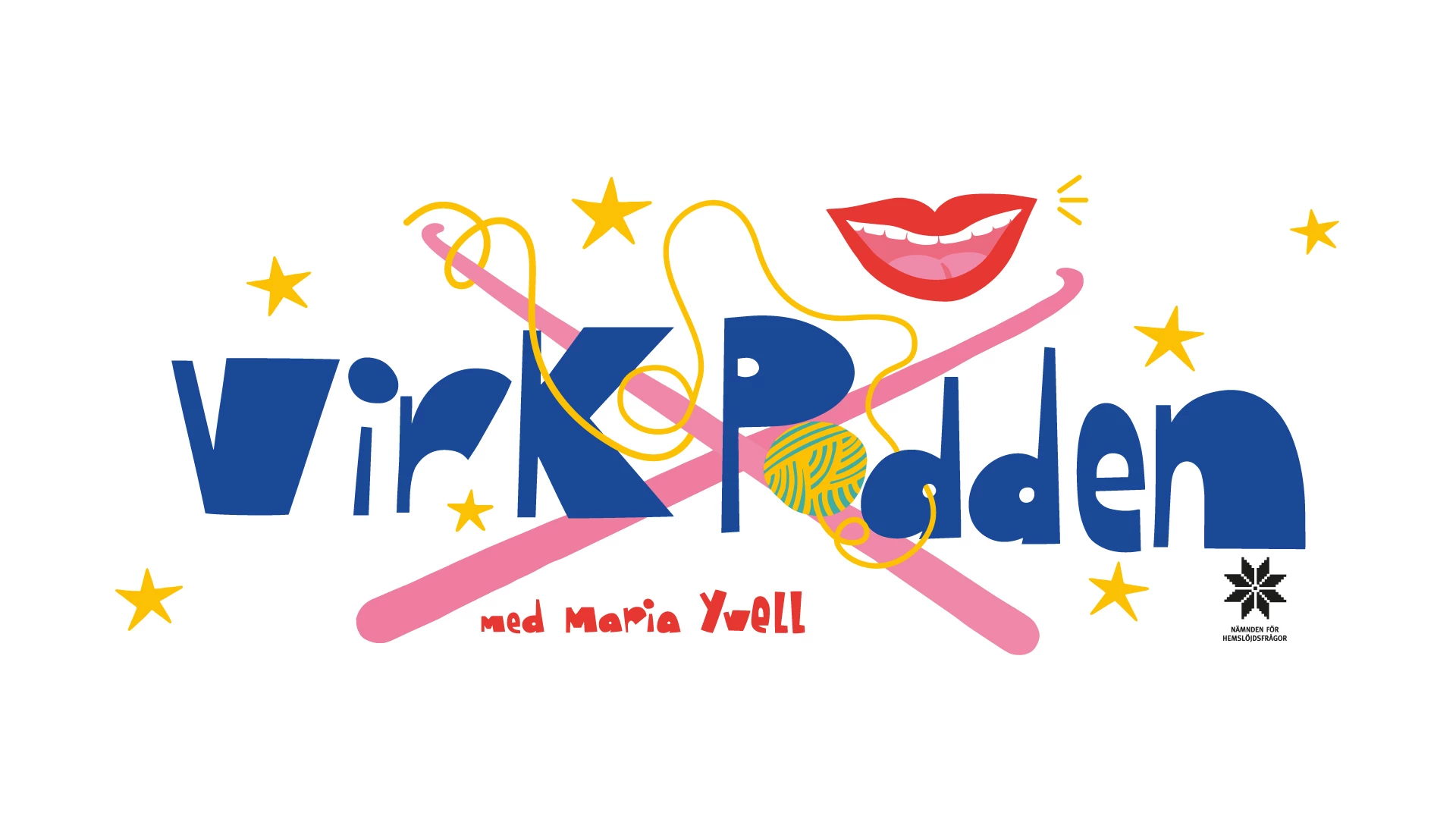
I have tried several different ways to export this jpeg from Illustrator. I have "exported as jpeg" and "Export save for web" The image looks beautiful. It isn't a huge file size, 1920x1080, 72 ppi, 363KB. After it has been uploaded to FB and saved, it looks blurry. But if you click on the image to view it, it is clean and crisp! help! 


Image below:
This topic has been closed for replies.
Correct answer Michael J. Hoffman

Have you tried creating the file at 820x315? If you make it the right size to begin with, Facebook doesn't have to do any resizing. It will still apply some compression, but if it starts at the right size, you will have minimized the problem.

3 replies

Michael J. Hoffman
Community Expert
Michael J. HoffmanCommunity ExpertCorrect answer
Community Expert
February 22, 2021

Have you tried creating the file at 820x315? If you make it the right size to begin with, Facebook doesn't have to do any resizing. It will still apply some compression, but if it starts at the right size, you will have minimized the problem.

Monika Gause
Community Expert
Community Expert
February 22, 2021

Facebook applies custom compression to uploaded files and there's no way to prevent it. If the image is OK directly after saving, then that's all Illustrator can do.


You have to design it in a way that it works with Facebook's way of doing things.

Participant
February 22, 2021

Oh, that is what I suspected. Ugh. Do you think bringing the image into Photoshop and exporting there would make a difference? As Bill said above, it is a vector illustrator file originally.

Doug A Roberts
Community Expert
Community Expert
February 22, 2021

If the file looks good after exporting from Illustrator, then Facebook is the problem and there is not a lot you can do in Photoshop either.

Bill Silbert
Community Expert
Community Expert
February 22, 2021

Is the blurry image being seen at the same size as the file was created? Raster images such as jpegs are entirely dependent on resolution. This means that a 72 ppi image will begin to pixelate very quickly as the viewing size is increased. If this was originally a vector Illustrator file then it should be converted to a jpeg at a physical size larger than it will eventually be used. This way even if you use 72 ppi as your resolution it will still maintain viewing integrity if it is reduced in size to fit its use.

Participant
February 22, 2021

Thanks for your reply! Facebook recommends 820x315 at 72ppi for header images. This image is 1920x1080, 72ppi.


I have looked at other screens and it seems okay on them. This is the website: https://www.facebook.com/virkpodden 

When I view this header image on my monitor (it is a separate Apple monitor that my Macbook Pro is connected to), it looks a bit blurry but if I click on the the actual image, it looks crisp and clean. Any thoughts?