


Participating Frequently
January 10, 2024
Question

Export to svg problem in Illustrator

  • January 10, 2024
  • 2 replies
  • 1002 views

Good morning,,

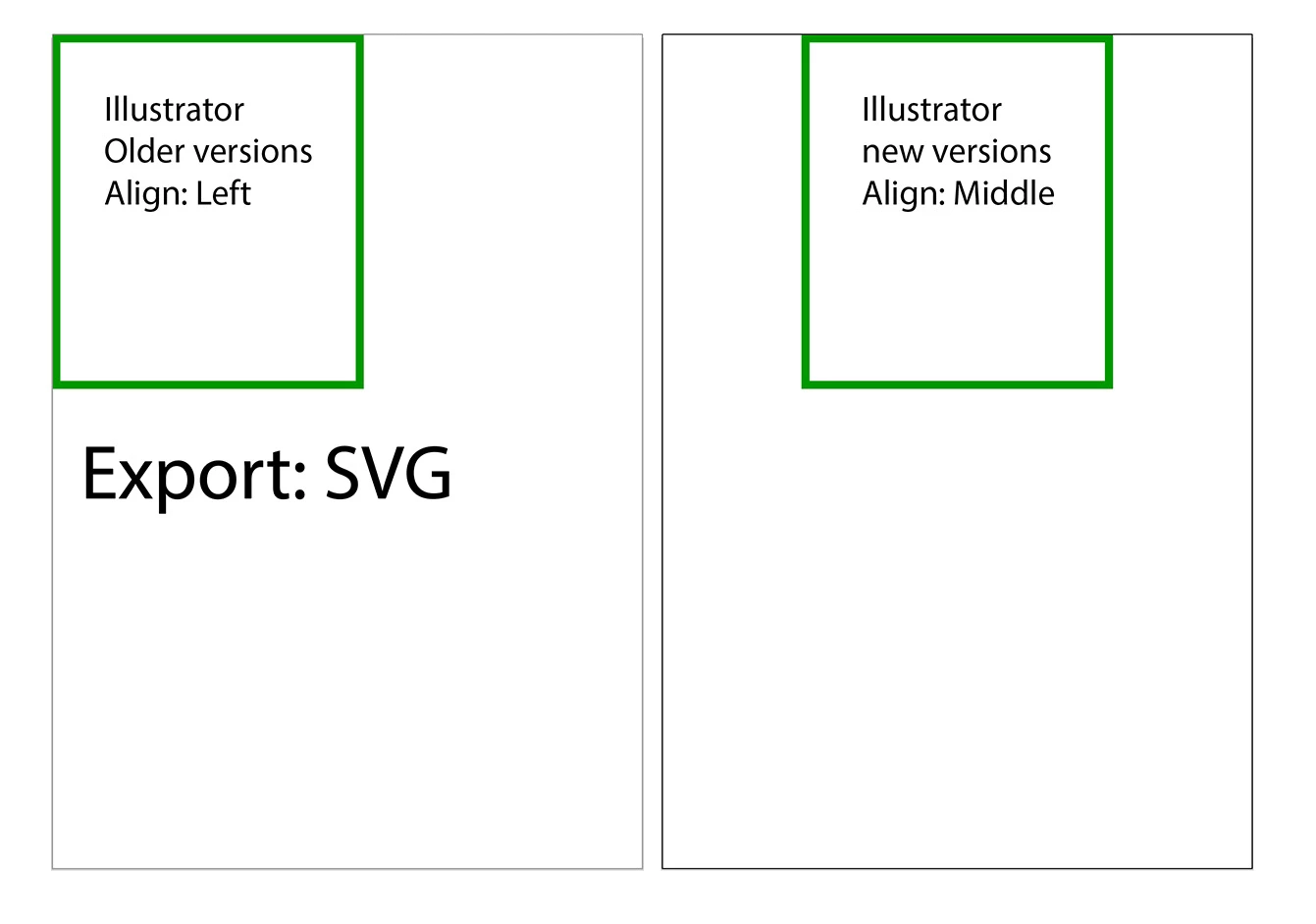
I have a problem in Illustator when exporting to SVG, the image alignment is centered, but in previous versions it is aligned to the left by default, how do I solve it to align to the left?
(Sorry, google translator)

Roberto


This topic has been closed for replies.

2 replies

Participating Frequently
January 16, 2024

Have issues too. I've even started a new project and rebuilt it. I have a simple R with TM. The R clips and feather weirdly and the TM is ten miles away instead of right next to the R. Tried exporting as a PNG and bringing it back in ... that doesn't work either. Maybe I need Canva 😞  It's a bummer.


Monika Gause
Community Expert
Community Expert
January 16, 2024

Can you please describe your workflow in a way that one might have a chance to check it out?

Participating Frequently
January 16, 2024

Did you try to increase the number of decimal places in the SVG export settings?


I have not. What would you suggest?


Monika Gause
Community Expert
Community Expert
January 10, 2024

So this image is showing what? The SVG after being embedded in your HTML? You can set the alignment up in the HTML code.

Participating Frequently
January 10, 2024

The image shows the preview in the browser, but can I do it when saving or indicating in Illustrator its alignment to the left?

Monika Gause
Community Expert
Community Expert
January 10, 2024

Then probably your browser is set up differently?

What are you using the SVG for? Eventually it will be put on a website, right?

So does it matter how the preview is aligned?