Participant
October 21, 2021
Question

Exporting 1240 x 1754 pixel - 150 dpi

  • October 21, 2021
  • 2 replies
  • 1636 views

Hello!

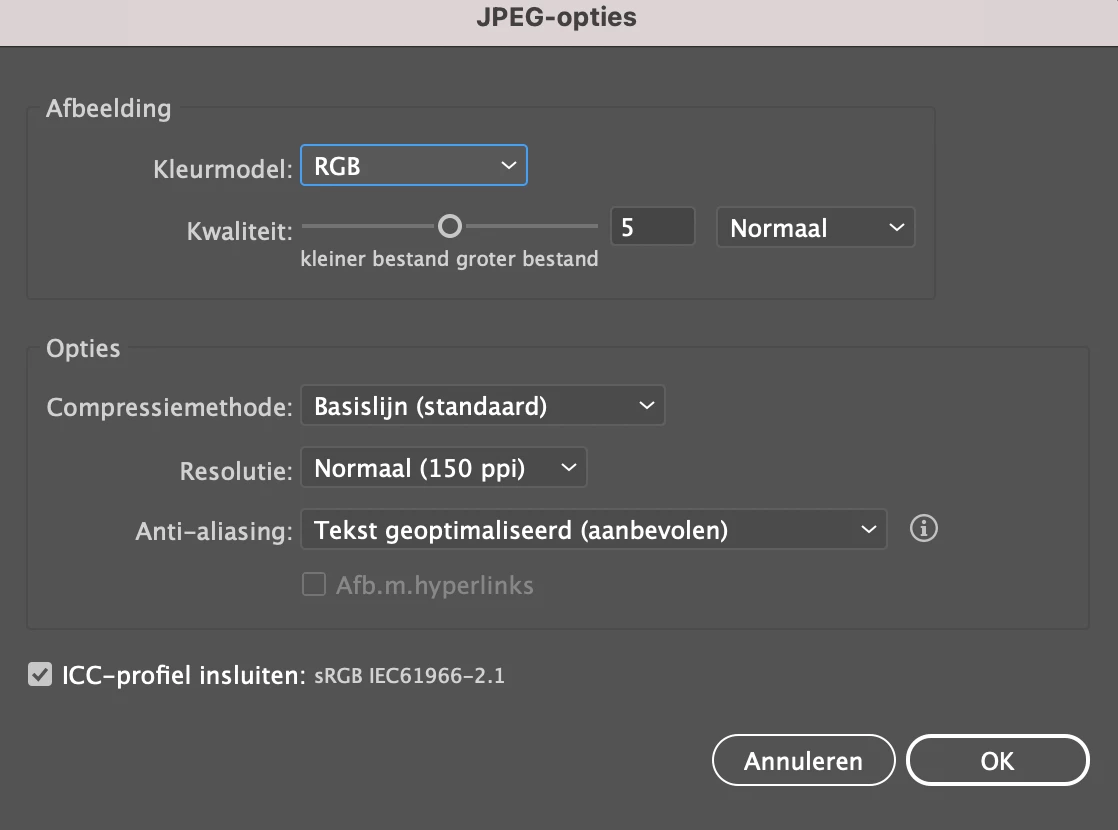
I have a problem, I need to export a writing paper in 1240 x 1754 pixel - 150 dpi.

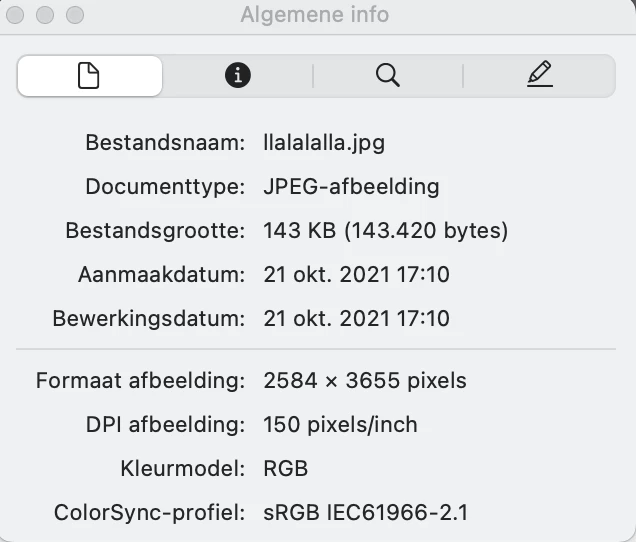
If I export the document, I still get 72 dpi. Or a bigger file and 150 dpi. Can anyone help me? My document is like this and my export.
This topic has been closed for replies.

2 replies

Doug A Roberts
Community Expert
Community Expert
October 21, 2021

Alternatively, think of it this way: having a PPI (Pixels Per Inch) requirement implies a physical size (inches, mm etc.).

Though those creating these requirements might not realise, that's what they should actually be telling you if they want that specific PPI, not the dimensions in pixels.


In your case, 1240 x 1754 px at 150 PPI is 8.267 by 11.693 inches. You can create a document in Illustrator of those dimensions and export it at 150 PPI. It will match your pixel dimensions.

Met1
Legend
October 21, 2021

I've had this issue before so I followed your example Doug and it didn't work for me... What step am I doing wrong?


Doug A Roberts
Community Expert
Community Expert
October 22, 2021

You created a 1240 x 1754 px file. That's the same thing the OP did. Create a 8.267 by 11.693 inch (A4) one instead.

Monika Gause
Community Expert
Community Expert
October 21, 2021

If you want to keep those pixel dimensions, export at 72 ppi.