
Participant
June 5, 2019
Question

Exporting extra space around artboard

  • June 5, 2019
  • 4 replies
  • 6795 views

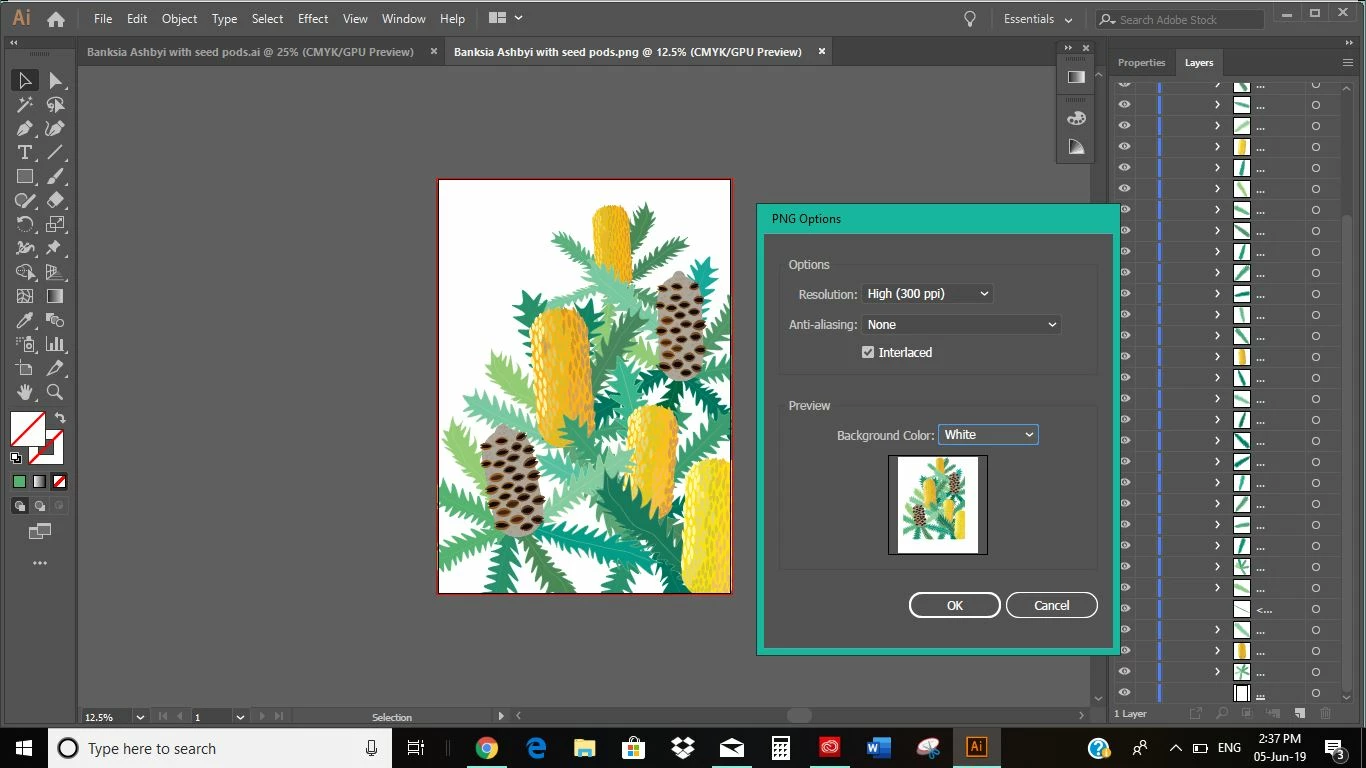
Hi, I'm trying to export a file to PDF, however everytime I do this it is exporting extra space around my artwork that is not there. How can I resolve this?

Adobe Illustrator crashed and went non responsive then had to shut down and recover the file. I then tried creating a new file and copying the artwork across, however I'm still having this issue.
4 replies

Participant
August 21, 2024

Hey this is really old but I found the solution!! Check "Use Artboards" in the export popup under "Format." fixed it for me.

Participant
September 26, 2024

THIS SAVED ME! THANK YOU!

mikeywetzel
Participant
November 21, 2019

So, basically no one knows how to fix this. I've been scouring the web, and this issue apparently goes back for years, and the same non-solutions are offered: change your bleed (which is already zero), check outline mode (which show no issues), check your clipping mask (I have none to begin with), check your artboard size (it's correct), etc..

Older non-solutions suggest some save options, which don't seem present in 2019 versions.

jdanek, have you since found a solution?

Monika Gause
Community Expert
Community Expert
November 21, 2019

Please upload the AI file and the PDF to Dropbox or the like so someone can take a look at it.

Joely10623436
Community Expert
Community Expert
June 11, 2019

The problem is the OFFSET/BLEED of your canvas…

Participant
June 19, 2019

Hi Toughmedia, I've tried to export in a file with no bleed and I get the same result

Inspiring
June 6, 2019

It looks like your artboard is smaller than the page size. 

Participant
June 7, 2019

Thanks, Can you please run me through how to change my page size, so its the same as my artboard?...as I didn't actually know there was one and can't seem to see any answers when I google it

Inspiring
June 11, 2019

Thanks italosan. I know how change the artboard size, however jdanek​ was sayin my artboard is smaller than the page size. I wasn't sure what Jdanek meant by the page size. Do you know?


Another possibility is your artwork has a clipping mask applied to it.  When you Export > PDF the masked artwork outside of the mask is part of the PDF.  If you go to your Print dialog ( command / control P ), you will see a Page Setup tab there.  You should be able to select your printer and an appropriate page size there, however, upon export you will have the same problem with the extra space if there is a mask involved.  I would like to know what your artboard size is?