

Exporting from Illustrator to .pdf changes some black to white
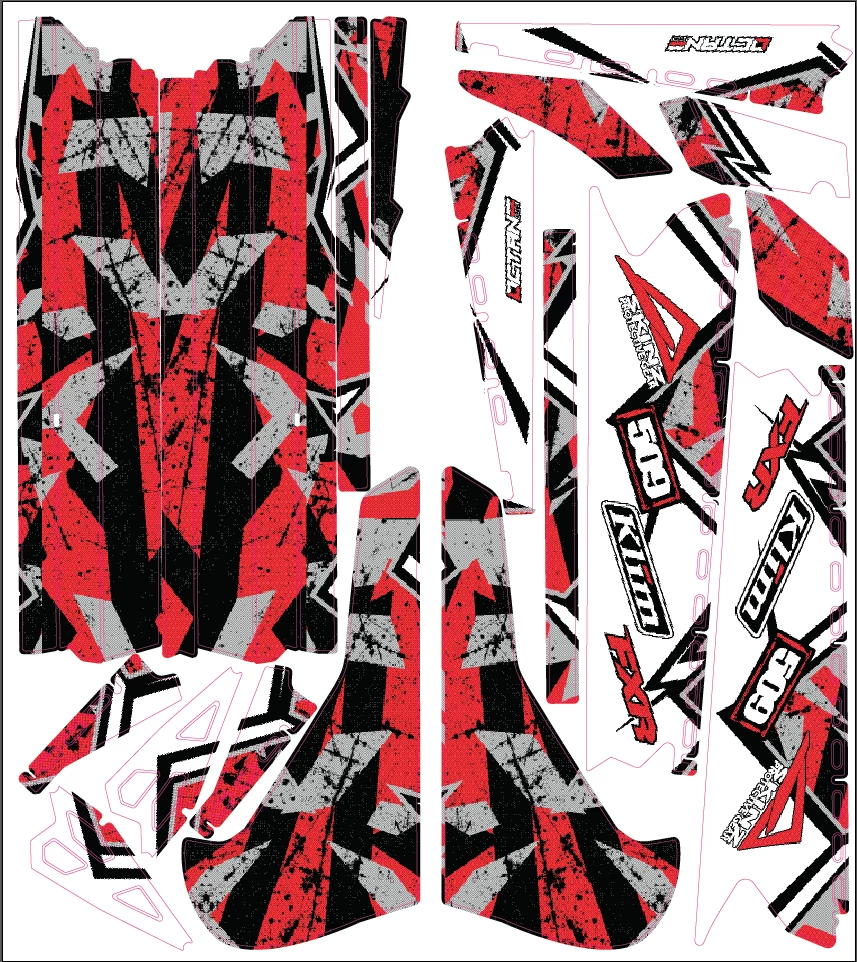
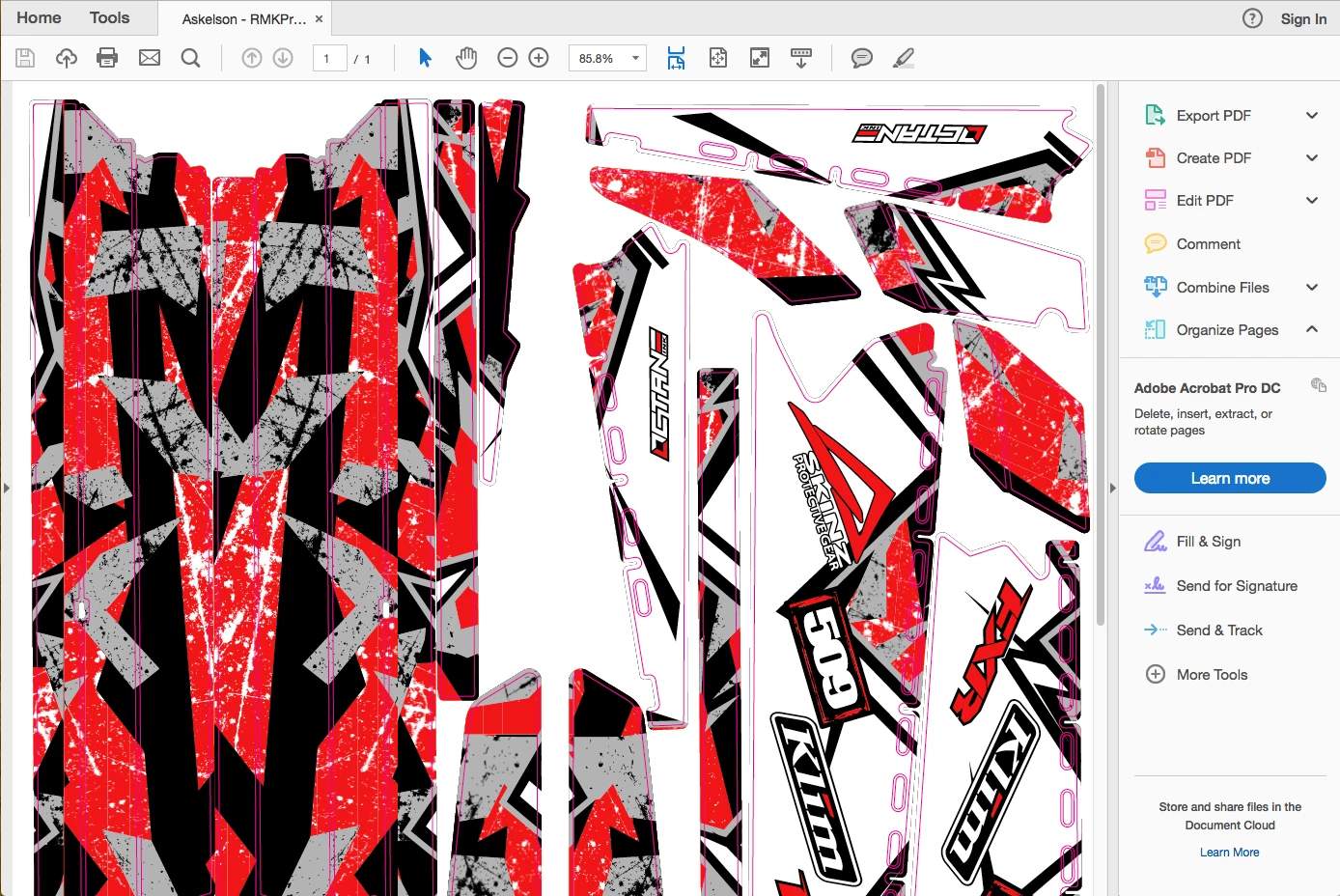
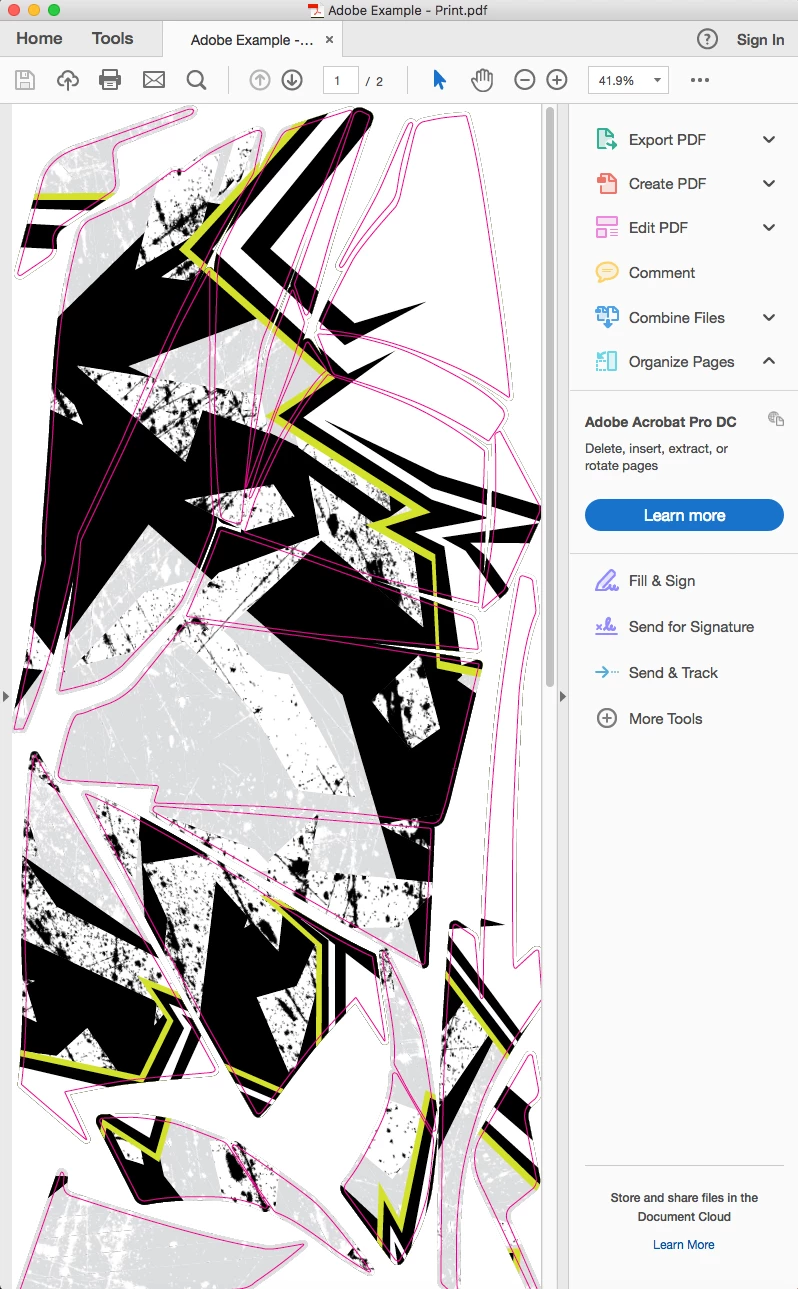
I have had this issue with a few different jobs now. In illustrator the colors all look fine (top image) then when I save as a .pdf some of the black changes to white. I have tried saving with multiple different options selected as well as using multiple color modes and nothing seems to work. It is not just the preview of the .pdf as it prints white instead of black as well.
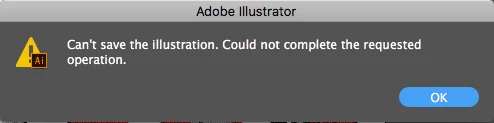
If I could save the file as an .eps it would work just fine, but when I try to save it as an .eps I get the warning at the vary bottom. all of the images in the file are separate linked files from another illustrator file so I assume for some reason it is too large to save as .eps.
If anyone has any ideas or solutions to this issue that would be greatly appreciated!
Thank you!
 AdChoices