
Answered
Exporting with transparent background not working
I have done this many times before successfully but now illustrator is behaving differently for some reason.
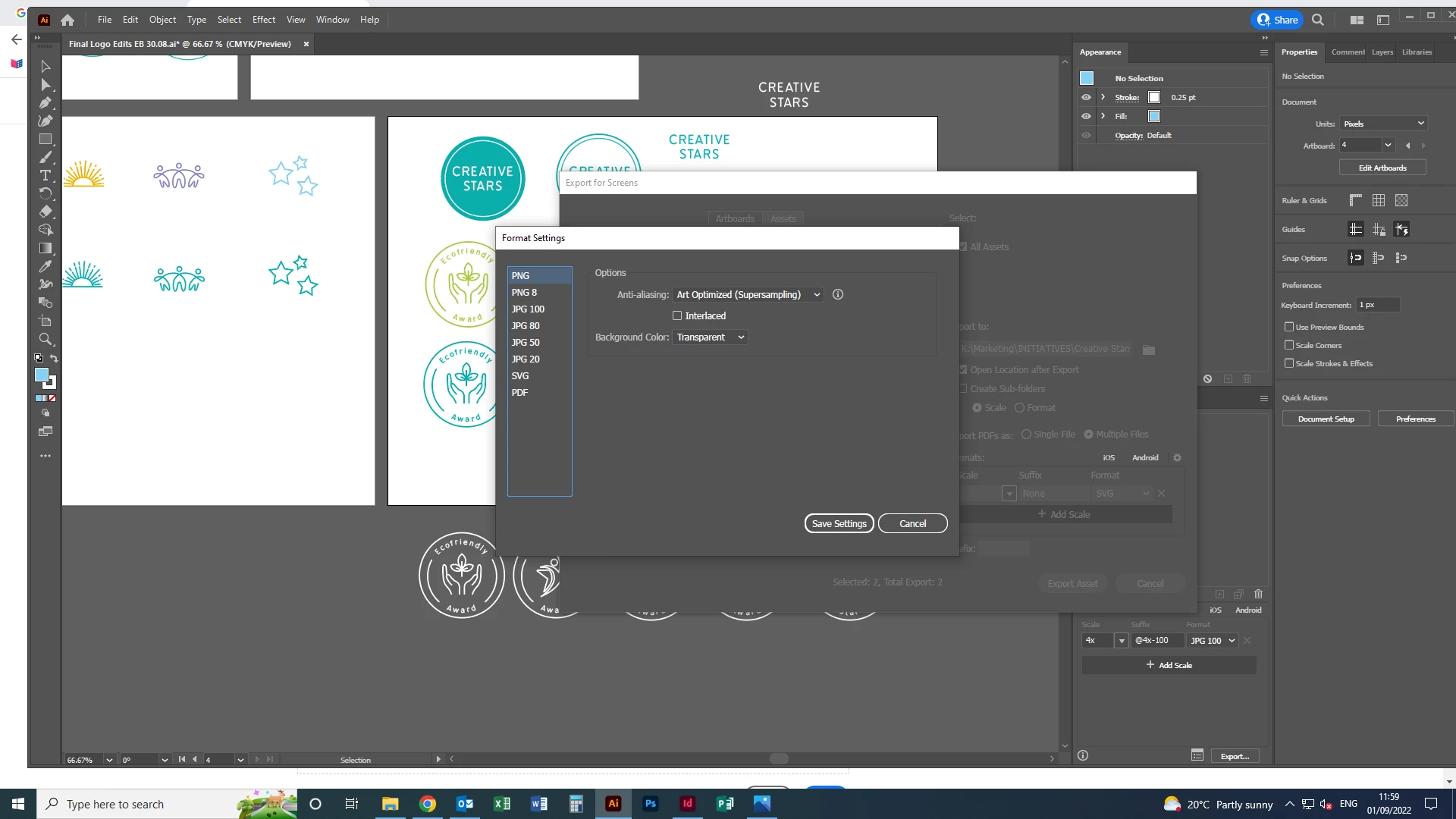
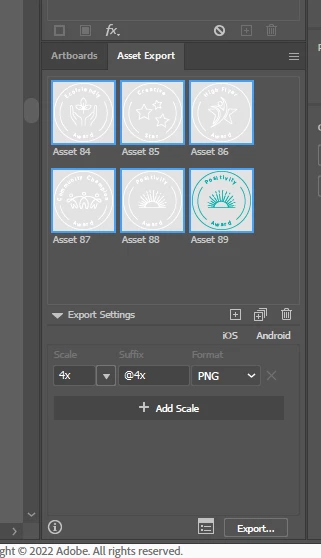
I have set the setting to transparent, and tried exporting using each different button, i.e. right clicking and selecting 'collect for export' and also going from 'file' dropdown to 'export as...' etc
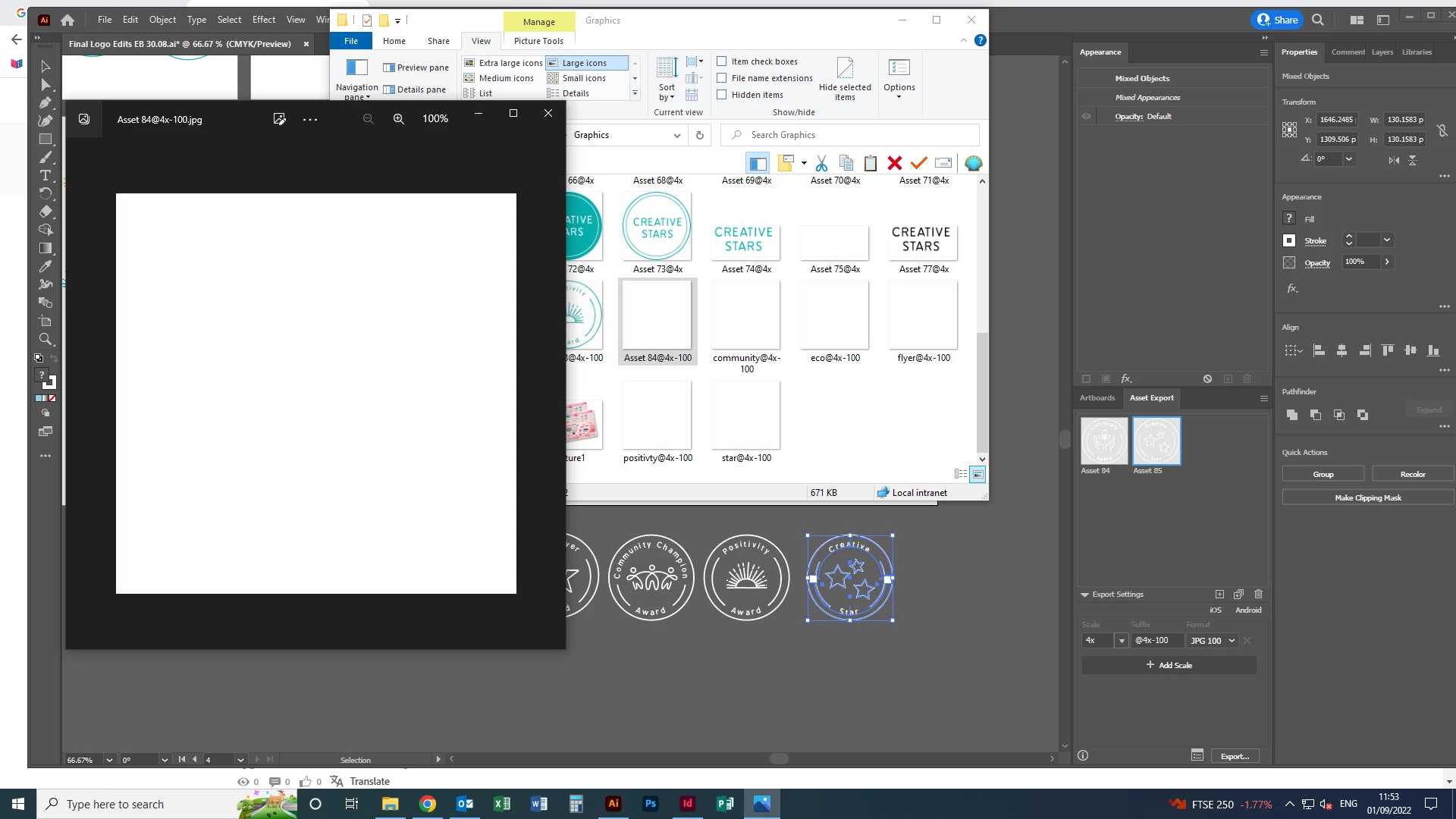
The image is a white shape with white text. When it appears in the folder it shows a white box, and the same in the image previewer, and the same when I drop it into indesign or back into illustrator.
It does this whether I export as jpg or png.
So there must be something wrong with the export settings but everything is correct as far as I can see?
 AdChoices