
Answered
Extremely weird Eyedropper Behavior
Hello,
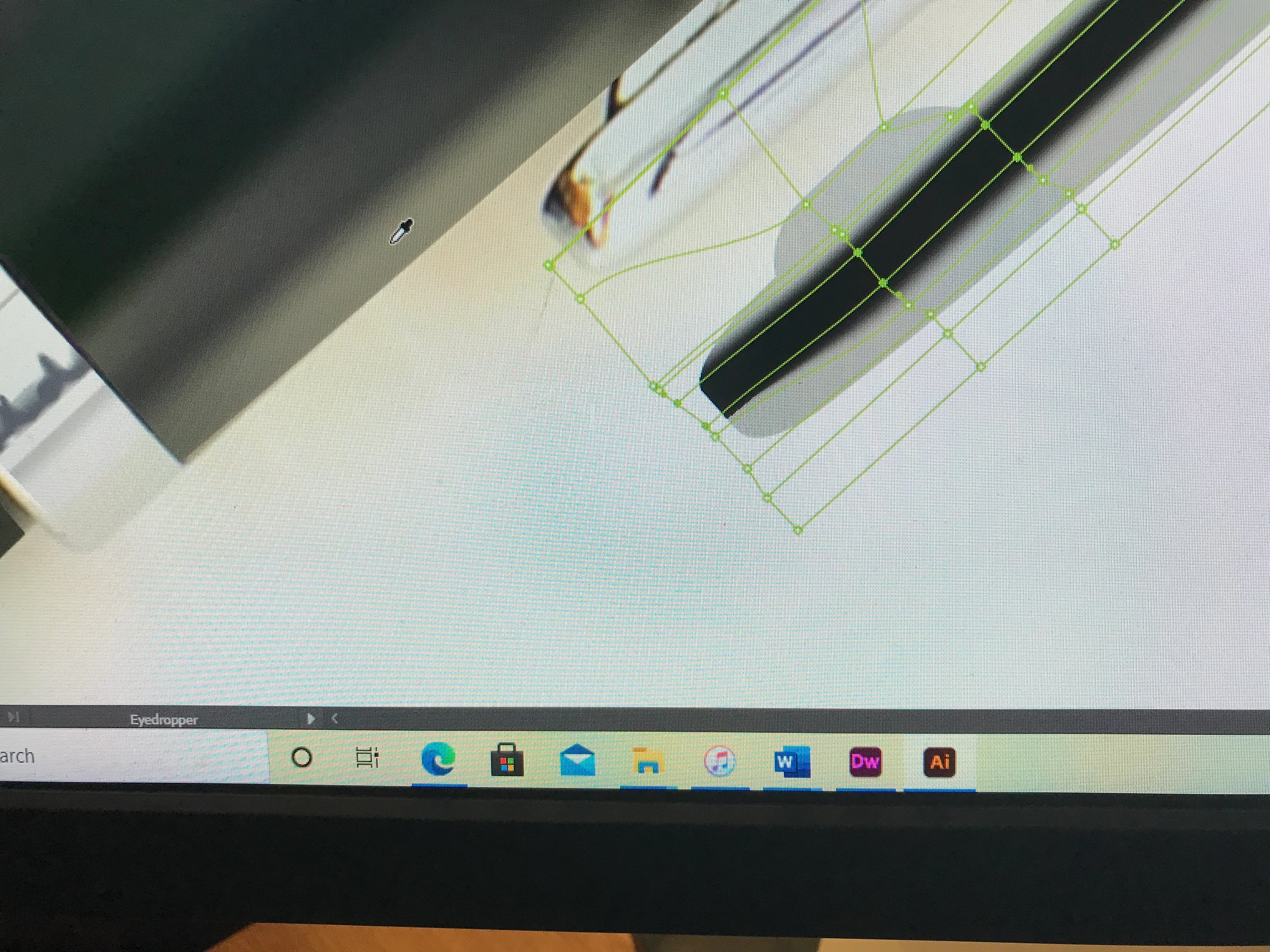
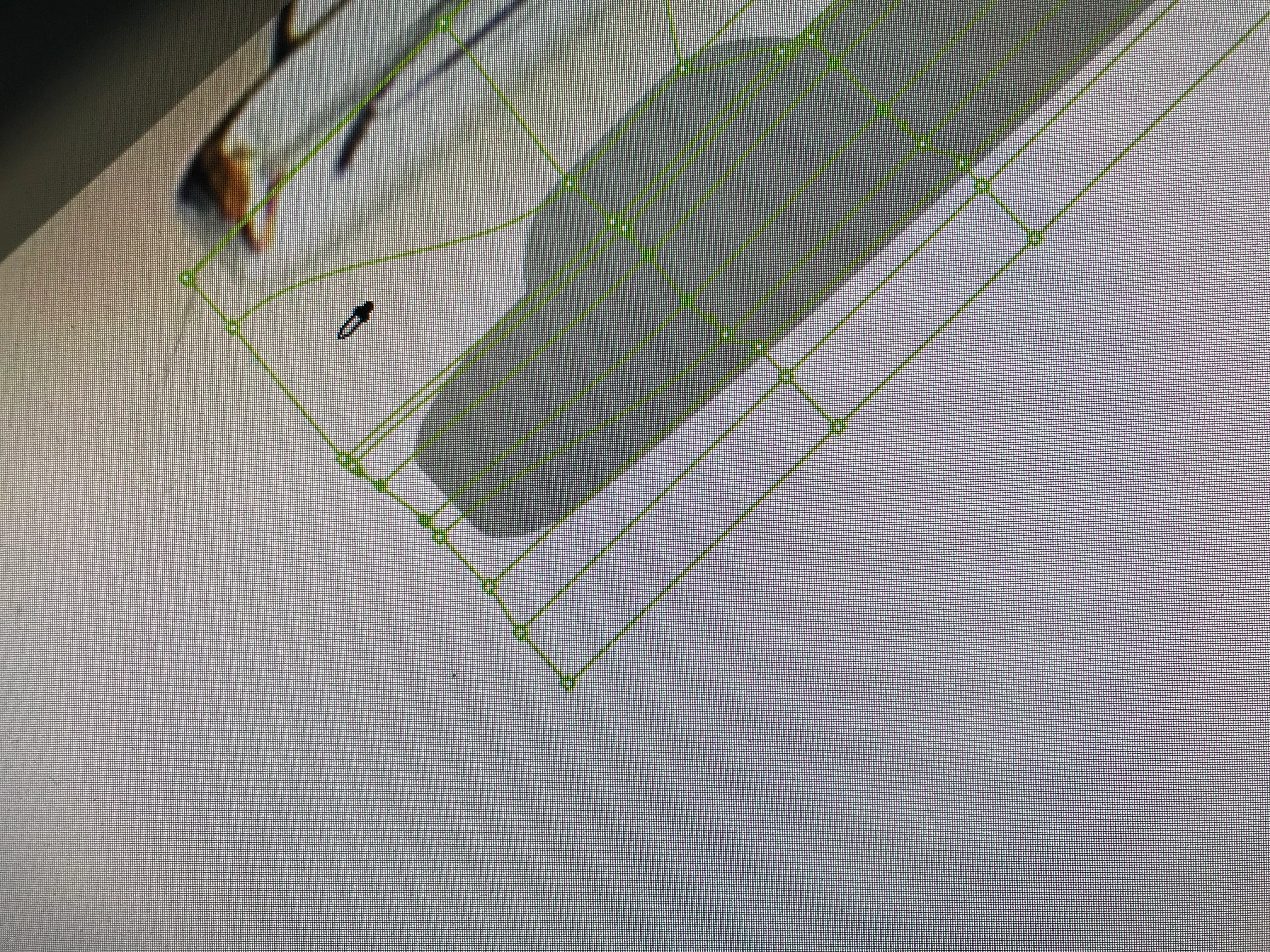
I am encountering some extremely unusual behavior from Illustrator, that I have never seen before. I've tried completely closing the app, without any improvement.
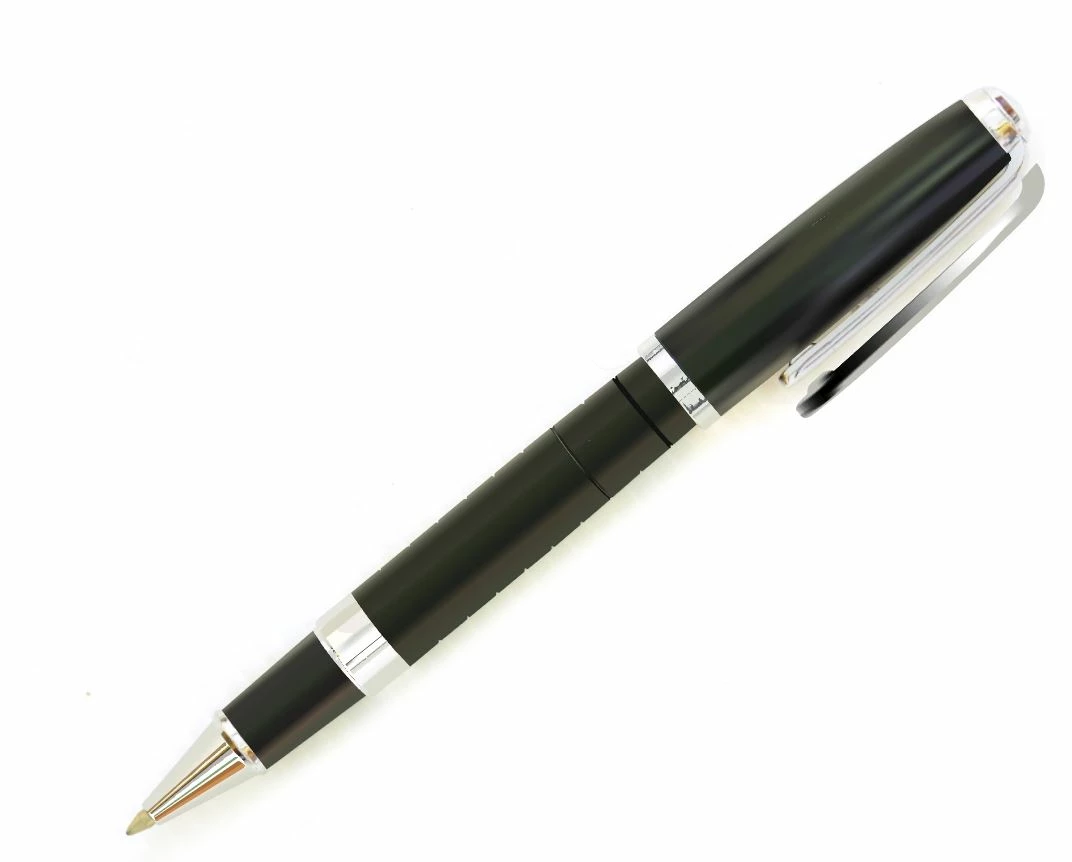
Basically, it is how the Eyedropper tool response to one area of the artboard vs. another, in effort to alter a Gradient Mesh clipping path, to resemble the prototype's appearance. The Eyedropper tool extracts accurate colors in some areas and incorrectly goes to a shade of black, or the selected fill color automatically, when extracting other areas. The selected color within the gradient mesh points corresponds with where I clicked the Eyedropper tool on the artboard in each image.
Any advice would be much appreciated.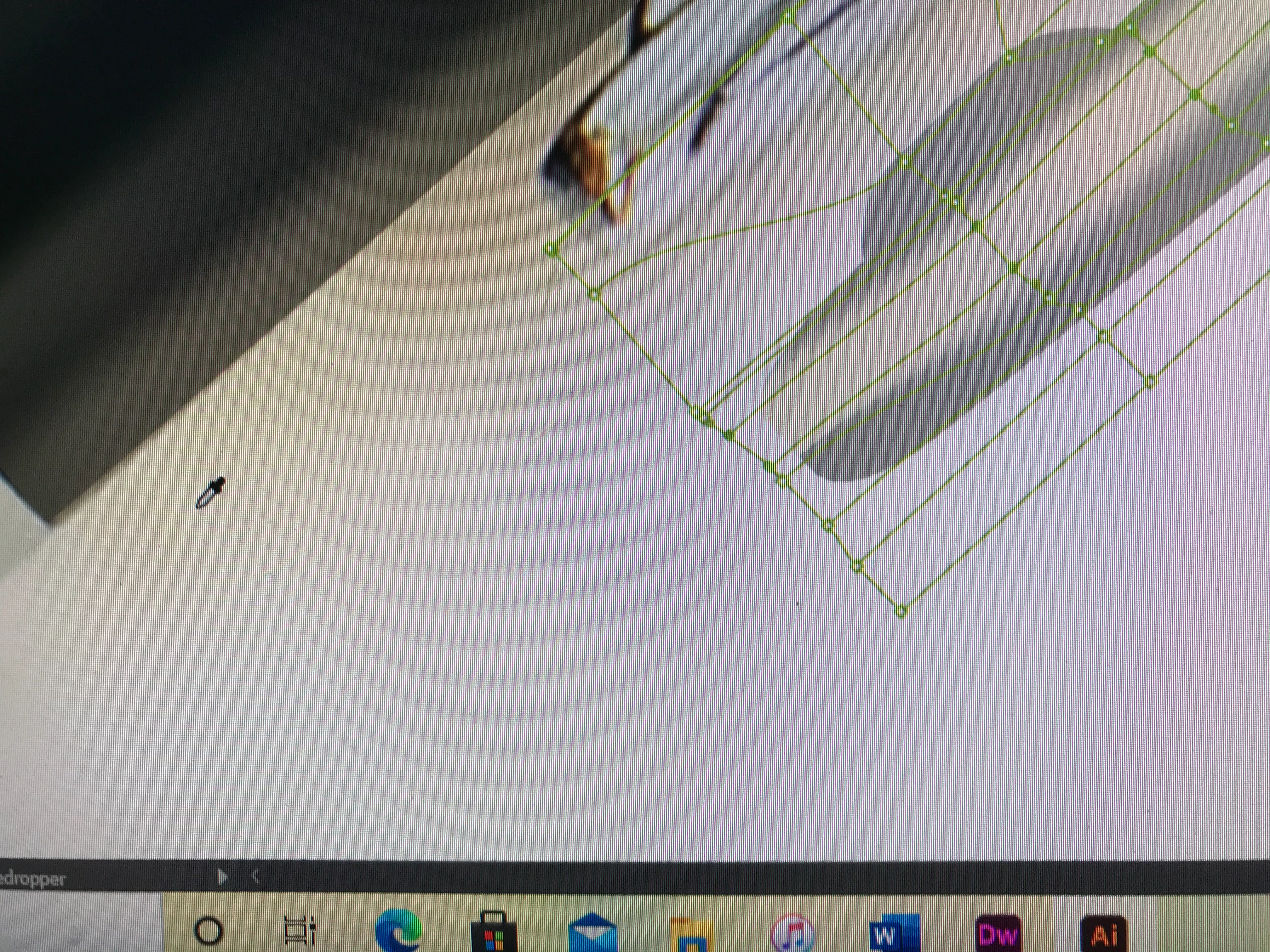
Sand Patch
 AdChoices