Answered
Extrude & Bevel Issue - Grainy Appearance
I have been testing the extrude & bevel effect on text. However when the extrude and shadow option is applied, a grainy noise appearance can be seen. Any ideas on how to resolve?

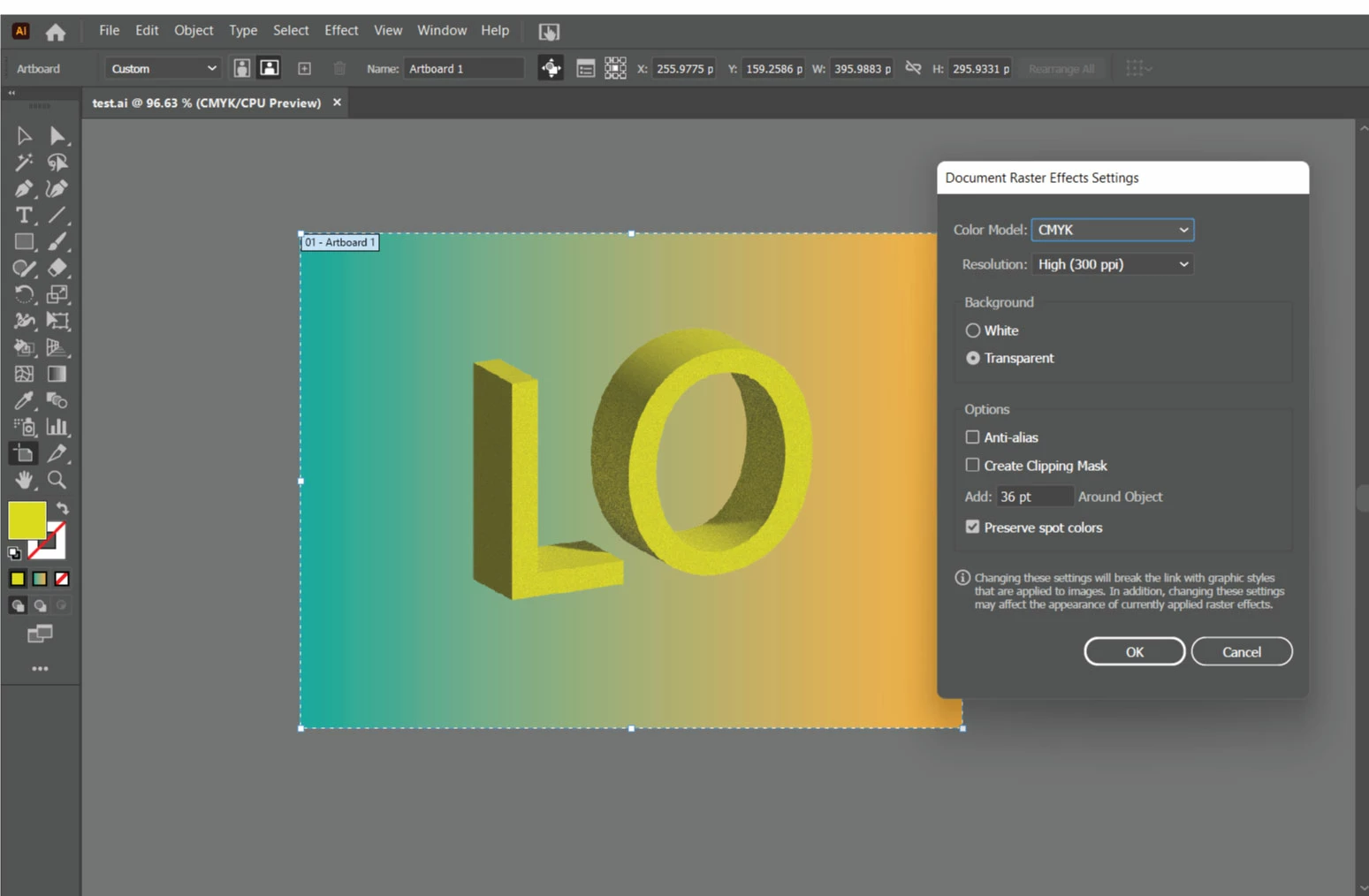

I have been testing the extrude & bevel effect on text. However when the extrude and shadow option is applied, a grainy noise appearance can be seen. Any ideas on how to resolve?
To reduce noise, click the render settings drop-down at the upper-right corner of the 3D effects panel.
Or use the 3D Classic which does not have noise.
Already have an account? Login
Enter your E-mail address. We'll send you an e-mail with instructions to reset your password.
 AdChoices