Will Price
Inspiring
February 4, 2021
Answered

Eye dropper tool not working as expected

  • February 4, 2021
  • 1 reply
  • 572 views

Hello,


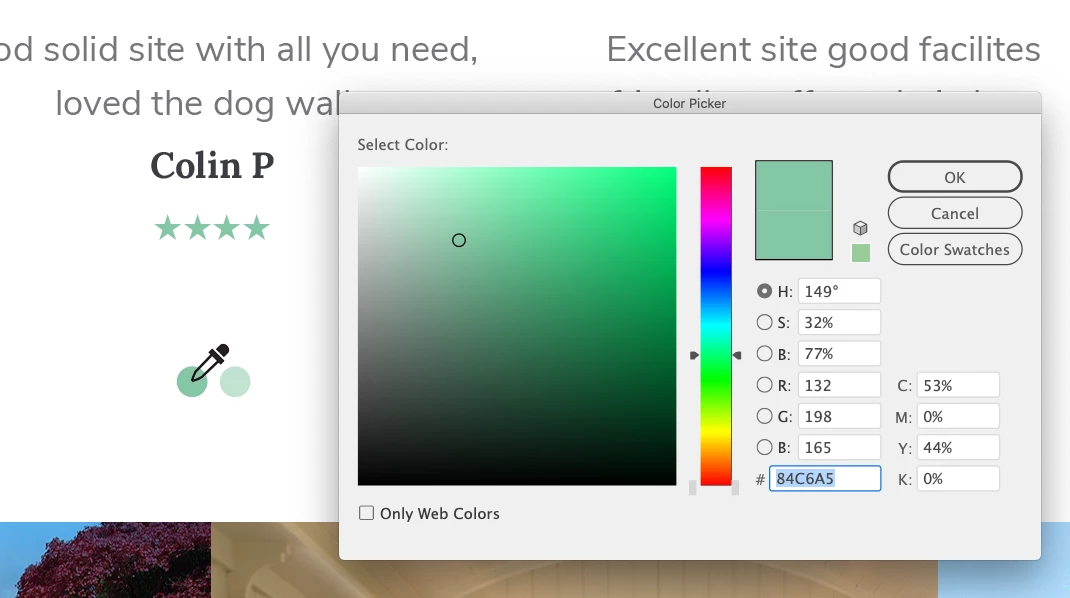
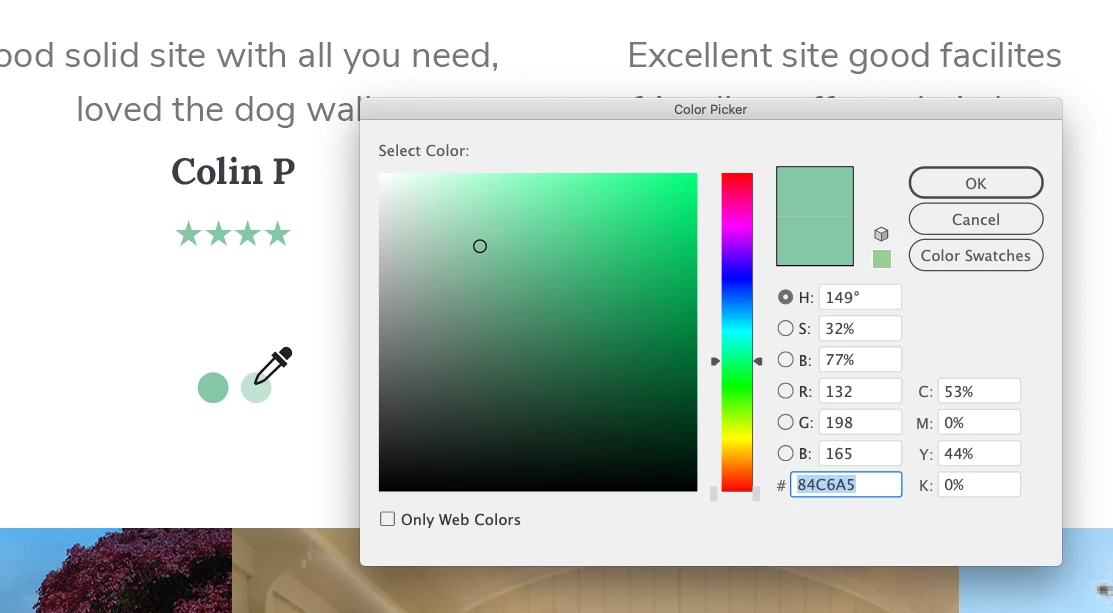
Can anyone tell me why the eye dropper tool only picks up 100% colour values and totally ignores tints? It drives me mad when doing web builds.


I end up taking a screen shot of the graphic, placing the screenshot back into illy or ps, and eye dropping that to get an accurate #hex value for a tint in my artwork.


Siurely there's a prefernce or setting for this?


Thanks

Will
 

This topic has been closed for replies.
Correct answer Monika Gause

Don't use the color picker.

Use the color panel.

Select the object with the tint.

In the color panel click on the RGB symbol beneath the tint ramp to get the RGB values and the Hex code.

1 reply

Monika Gause
Community Expert
Monika GauseCommunity ExpertCorrect answer
Community Expert
February 4, 2021

Don't use the color picker.

Use the color panel.

Select the object with the tint.

In the color panel click on the RGB symbol beneath the tint ramp to get the RGB values and the Hex code.

Will Price
Inspiring
February 9, 2021

Thanks for the tip Monika, it's certainly better than using my method.