
Known Participant
July 20, 2017
Answered

Fading a shape to transparency

  • July 20, 2017
  • 2 replies
  • 24450 views

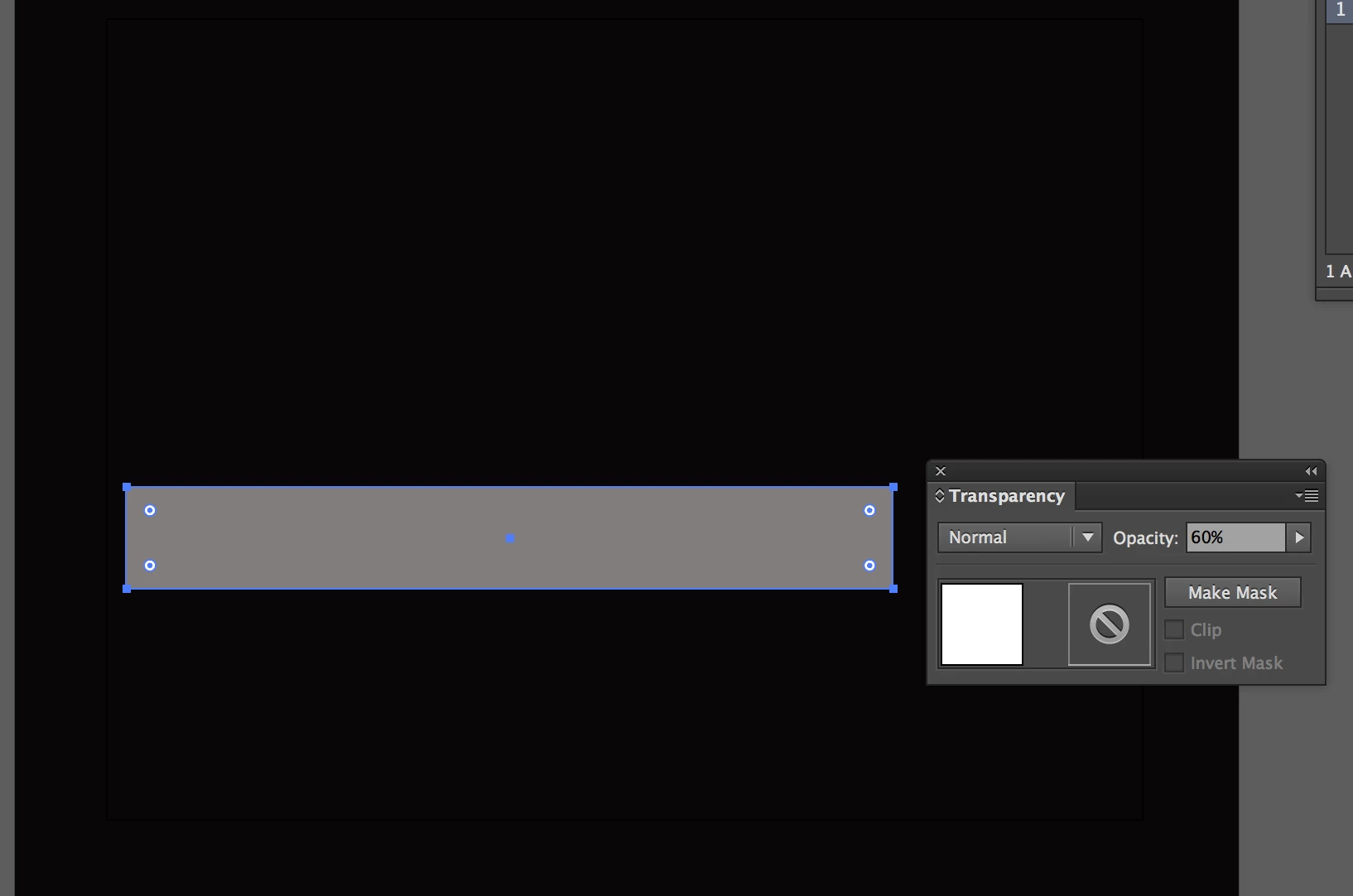
I have a simple rectangle that I am going to put some text inside of and an icon. The shape has a reduced opacity set to 60%, and now I want to make the right side of the rectangle fade/transition to transparency. How can I do this?

Thanks in advance.
    This topic has been closed for replies.
    Correct answer Ton Frederiks

    Drawing the shape exactly the way I want it gets me close to what I want. I tried the transparency mask, though I must have done something wrong. What is the advantage of doing it this way?I clicked on make mask and checked both boxes, though it is just a completely transparent shape now.


    There is no advantage in your case with an opacity mask, you will need 2 objects instead of one.

    Just fill your shape with a transparent gradient will do the trick.

    2 replies

    Ton Frederiks
    Community Expert
    Community Expert
    July 20, 2017

    Fill it with a gradient with the left stop set to 60% opacity and the right stop set to 0%.

    media katAuthor
    Known Participant
    July 20, 2017

    How can I control how it fades so it fades into into a triangular shape instead of a rectangular one? Do I need to just create the shape with a triangular shaped end?

    Thanks!

    Participating Frequently
    July 20, 2017

    Yiu might want to try a transparency mask.

    July 20, 2017

    Use a gradient filling.

    Fenja