
Answered
Fastest way to move brushes between .ai files?
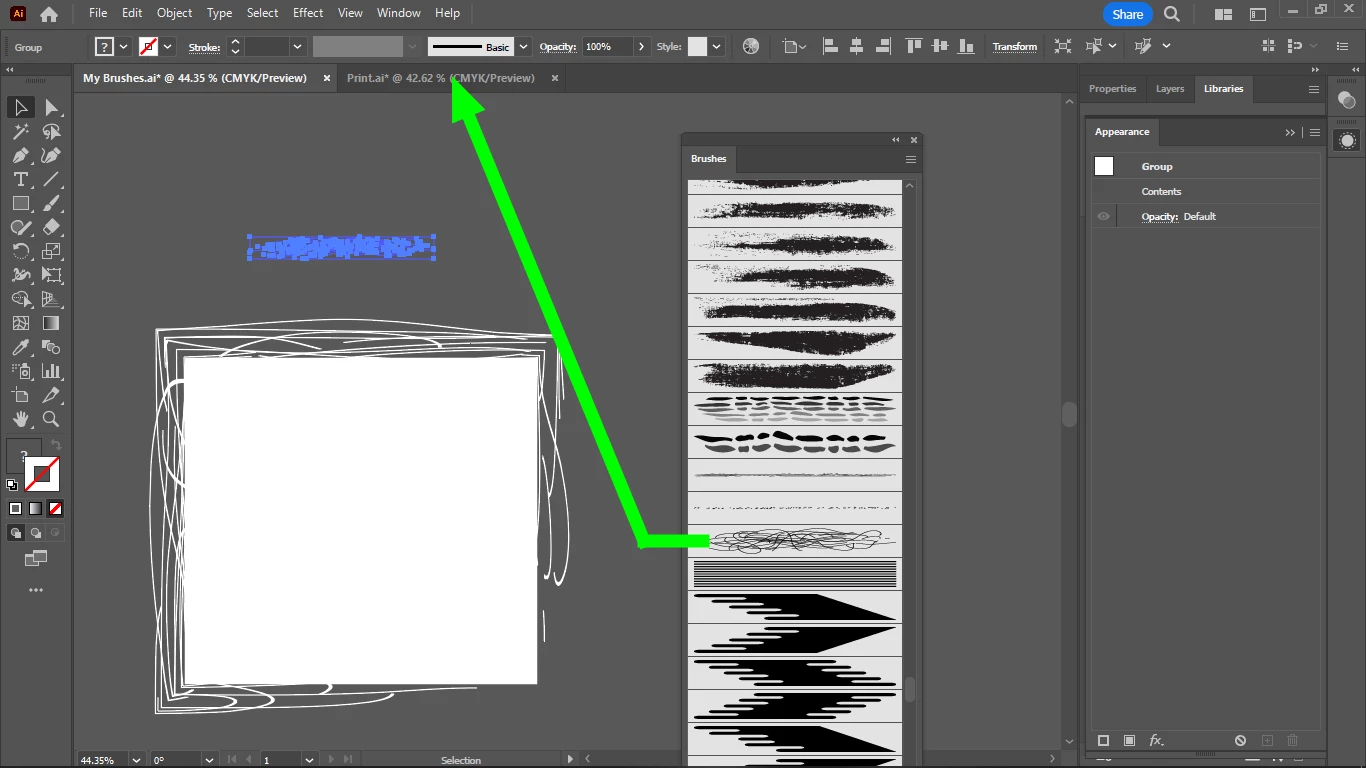
What is the fastest way to move a brush over from the Brushes panel of one .ai file into the brushes panel of the other?

What is the fastest way to move a brush over from the Brushes panel of one .ai file into the brushes panel of the other?
Thanks, but this is the long way of doing it.
This is the short way, I just remembered (because i did it once previously):
I open the .ai file where I want to move the brushes, then I open the other .ai file as a brush library from my brushes panel, so I will get 2 brushes tab opened in the same .ai file.
When you click on a brush in the second brushes tab, it will be pinned to the first.
Already have an account? Login
Enter your E-mail address. We'll send you an e-mail with instructions to reset your password.
 AdChoices