

Fill map of canada with different size circles
How can I take a simple vector of Canada and spread a bunch of various sized circles over it to we see the country but with these many many circles making it up, but not overlapping? Sort of like this:
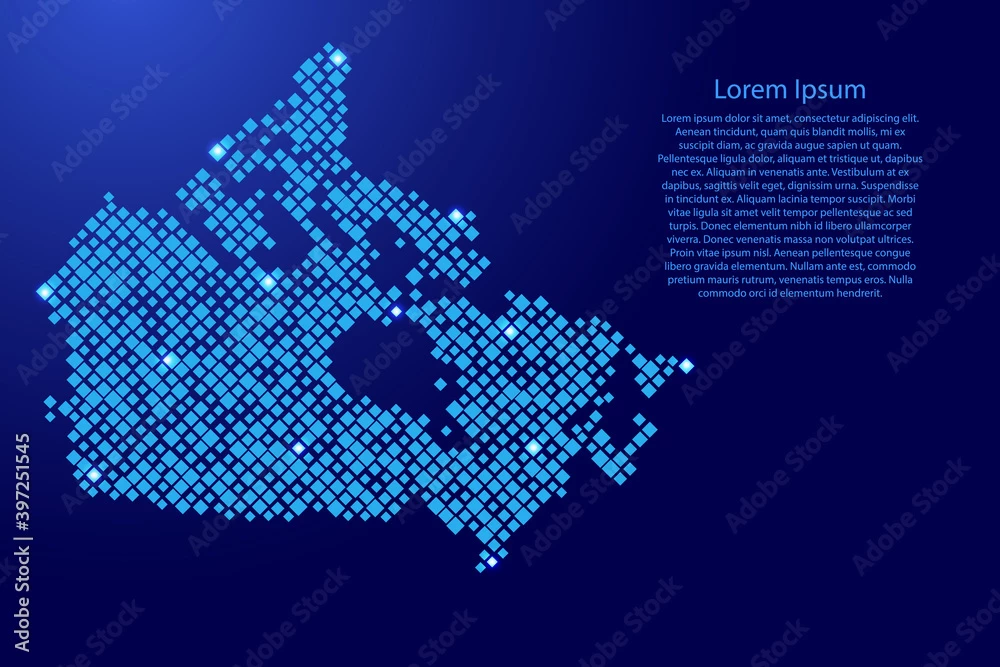
How can I take a simple vector of Canada and spread a bunch of various sized circles over it to we see the country but with these many many circles making it up, but not overlapping? Sort of like this:

You could apply the Convert to shape > Rectangle effect to all the circles (not as a group, but individual). Followed by the transform effect to rotate the rectangles. Followed by another transform effect to sale them horizontally if needed.
Or use something like this technique: https://www.youtube.com/watch?v=IwOMpdO_5Mk
In order to rotate the squares you first need to rotate the template image, then make Mosaic, then rotate the result. Bit complicated, but gets you there.
Already have an account? Login
Enter your E-mail address. We'll send you an e-mail with instructions to reset your password.