

Copy link to clipboard
Copied
How can I take a simple vector of Canada and spread a bunch of various sized circles over it to we see the country but with these many many circles making it up, but not overlapping? Sort of like this:
Try if you can still download this script from one the links in this thread: https://community.adobe.com/t5/illustrator-discussions/ann-design-effect-image-made-of-perfectly-arranged-circles/td-p/3025339
You could apply the Convert to shape > Rectangle effect to all the circles (not as a group, but individual). Followed by the transform effect to rotate the rectangles. Followed by another transform effect to sale them horizontally if needed.
Or use something like this technique: https://www.youtube.com/watch?v=IwOMpdO_5Mk
In order to rotate the squares you first need to rotate the template image, then make Mosaic, then rotate the result. Bit complicated, but gets you there.
Copy link to clipboard
Copied
Try if you can still download this script from one the links in this thread: https://community.adobe.com/t5/illustrator-discussions/ann-design-effect-image-made-of-perfectly-arr...
Copy link to clipboard
Copied
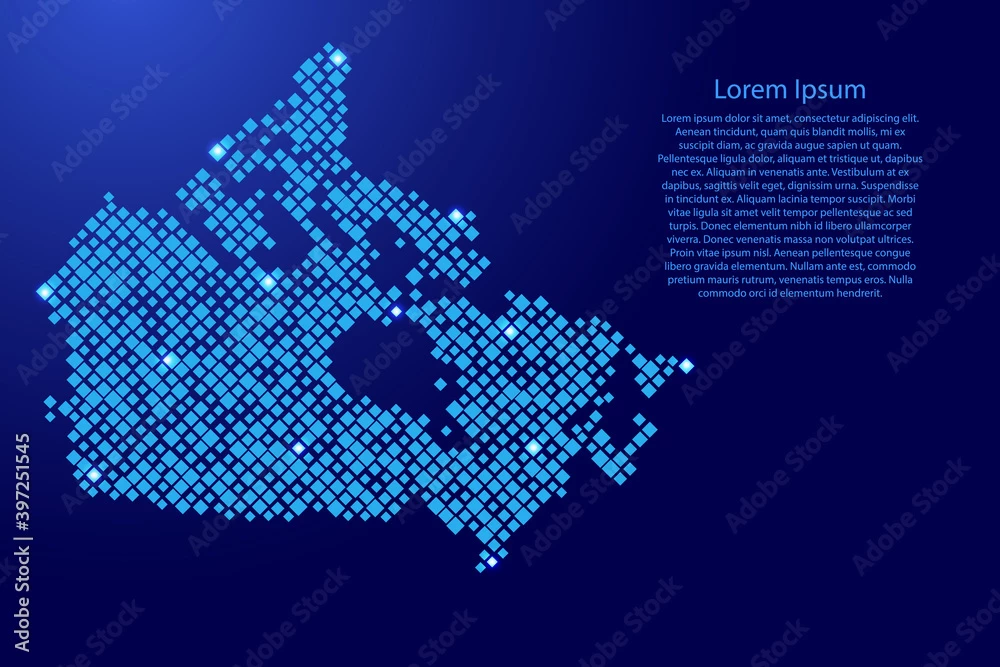
Hmmmm cool!! Wondering if I can do this with diamond shape instead of circle...
Copy link to clipboard
Copied
You could apply the Convert to shape > Rectangle effect to all the circles (not as a group, but individual). Followed by the transform effect to rotate the rectangles. Followed by another transform effect to sale them horizontally if needed.
Copy link to clipboard
Copied
Or use something like this technique: https://www.youtube.com/watch?v=IwOMpdO_5Mk
In order to rotate the squares you first need to rotate the template image, then make Mosaic, then rotate the result. Bit complicated, but gets you there.
Copy link to clipboard
Copied
Awesome thanks!!!!!!!!!!!!!
Copy link to clipboard
Copied
You're welcome!
Copy link to clipboard
Copied
🙂
Find more inspiration, events, and resources on the new Adobe Community
Explore Now